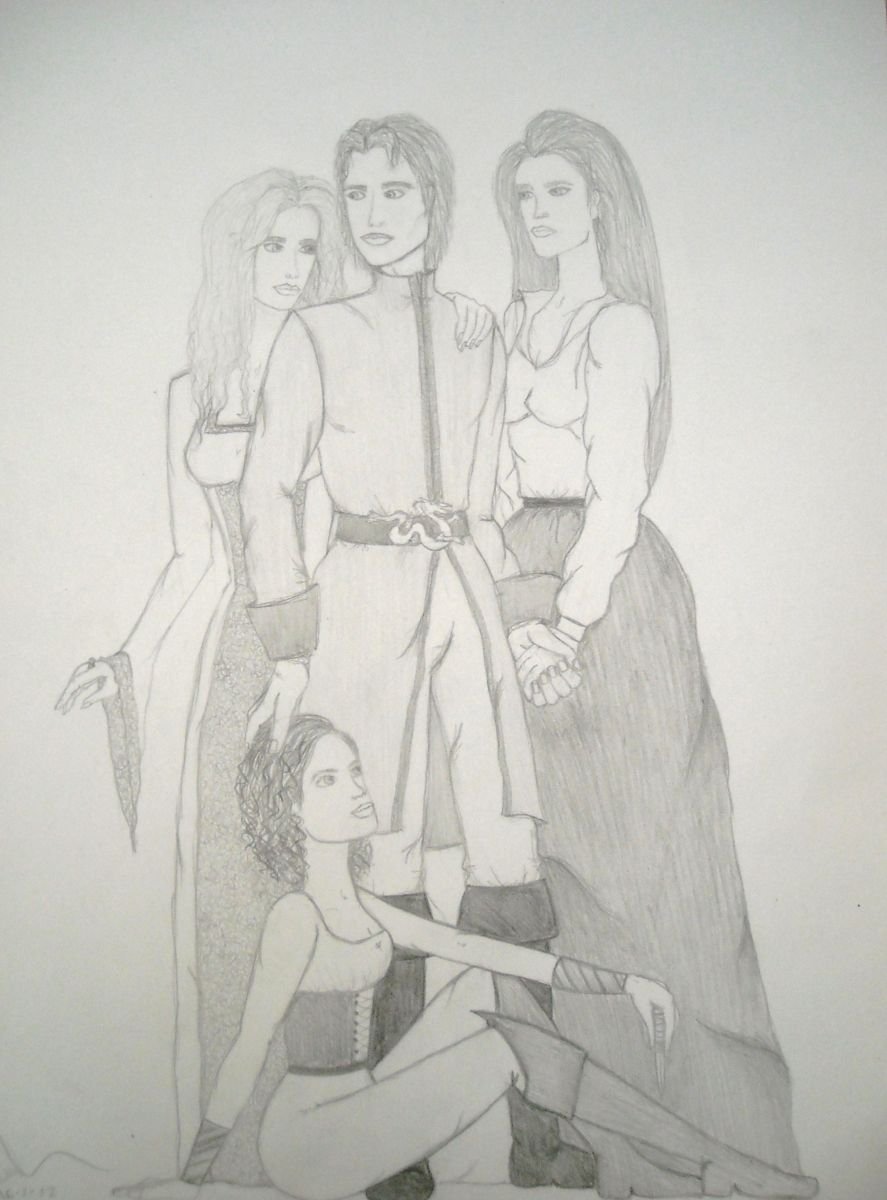
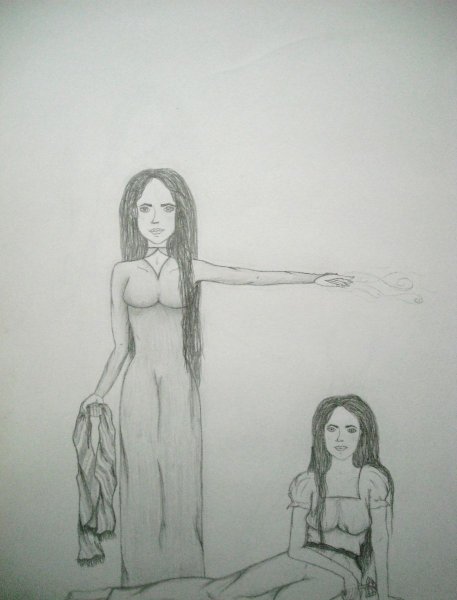
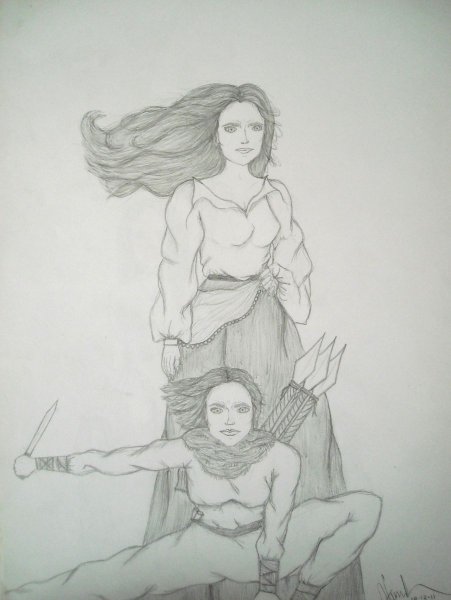
Rand and His Women Share https://dev.dragonmount.com/gallery/image/1535-rand-and-his-women/ Share on X Share on Facebook {lang="reddit_text" Share on Pinterest Share via email More sharing options... Followers My drawing of Rand and his women: Elayne, Min and Aviendha. The Aviendha in this drawing is much more like how I wanted her to look than in her transformation drawing. Copyright © Vanessa Vumbaca/Ness Sedai - 16/1/12


Recommended Comments
Join the conversation
You can post now and register later. If you have an account, sign in now to post with your account.
Note: Your post will require moderator approval before it will be visible.