

Honor of my Blade

By peregrine
- 3624 views
- View peregrine's images
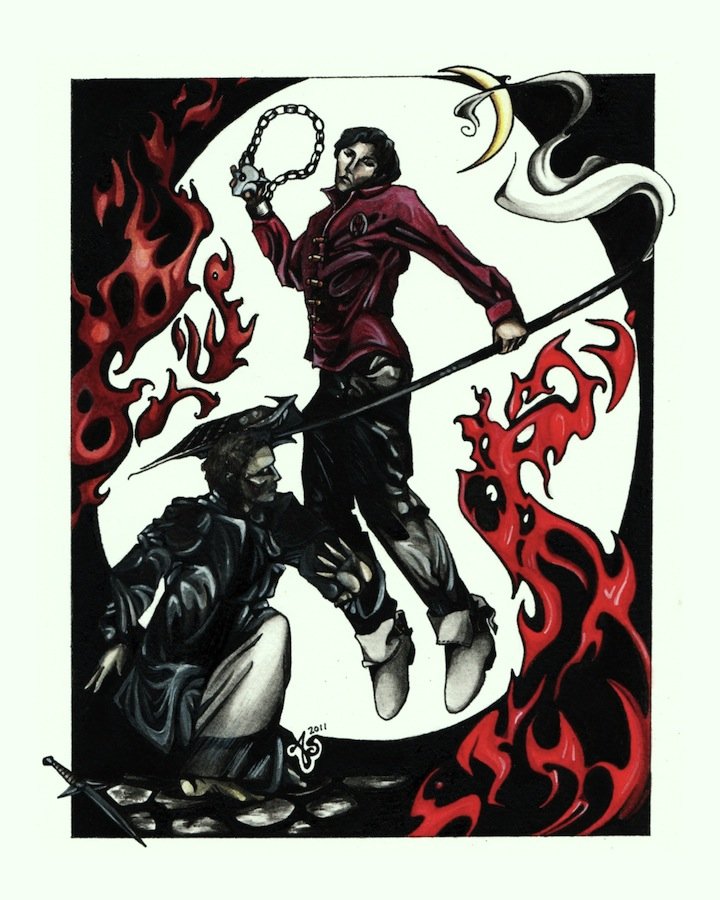
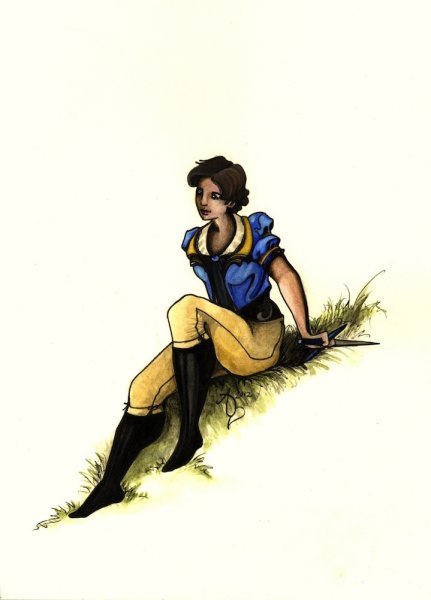
Mat kicking the gholam's ass. Not my best work, I admit, but I had fun doing it.
"He attacked for all he was worth, spinning the ashandarei, the back end leaving a whirl of smoke around him. The gholam tried to strike at him, but Mat dropped the ashandarei with one hand and flung one of the medallions like a knife, hitting the creature in the face. It howled and stumbled back, face burned and smoking … He found himself yelling in the Old Tongue …
'Carai manshimaya Tylin. Carai an manshimaya Nalesean. Carai an manshimaya ayend'an!' Honor of my blade for Tylin. Honor of my blade for Nalesean. Honor of my blade for the fallen.
The call of vengeance."
~Robert Jordan/Brandon Sanderson, p. 490, Towers of Midnight
Recommended Comments
Join the conversation
You can post now and register later. If you have an account, sign in now to post with your account.
Note: Your post will require moderator approval before it will be visible.