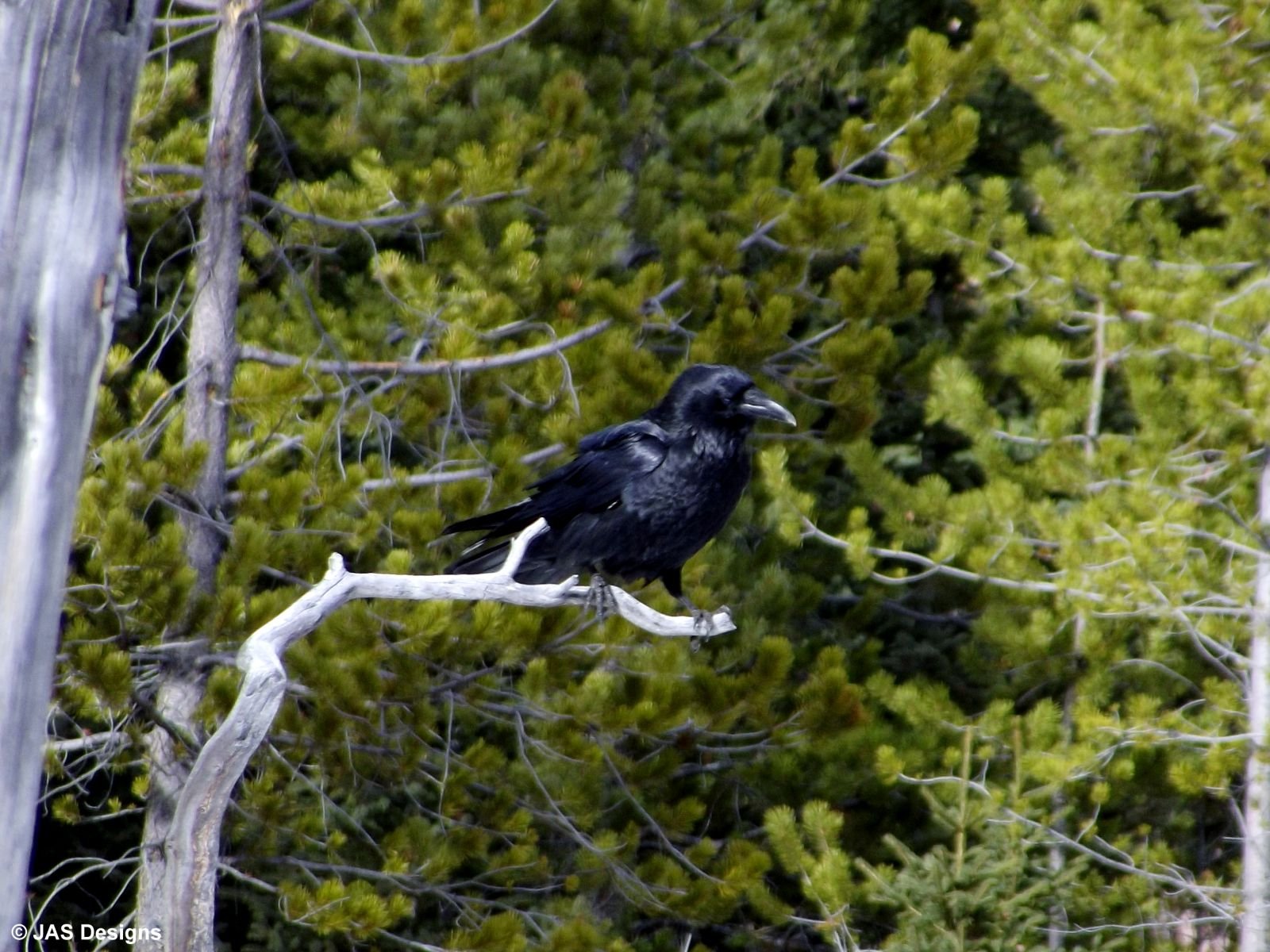
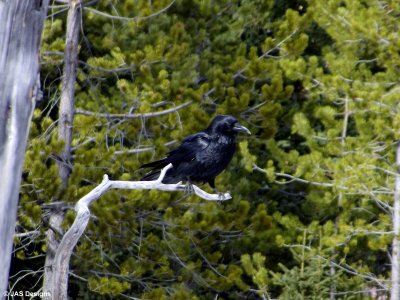
This bird followed my family and I as we were hiking in March in the mountains. He would talk to us, come close, fly away and finally near the trailhead, landed in this tree and just watched us. It was amusing, Maybe he's the DO's eyes?
You can post now and register later.
If you have an account, sign in now to post with your account.
Note: Your post will require moderator approval before it will be visible.


Recommended Comments
Join the conversation
You can post now and register later. If you have an account, sign in now to post with your account.
Note: Your post will require moderator approval before it will be visible.