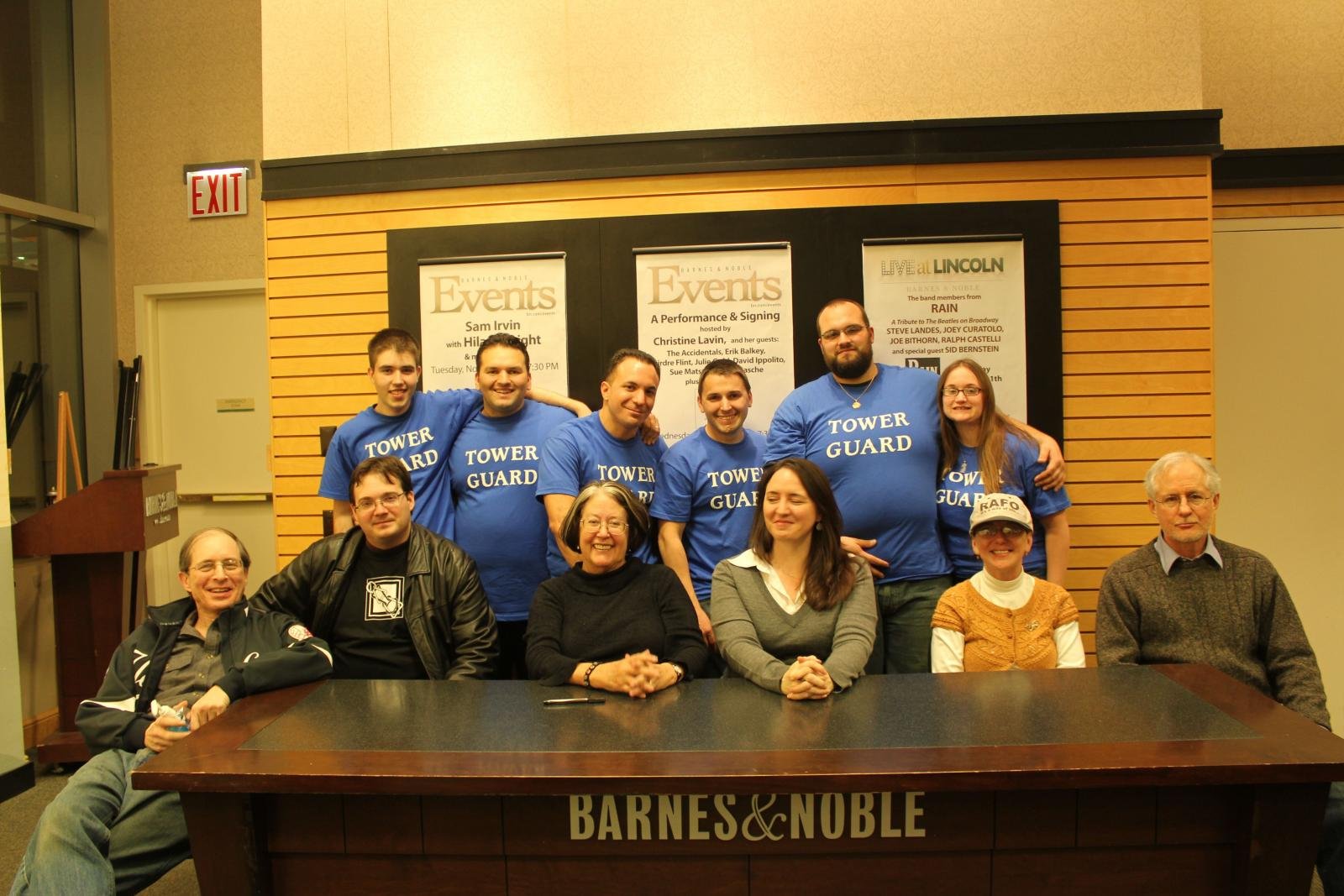
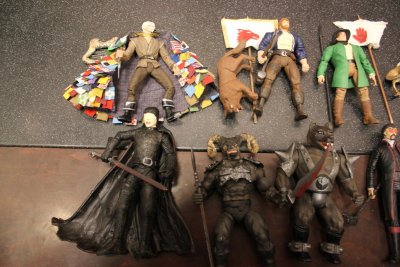
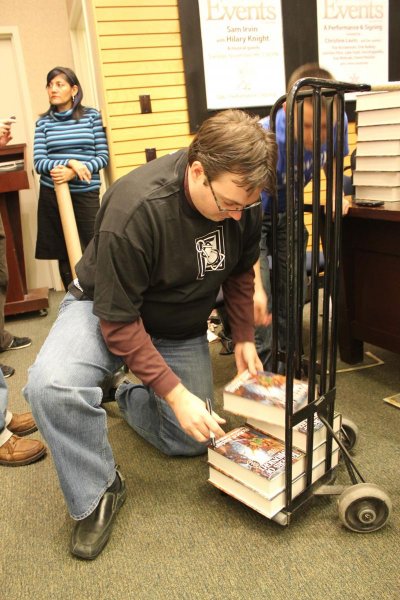
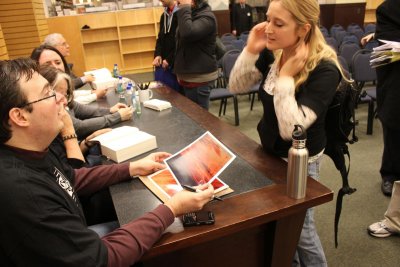
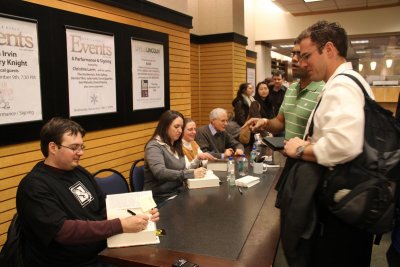
Team Jordan, Tower Guards and more Share https://dev.dragonmount.com/gallery/image/495-team-jordan-tower-guards-and-more/ Share on X Share on Facebook {lang="reddit_text" Share on Pinterest Share via email More sharing options... Followers Tower Guards going from left to right; Raphael, Zeshan (me), Joey, Christian, Thom (1ST), and Erin Team jordan and more from left to right; Moesh, Brandon, Harriet, Leigh, Maria and Alan We thank you all for coming to the event, without you, none of this would exist. Tai'shar TWoT Copyright © ©


Recommended Comments
Join the conversation
You can post now and register later. If you have an account, sign in now to post with your account.
Note: Your post will require moderator approval before it will be visible.