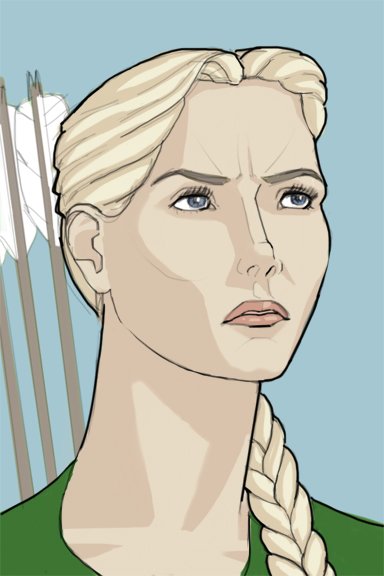
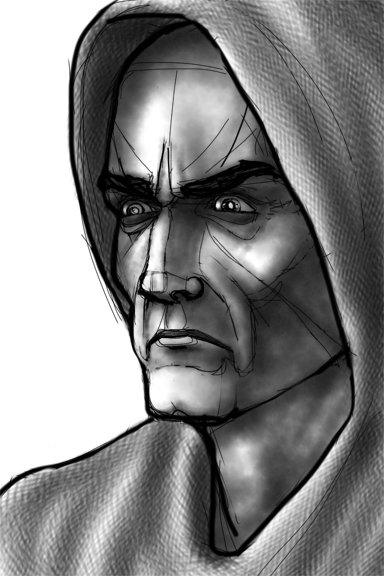
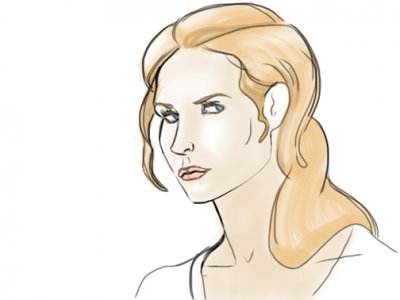
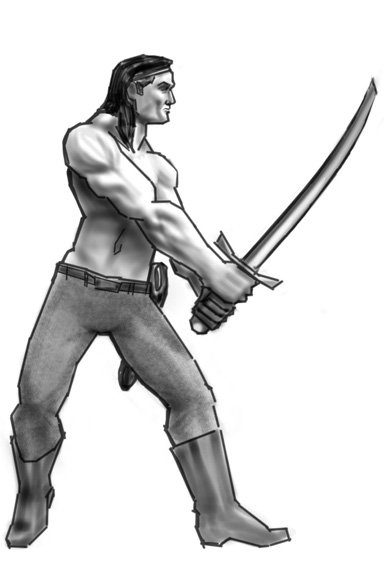
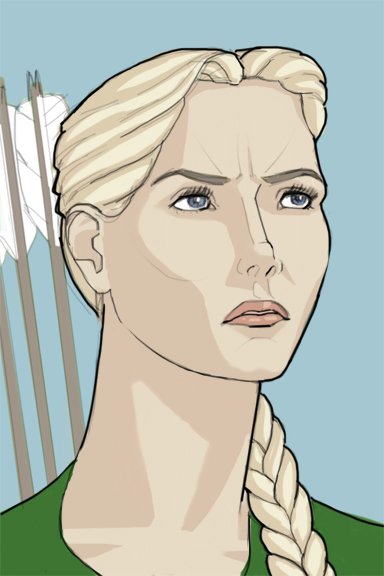
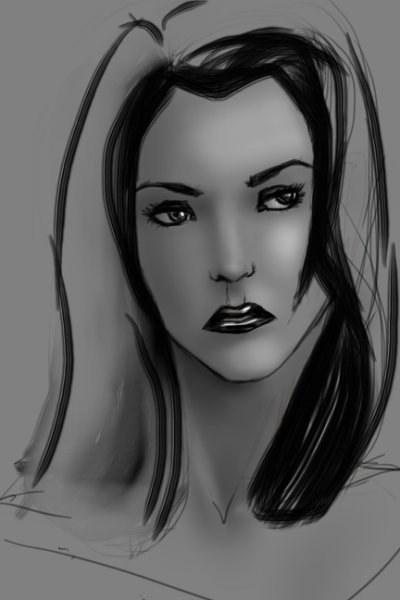
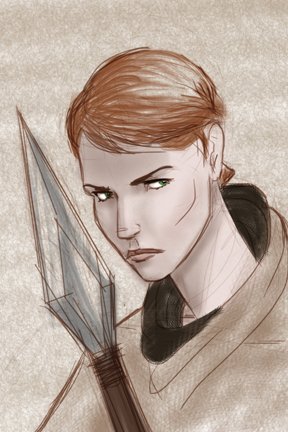
Silverbow, in the flesh. I mean that literally, after she's pulled out of Tel'aran'rhiod. Linework is the most challenging part of sketching on an ipod, airbrushing one of the easier. So clean linework with cell shading is a bit more time consuming.
You can post now and register later.
If you have an account, sign in now to post with your account.
Note: Your post will require moderator approval before it will be visible.


Recommended Comments
Join the conversation
You can post now and register later. If you have an account, sign in now to post with your account.
Note: Your post will require moderator approval before it will be visible.