

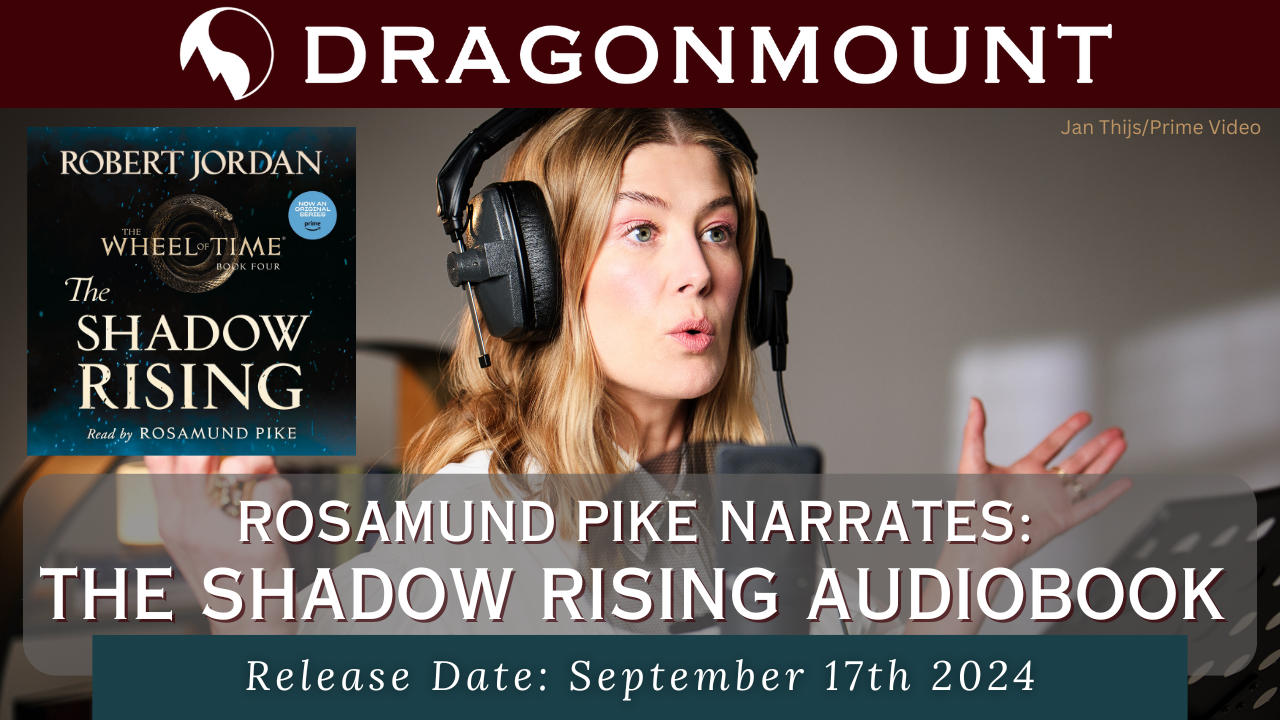
The Shadow Rising audiobook narrated by Rosamund Pike will be released on September 17th, 2024. The audiobook is available to preorder now from wherever you buy your audiobooks! This is the fourth book in The Wheel of Time book series written by late author Robert Jordan.
Rosamund Pike, who plays Moiraine Damodred in Prime Video’s The Wheel of Time, has narrated new editions of The Wheel of Time audiobooks. In 2023 she won an Audie for best female narrator for her version of The Eye of the World. The Dragon Reborn won an Audie award for fantasy in 2024. The audiobooks are published by Macmillian Audio.
Rosamund Pike says -
QuoteReturning to the saga to voice the next installment in this series fills me with immense pride, The richness and complexity [Robert] Jordan weaves into every character are astounding. I am privileged to bring another one of his works to life in the audio format once again.
The Wheel of Time series narrated by Kate Reading and Michael Kramer are also still available for purchase from Macmillan Audio.
The Shadow Rising is available for preorder now!

Recommended Comments
Join the conversation
You can post now and register later. If you have an account, sign in now to post with your account.
Note: Your post will require moderator approval before it will be visible.