

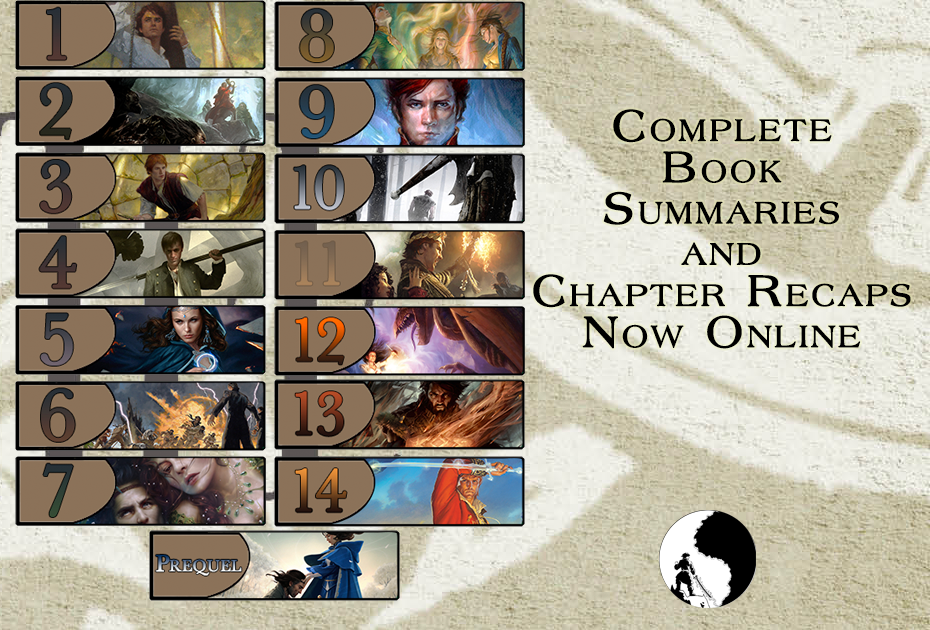
Over the years, Dragonmount has provided various chapter summaries and recaps of each book in The Wheel of Time. Now, for the first time, we've expanded that and published short book summaries, and complete chapter recaps for all 15 books in the series (main series + New Spring).
Take a look for yourself. Head over to Dragonmount.com/Books and begin browsing.
The book summaries are a good way to recall what happened in each book, especially if you've not read it in a long time. And the chapter recaps provide a bit more detail and depth.
Creating this content has been a multi-month project by a fantastic group of volunteer fans. Each writer and editor is credited on the individual pages. They are: Joan Albright, Rajiv Mote, Erick Walter, Jim Vogel, and Angela Carter.
Also, special thanks to Matalina (aka Alicia Wilkerson), a long-time contributor to Dragonmount, for creating a handy script to help automate the conversion of the original Google Documents into these web pages.
Recommended Comments
Join the conversation
You can post now and register later. If you have an account, sign in now to post with your account.
Note: Your post will require moderator approval before it will be visible.