

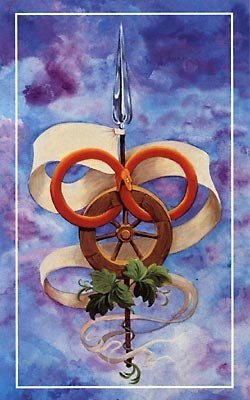
Long time Wheel of Time commentator, Leigh Butler, has released her top five scenes within the series. With a rekindled reading of The Wheel of Time currently underway at Tor.com, Leigh seems eager to get back on her soap box and sing the praises of this wonderful collection of books.
Warning! Spoilers follow!
QuoteTop Moment No. 5: Verin’s undercover reveal (The Gathering Storm)
Top Moment No. 4: Egwene pwns the White Tower (Knife of Dreams/The Gathering Storm)
Top Moment No. 3: The Battle of the Two Rivers (The Shadow Rising)
Top Moment No. 2: Rand meets Elaida in Caemlyn (The Eye of the World)
Top Moment No. 1: Rand goes through the Wayback Ter’Angreal (The Shadow Rising)
In her full article, Leigh argues why each one is especially significant to the plot, the characters, and the entertainment of the readers. Do you agree or disagree with Leigh's picks? One of my personal favorites is when Mat finds out Tuon is really the Daughter of the Nine Moons (which didn't even make the list of honorable mentions).
Don't forget to check out Tor.com's Reading the Wheel of Time, which chronicles Kelsey Jefferson Barrett's initial journey into our beloved series.
Edited by Mashiara Sedai
Recommended Comments
Join the conversation
You can post now and register later. If you have an account, sign in now to post with your account.
Note: Your post will require moderator approval before it will be visible.