

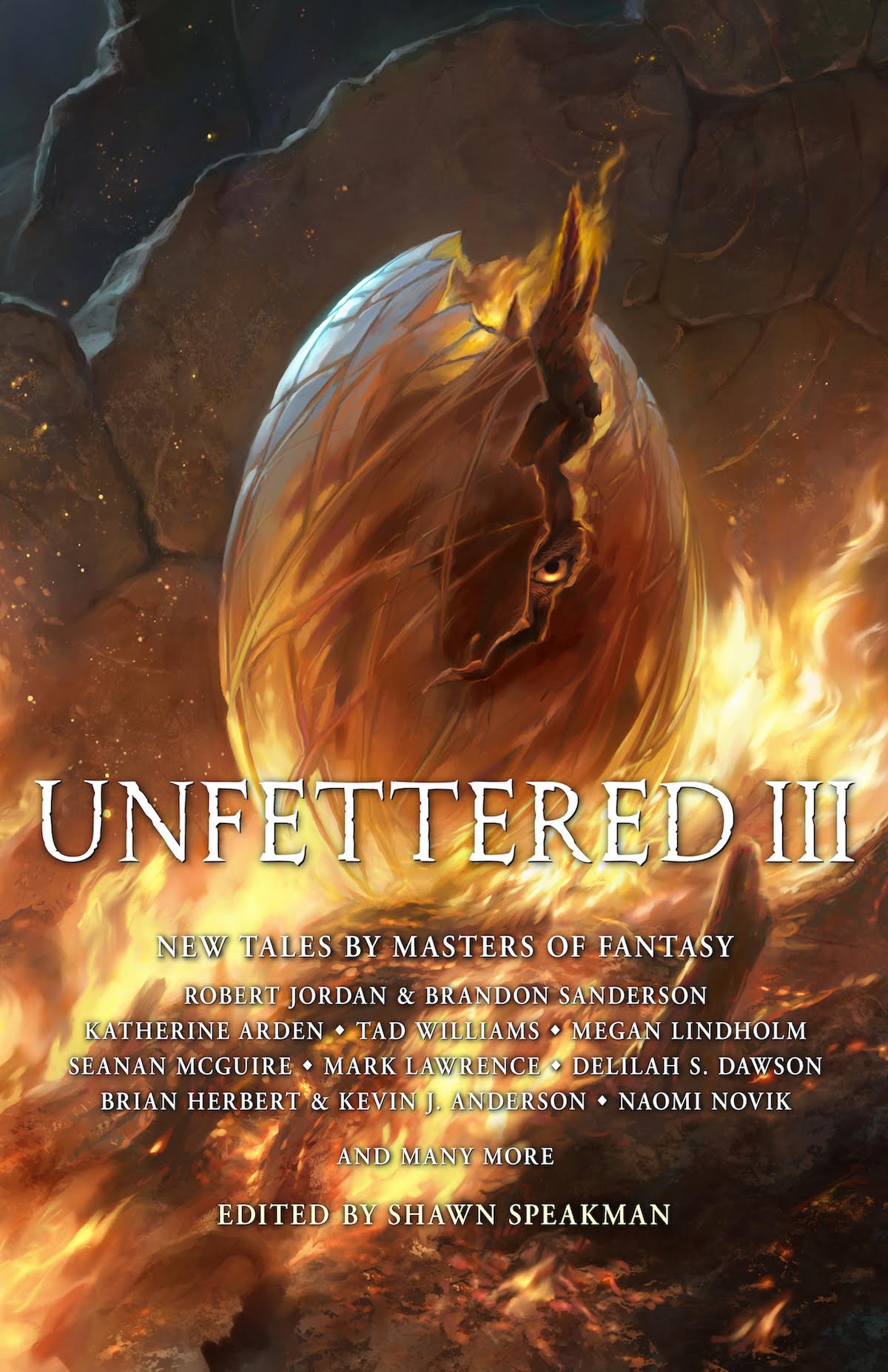
Grim Oaks Press has announced a give-away contest where you can win one of 25 advance copies of their upcoming anthology, Unfettered III. Details for entering can be found on Goodreads. Add the book to your shelf to enter the giveaway. Unfortunately, the contest is only open to US and Canada residents.
Unfettered III is an anthology of fantasy short stories from some of today's most well-known authors. It includes a deleted 20,000 word sequence (~55 pages in paperback) from A Memory of Light written Brandon Sanderson and Robert Jordan featuring Perrin in the Ways. The sequence is a lengthy "deleted scene" that isn't considered canon to the story, but still offers us a fascinating and exciting adventure. You can read Brandon's comments about the sequence on his website.
The anthology also contains a short story from Dragonmount founder Jason Denzel entitled, "The Stone Golem of Qual'Jom." WoT fans will appreciate Jason's epic narrative about a lonely golem living in a cave who waits across eons for his master to return home.
Unfettered III will be available from Amazon and other retailers in March 2019. A limited limited edition will be available from Emerald City Comic Con in Seattle from March 14-17th.
Recommended Comments
Join the conversation
You can post now and register later. If you have an account, sign in now to post with your account.
Note: Your post will require moderator approval before it will be visible.