
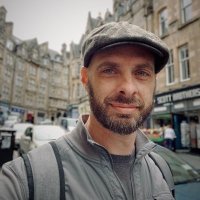
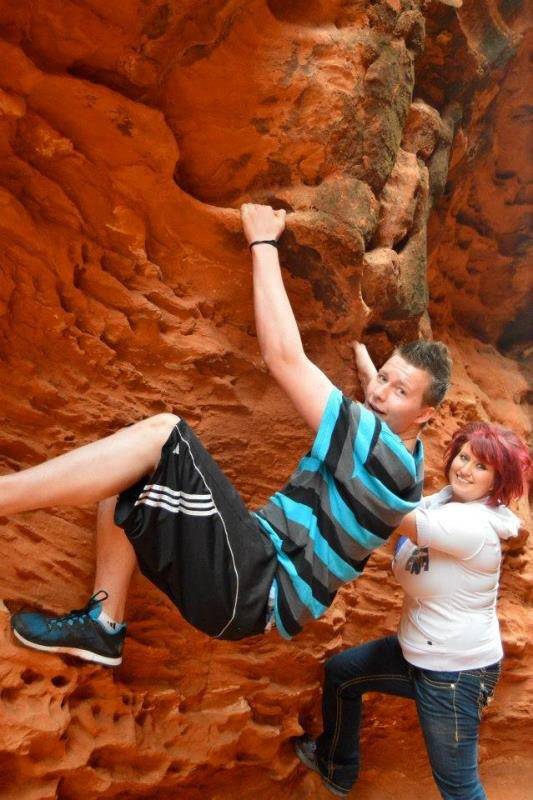
Earlier this month we posted on Facebook about 16-year-old Ben Wolverton, son of fantasy author David Wolverton (aka David Farland). Ben was in a terrible long boarding accident which left him with severe brain trauma and other serious injuries. Unfortunately his family doesn't have health insurance and the medical bills are stacking up.
Dragonmount, along with several other websites and authors, are trying to spread the word about ways you can help Ben and his family. Please join us in contributing in one or more ways.
Book Bomb
A "book bomb" is where we encourage as many people as possible to buy a specific book in a short period of time. Not only does this provide money via direct sales, but it also helps push the book up the charts, thereby increasing exposure to as many people as possible. The authors and fans organizing this event have chosen David Farland's Nightingale. Please go to Amazon and purchase a copy. Not only will you help the Wolverton family, but you'll get a fantastic novel.

Direct Donation
If you would prefer to make a direct donation to Ben's recovery, you can do so here.
Spread the Word
Whether you're able to help financially or not, we ask that you consider sharing news about Ben's accident on your Facebook, twitter, email, or just word of mouth.
The Wheel of Time community is large and has always proven to be generous. By helping the Wolverton family, you will be upholding Robert Jodan's legacy of charity and kindness.
Thank you for joining us to help.
Recommended Comments
Join the conversation
You can post now and register later. If you have an account, sign in now to post with your account.
Note: Your post will require moderator approval before it will be visible.