

This past weekend, Dragon Con celebrated all the things we love in fandom. The convention went online rather than in person, and that gave many people who can’t make the trek to Atlanta, Georgia the opportunity to see what this fantastic con has to offer.
There were quite a few Wheel of Time themed panels throughout the event—not surprising with all the recent updates with the Amazon Prime television show.
Jason Denzel, Jennifer Liang, and Thom DeSimone had a speculation hour in the “DragonCon High Fantasy Track Presents Wheel of Time TV Show Speculation.” The topics ranged from how many of the novels will be included in the first season, to how well established the Wheel of Time fandom is to judge the show’s worth, to the maturity rating the show will receive. You can check out all the speculations here!
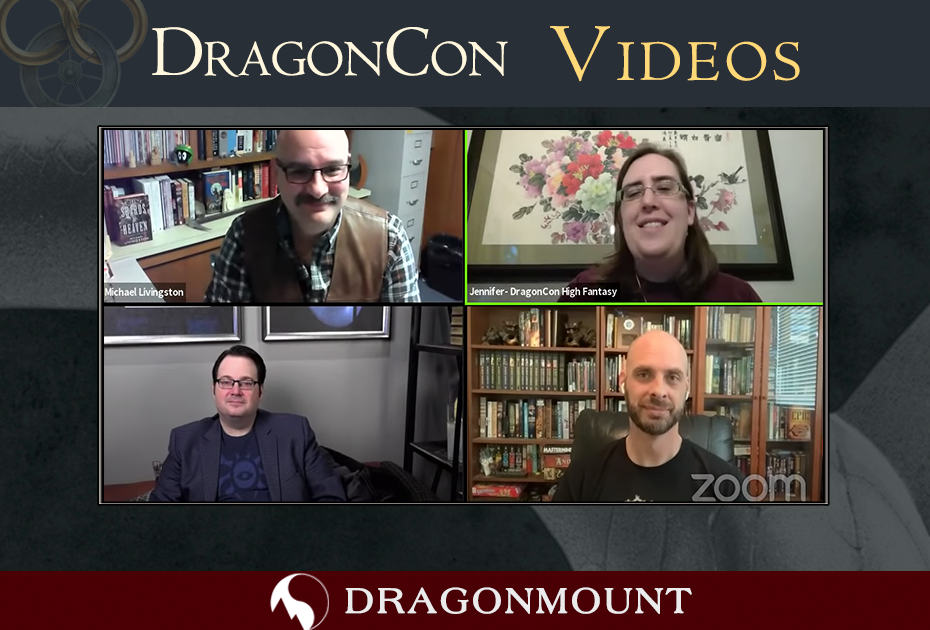
Did you know The Eye of the World celebrated its 30th anniversary? (You should, because we talked about it here, and here, and here…) And, what every Wheel of Time anniversary celebration needs is an appearance by Brandon Sanderson! And for an added bonus, Dr. Michael Livingston joined in too! The panel “DragonCon High Fantasy Presents Wheel of Time 30th Anniversary” delved into what makes this series timeless and so beloved by fans.
You can join in all the festivities, even after the fact, by watching the video below.
It’s been a sad year for convention goers, but I’m so happy that every effort is being made to keep some of these events going. We’re making the most of a bad situation, and this little taste of home, friends, and family can go a long way to making us feel not so isolated right now.
Recommended Comments
Join the conversation
You can post now and register later. If you have an account, sign in now to post with your account.
Note: Your post will require moderator approval before it will be visible.