

Skip to content
View in the app

A better way to browse. Learn more.

Dragonmount

A full-screen app on your home screen with push notifications, badges and more.

To install this app on iOS and iPadOS
  1. Tap the Share icon in Safari
  2. Scroll the menu and tap Add to Home Screen.
  3. Tap Add in the top-right corner.
To install this app on Android
  1. Tap the 3-dot menu (⋮) in the top-right corner of the browser.
  2. Tap Add to Home screen or Install app.
  3. Confirm by tapping Install.

Hugo Award Nominations Have Begun


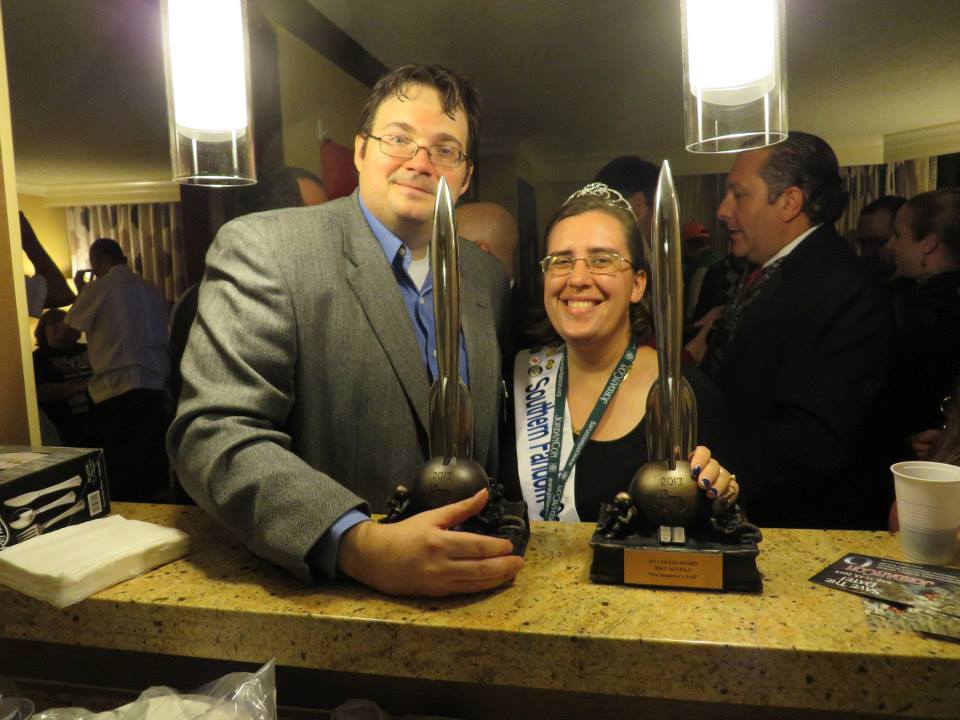
The nomination period for the 2015 Hugo Awards has opened. This prestigious award recognizes the best in science fiction and fantasy each year and is voted on by members of the World Science Fiction Society. Many famous authors have been recognized with a Hugo, including Robert Heinlein, Lois McMaster Bujold, Anne McCaffrey, Brandon Sanderson and Issac Asimov. In 2014, Robert Jordan was nominated for the Wheel of Time series. 


If you were eligible to vote in the Hugos last year, you are eligible to nominate this year. If you were not, then you will need to become eligible by January 31st. This year's Hugo Awards are hosted and administered by the 73rd annual WorldCon, "Sasquan", held in Spokane, Washington August 19-23. Further information about the awards and how to nominate can be found on their website. Nominations are open until March 30th. 


User Feedback

Recommended Comments

There are no comments to display.

Join the conversation

You can post now and register later. If you have an account, sign in now to post with your account.
Note: Your post will require moderator approval before it will be visible.

Guest
Unfortunately, your content contains terms that we do not allow. Please edit your content to remove the highlighted words below.
Add a comment...

Account

Navigation

Search

Search

Configure browser push notifications

Chrome (Android)
  1. Tap the lock icon next to the address bar.
  2. Tap Permissions → Notifications.
  3. Adjust your preference.
Chrome (Desktop)
  1. Click the padlock icon in the address bar.
  2. Select Site settings.
  3. Find Notifications and adjust your preference.