

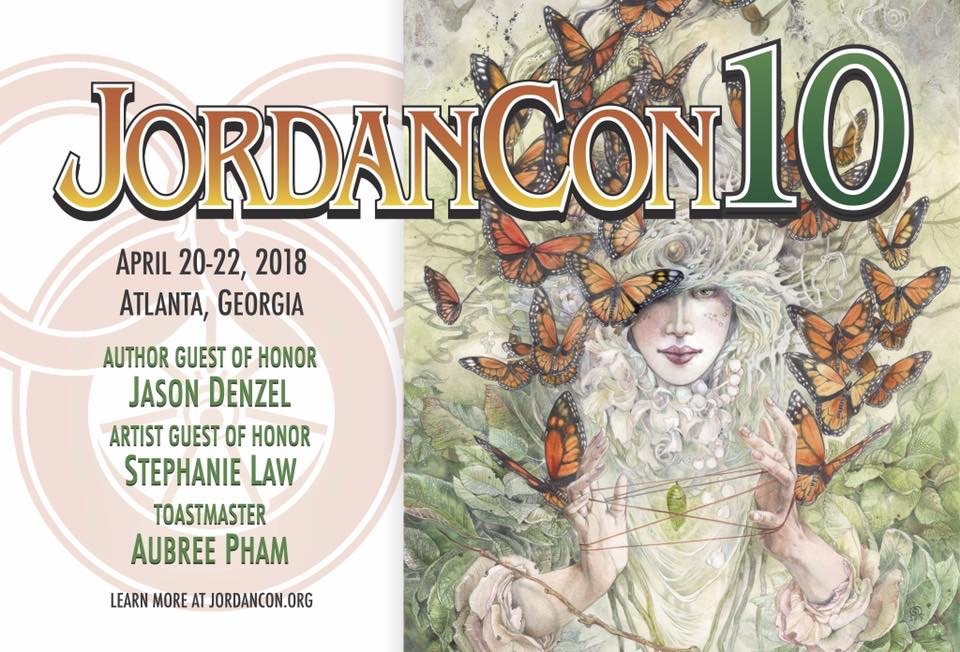
It’s that time again, time to purchase your membership for JordanCon 10! This is a milestone year, and a celebration you don’t want to miss, including the 20th anniversary of Dragonmount. If you've been waiting for a good year to attend, this is the best one yet. Come meet Team Jordan, discuss the intricacies of the Wheel of Time, learn new things about Robert Jordan, and take part in various contests and events. There's also panels on writing and the publishing business, with editor and literary agent guests in attendance.
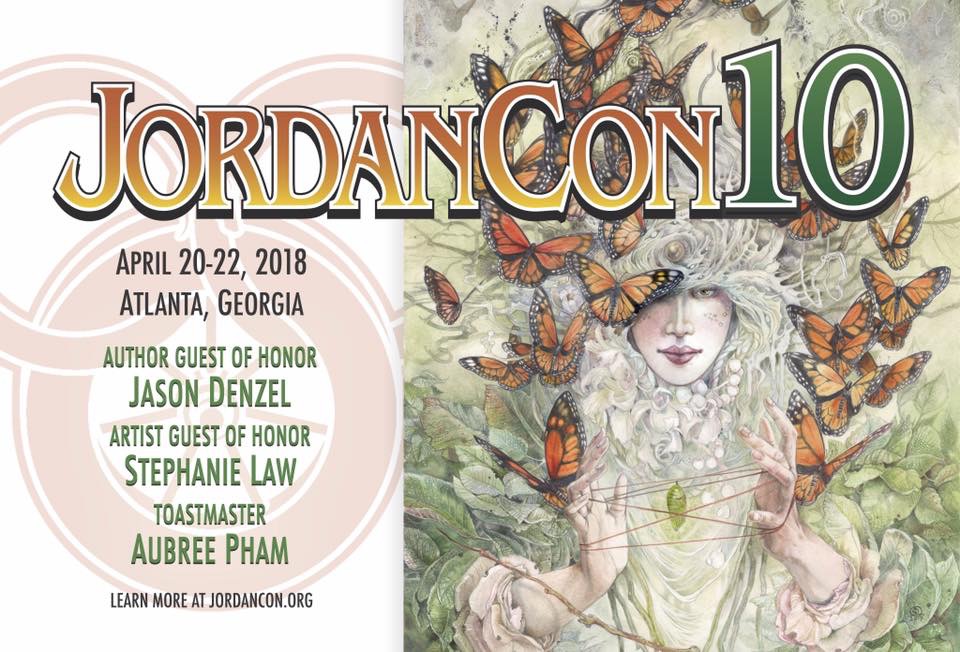
JordanCon 10 will take place April 20-22, 2018, at the Crowne Plaza Atlanta Perimeter at Ravinia.
This year’s Author Guest of Honor is our own Jason Denzel, and the Artist Guest of Honor is the very talented Stephanie Law. Aubree Pham, an integral member of The Wheel of Time fandom, will be serving as the Toastmaster.
Other exciting guests include Brandon Sanderson, and Team Jordan—Harriet McDougal, Maria Simons, and Alan Romanczuk.
JordanCon is an amazing way to interact with other fans of this wonderful series, as well as meet the amazing people who made it all possible.
Three-day memberships are $55 until March 25th.
Check out more at the JordanCon website or Facebook page.
Recommended Comments
Join the conversation
You can post now and register later. If you have an account, sign in now to post with your account.
Note: Your post will require moderator approval before it will be visible.