

Skip to content
View in the app

A better way to browse. Learn more.

Dragonmount

A full-screen app on your home screen with push notifications, badges and more.

To install this app on iOS and iPadOS
  1. Tap the Share icon in Safari
  2. Scroll the menu and tap Add to Home Screen.
  3. Tap Add in the top-right corner.
To install this app on Android
  1. Tap the 3-dot menu (⋮) in the top-right corner of the browser.
  2. Tap Add to Home screen or Install app.
  3. Confirm by tapping Install.

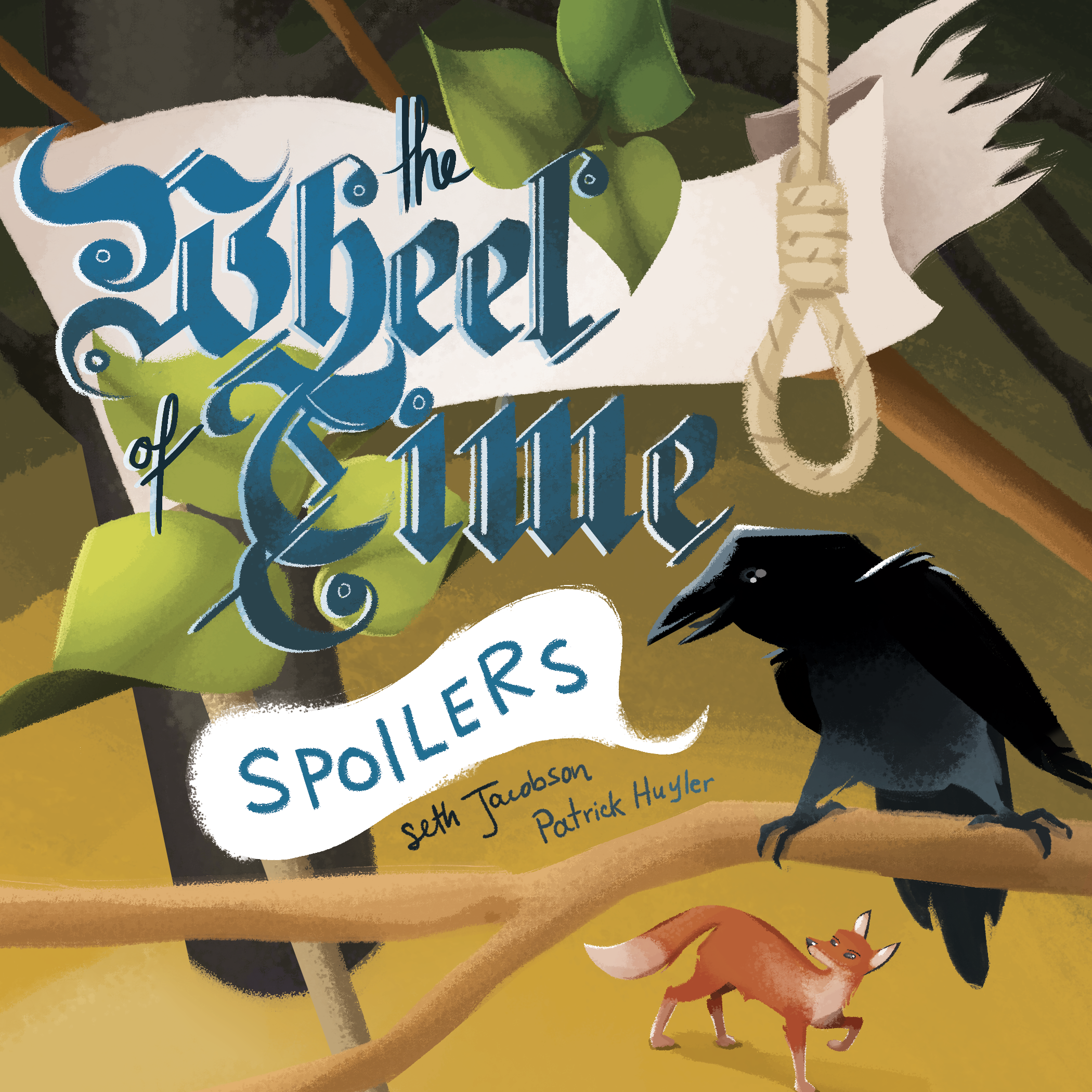
Wheel of Time Spoilers 100th Episode


  • Our friends at Wheel of Time Spoilers reached their milestone 100th episode while attending JordanCon.  To celebrate this prestigious event, Seth and Patrick sat down with Jason Denzel, Brad Kane, and Wilson Grooms.


Our friends at Wheel of Time Spoilers reached their milestone 100th episode while attending JordanCon 10.  To celebrate this prestigious event, Seth and Patrick sat down with Jason Denzel, Brad Kane, and Wilson Grooms.


To listen to Episode 100, click here!


This episode, recorded live at JordanCon, delved into many topics.  Most importantly being the current status of The Wheel of Time television show.  During the Team Jordan panel at JordanCon, Jason asked Harriet McDougal of the show’s fate.  For those unable to attend that panel, Jason shares the basics here.


Wilson, who has been a big part of The Wheel of Time fandom, including helping Robert Jordan update his blog posts during his treatments, also shares some fond memories.  Wilson talks about Jordan’s love for reading, his days in the military, and the process of publishing The Wheel of Time stories.


For more from Wheel of Time Spoilers, you can check out their recent interview with Dragonmount, their website, or their new spin-off of sorts, Mistborn Spoilers.


User Feedback

Recommended Comments

There are no comments to display.

Join the conversation

You can post now and register later. If you have an account, sign in now to post with your account.
Note: Your post will require moderator approval before it will be visible.

Guest
Unfortunately, your content contains terms that we do not allow. Please edit your content to remove the highlighted words below.
Add a comment...

Account

Navigation

Search

Search

Configure browser push notifications

Chrome (Android)
  1. Tap the lock icon next to the address bar.
  2. Tap Permissions → Notifications.
  3. Adjust your preference.
Chrome (Desktop)
  1. Click the padlock icon in the address bar.
  2. Select Site settings.
  3. Find Notifications and adjust your preference.