

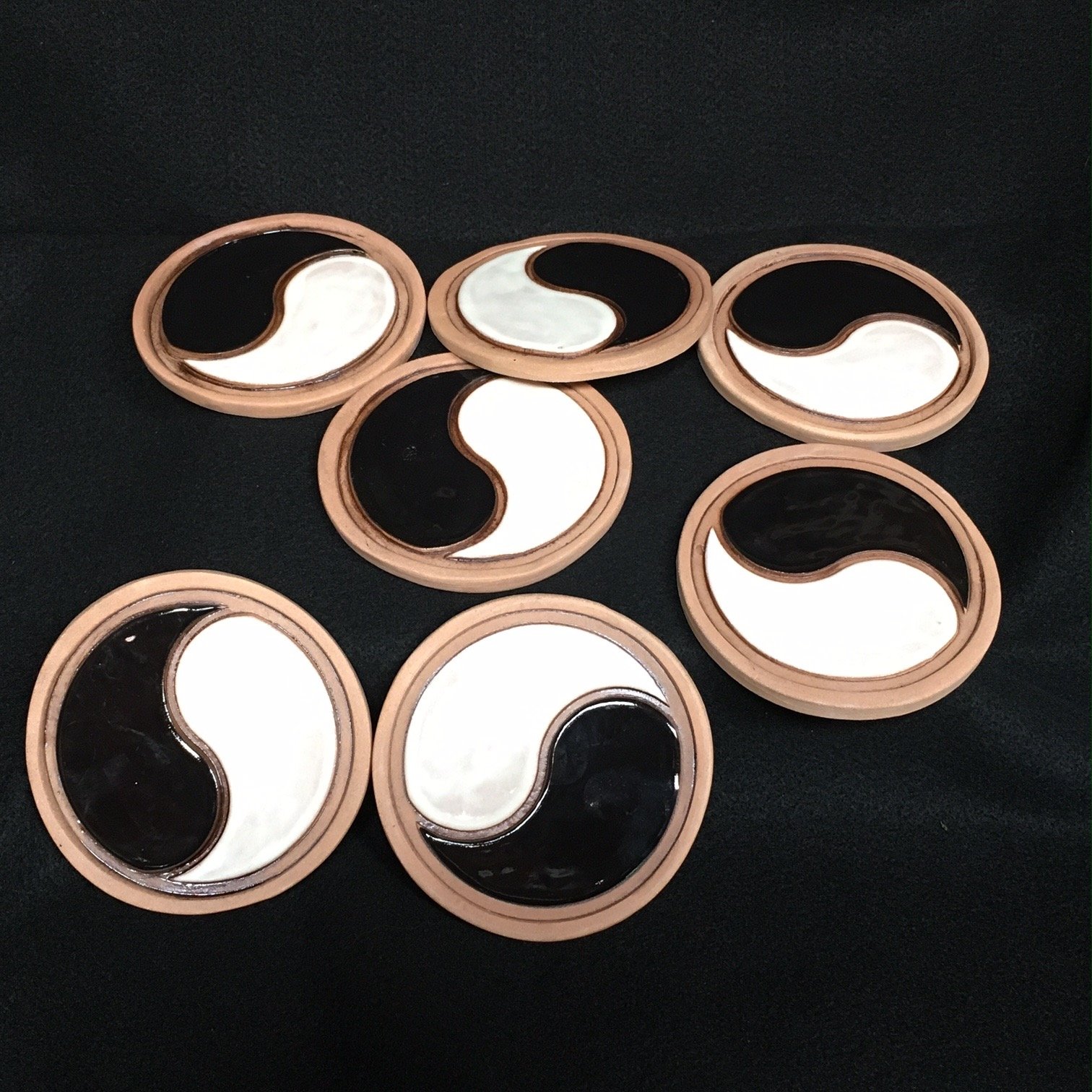
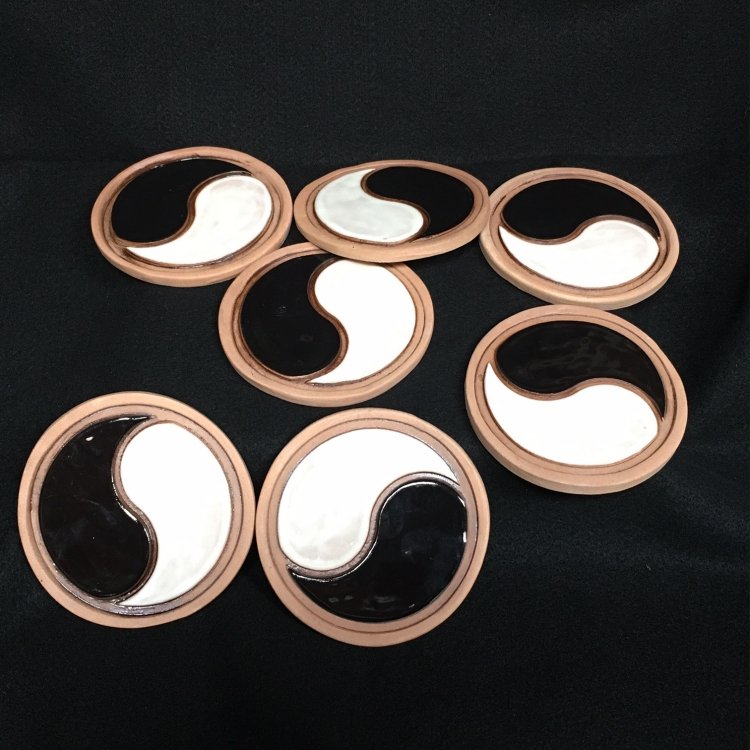
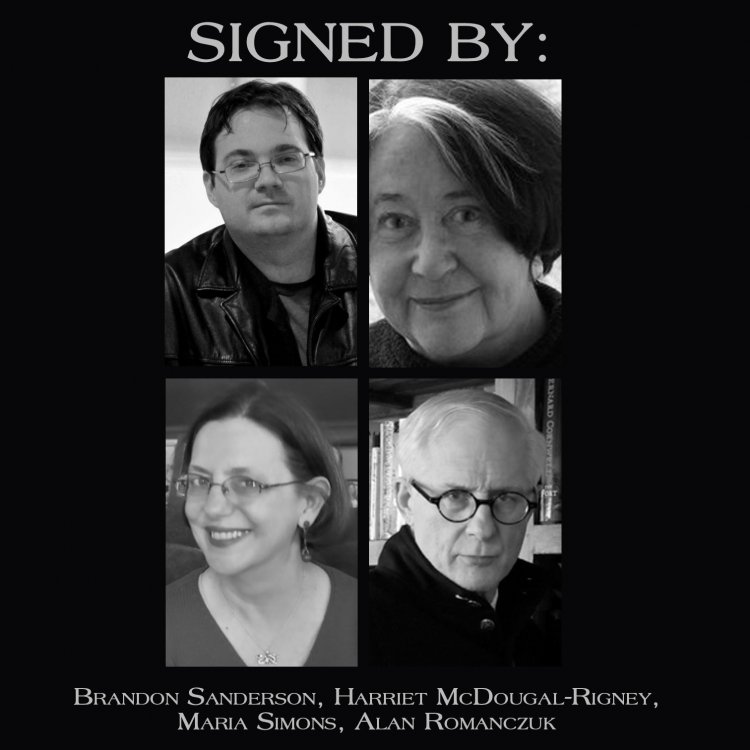
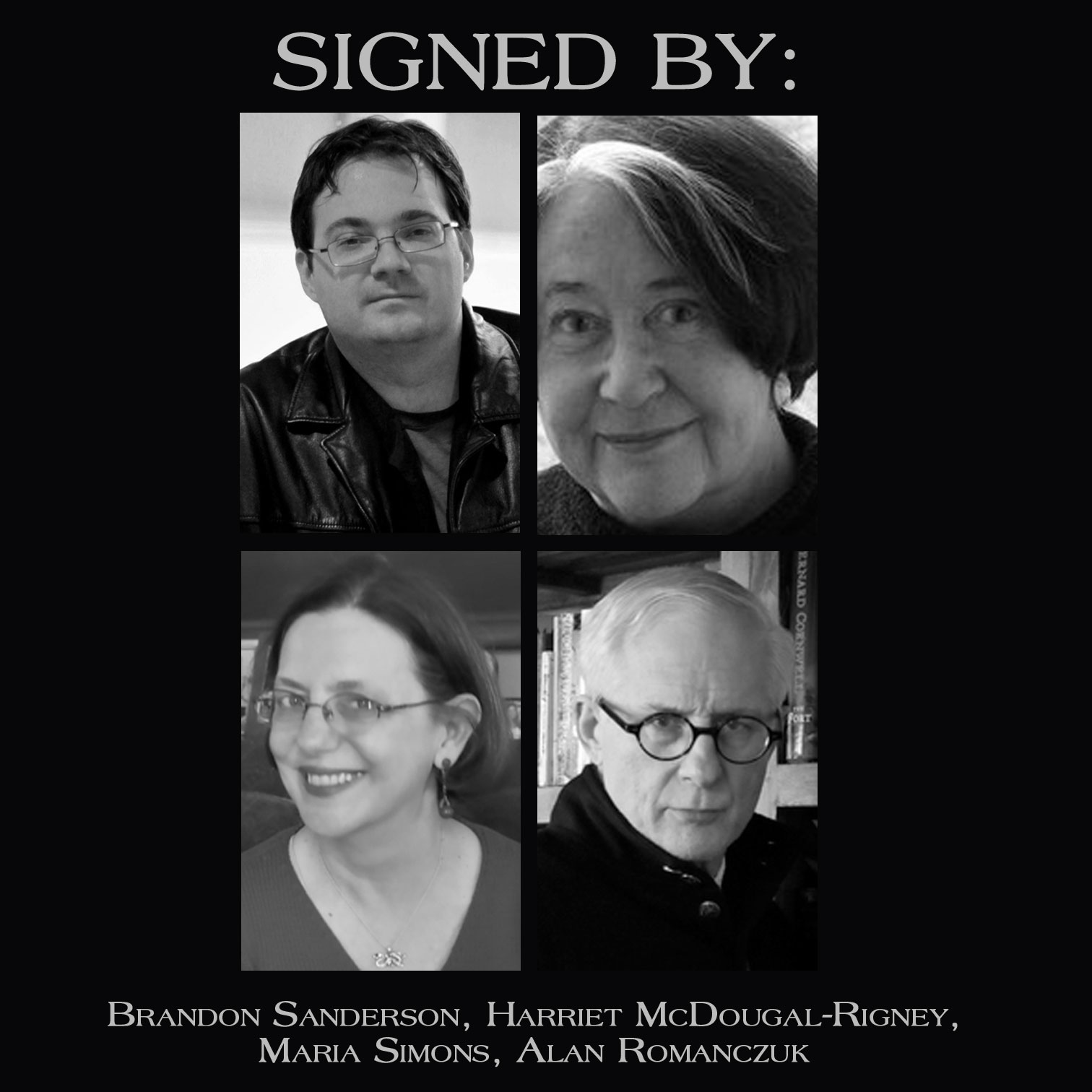
Ta’veren Tees is honoring veterans and celebrating Veteran's Day with a special auction for three sets of SIGNED "Great Seal" coasters created by artist Sean Robinson, creator of the current line of mugs at TaverenTees.com. Each “Great Seal” set has seven ceramic coasters, with one coaster in each set signed on the cork side by author Brandon Sanderson, as well as Robert Jordan's editor and wife, Harriet McDougal-Rigney, and Jordan's assistants from throughout the series Maria Simons and Alan Romanczuk, who also co-authored "The Wheel of Time Companion." Any funds raised above the starting bid will be donated to Wounded Warrior Project, so help Ta’veren Tees donate as much as possible by increasing the bid! Check them out, learn more, and bid at the links here:
Set 1: https://www.ebay.com/itm/142573655230
Set 2: https://www.ebay.com/itm/142573654785
Set 3: https://www.ebay.com/itm/142573655629
Many years before he wrote "The Wheel of Time," Robert Jordan fought in the Vietnam War and it shaped the series we know today. Sean Robinson, along with creating beautiful pottery, is a Marine and Iraq War veteran. And, of course, there is an enormous number of WoT fans who are serving or who have served in the military. Ta'veren Tees, with your help, is proud to support Wounded Warriors and say thank you to all of the many veterans.
Recommended Comments
Join the conversation
You can post now and register later. If you have an account, sign in now to post with your account.
Note: Your post will require moderator approval before it will be visible.