

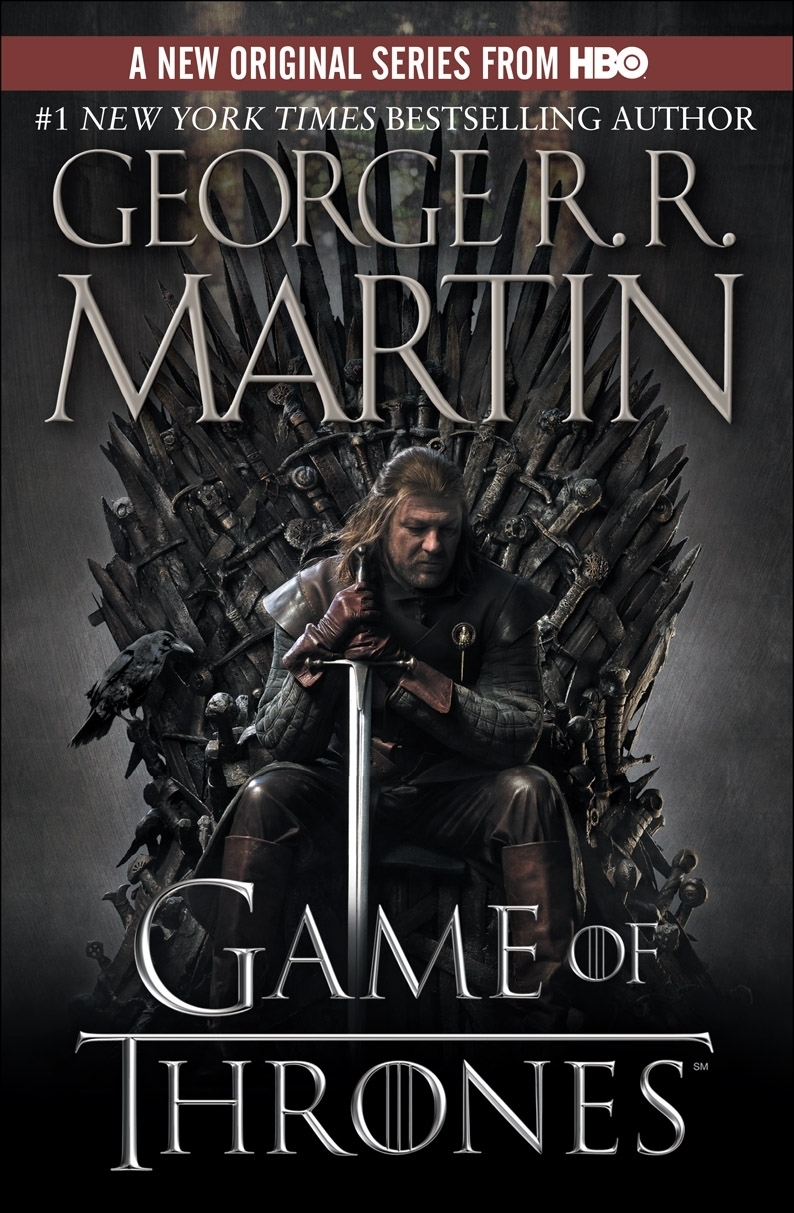
Hello, friends! The Wheel has turned all the way around to Thursday again, which means two things: the weekend is not too far away, and it's time for our Rotating Features blog!
As much as we all here at Dragonmount are Wheel of Time fans, I think it is safe to say that many of us are also fans of George R. R. Martin's A Song of Ice and Fire series, and it's HBO smash hit television version, A Game of Thrones. It has been the subject of this particular blog before, and today we return to the land of Westeros to look at a couple of fun items around the Internet by other Game of Thrones fans.
First up, here is a tour of the cities of Westeros painstakingly recreated in Minecraft mimicking the Game of Thrones series opening sequence. It's very impressive I think. If you want to know how much work goes into something like that, have a look at other Minecraft videos. It's essentially a game where you can build simple constructs--or incredibly complex ones--out of game building blocks.
Next, we have an even more impressive set of Minecraft creations. These are just still photographs, but look at this image:

And I defy you not to want to follow this link and see what else there is to feast your eyes upon. Imagine having an unlimited about of (digital) Lego blocks to play with and the space and skill to do whatever you want with them. Well this is what someone has done within that concept.
As a final little Game of Thrones related treat, check out the theme tune on church bells. And for bonus win, violin.
That's all for now. Have fun!
Until next time, friends!
Recommended Comments
Join the conversation
You can post now and register later. If you have an account, sign in now to post with your account.
Note: Your post will require moderator approval before it will be visible.