Skip to content
View in the app

A better way to browse. Learn more.

Dragonmount

A full-screen app on your home screen with push notifications, badges and more.

To install this app on iOS and iPadOS
  1. Tap the Share icon in Safari
  2. Scroll the menu and tap Add to Home Screen.
  3. Tap Add in the top-right corner.
To install this app on Android
  1. Tap the 3-dot menu (⋮) in the top-right corner of the browser.
  2. Tap Add to Home screen or Install app.
  3. Confirm by tapping Install.

Casting Announcement: Basel Gill


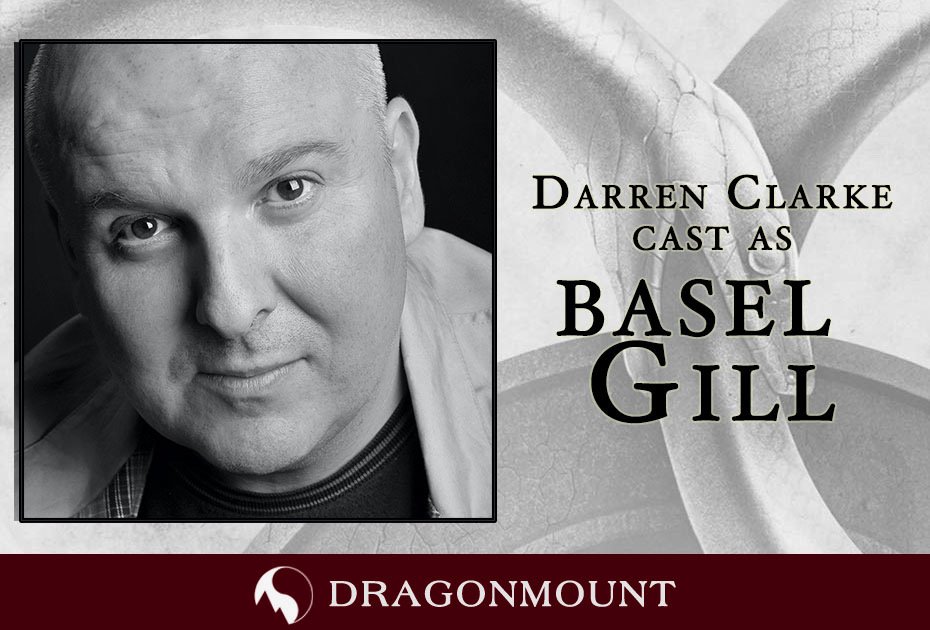
  • The latest casting announcement for the Amazon Prime Wheel of Time show reveals Darren Clarke as Basel Gill.


The latest casting announcement for the Amazon Prime Wheel of Time television show has been announced.
 

Darren Clarke as Basel Gill
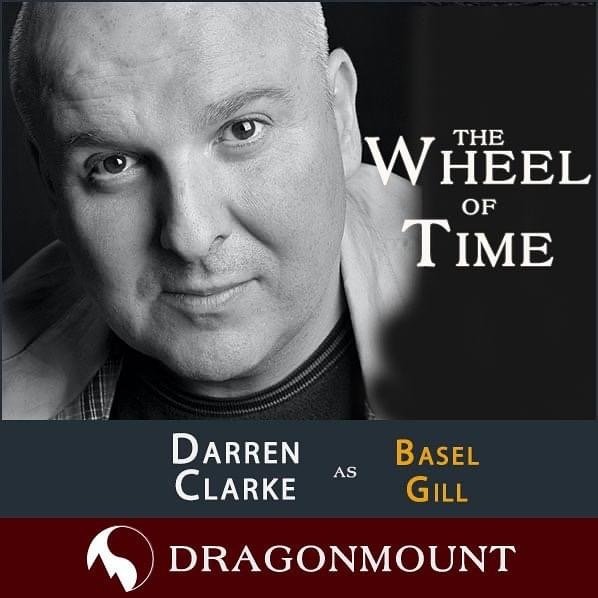
 

image0.jpeg


Basel Gill plays an important role in reuniting our beloved Two Rivers characters, and this announcement could mean we're getting closer to the in-book scenes in Caemlyn.  Will Elyane be revealed next?  Or maybe Morgase?  Gareth Bryne?  Maybe Elaida?


Or is this an indication that Master Gill's character is changing or evolving from his role in the books?  The Twitter feed for @WOTonPrime seems to be aligning their announcements with what's happening in the books--based on the #TwitterofTime book club reading of The Eye of the World.  If we get this information when Basel isn't even mentioned (they read chapters 19-22 this week), it could be foreshadowing about changes to the storyline.


What do you think?  Is the Two Rivers group heading to Caemlyn?  Or will Basel Gill appear elsewhere?  Let us know what you think in the comments below!  

 

4_wot-tv-cast-button-lg.png

4_wot-tv-eps-button-lg.png

4_wot-tv-forums-button-lg.png

4_wot-tv-cast-news-lg.png


1451787201_4_5thingstoexpectfromWoTTV_sq

Edited by Mashiara Sedai


User Feedback

Recommended Comments

There are no comments to display.

Join the conversation

You can post now and register later. If you have an account, sign in now to post with your account.
Note: Your post will require moderator approval before it will be visible.

Guest
Unfortunately, your content contains terms that we do not allow. Please edit your content to remove the highlighted words below.
Add a comment...

Account

Navigation

Search

Search

Configure browser push notifications

Chrome (Android)
  1. Tap the lock icon next to the address bar.
  2. Tap Permissions → Notifications.
  3. Adjust your preference.
Chrome (Desktop)
  1. Click the padlock icon in the address bar.
  2. Select Site settings.
  3. Find Notifications and adjust your preference.