
Skip to content
View in the app

A better way to browse. Learn more.

Dragonmount

A full-screen app on your home screen with push notifications, badges and more.

To install this app on iOS and iPadOS
  1. Tap the Share icon in Safari
  2. Scroll the menu and tap Add to Home Screen.
  3. Tap Add in the top-right corner.
To install this app on Android
  1. Tap the 3-dot menu (⋮) in the top-right corner of the browser.
  2. Tap Add to Home screen or Install app.
  3. Confirm by tapping Install.

Casting Announcement: Whitecloaks


  • Amazon revealed two new cast members playing infamous Whitecloaks in the upcoming Wheel of Time TV show.


Amazon Prime announced today, via social media, the casting of 2 actors for The Wheel of Time TV show. 


Abdul Salis as Eamon Valda.
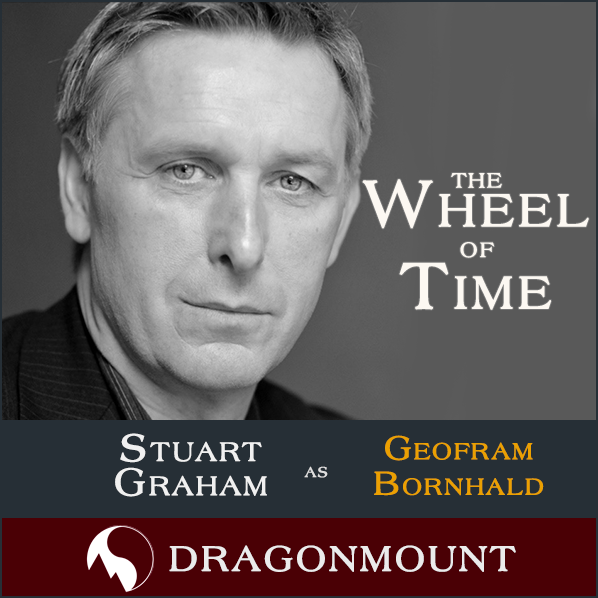
Stuart Graham as Geofram Bornhald.
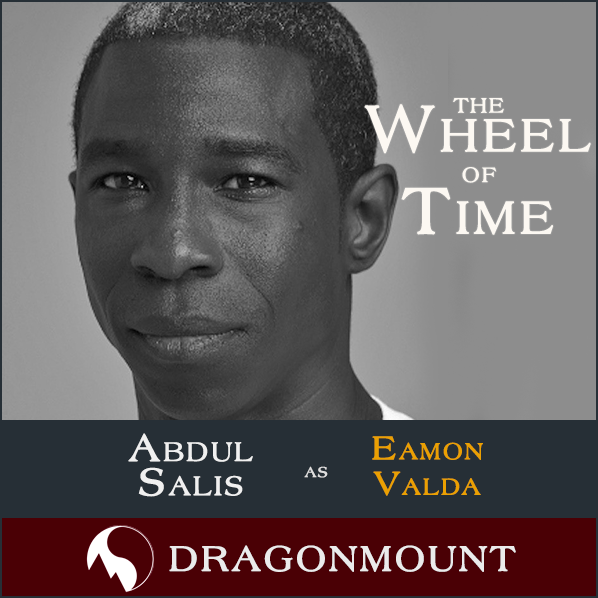
 

tv-casting-square-Eamon.png


tv-casting-square-Geofram.png

.

These actors have been rumored for a while, but we've only now reported on them because of Amazon's confirmation. 


Production on the TV show has been halted since March due to the global COVD-19 pandemic. It's believed that filming will resume this summer, perhaps as early as July, in Prague where most of the show has been filmed. So far 6 out of the first 8 episodes for Season 1 have been shot. 


Casting for the TV show is primarily handled by the KVH Casting Agency in London. For more information on The Wheel of Time TV show and cast, visit our TV section.


Check out what we thought about this casting announcement on The Wheel of Time Community Show on YouTube. 


Tell us what you think of these casting announcements in the comments!
 

4_wot-tv-cast-button-lg.png

4_wot-tv-eps-button-lg.png

4_wot-tv-forums-button-lg.png

4_wot-tv-cast-news-lg.png


1451787201_4_5thingstoexpectfromWoTTV_sq

Edited by Jason Denzel


User Feedback

Recommended Comments

There are no comments to display.

Join the conversation

You can post now and register later. If you have an account, sign in now to post with your account.
Note: Your post will require moderator approval before it will be visible.

Guest
Unfortunately, your content contains terms that we do not allow. Please edit your content to remove the highlighted words below.
Add a comment...

Account

Navigation

Search

Search

Configure browser push notifications

Chrome (Android)
  1. Tap the lock icon next to the address bar.
  2. Tap Permissions → Notifications.
  3. Adjust your preference.
Chrome (Desktop)
  1. Click the padlock icon in the address bar.
  2. Select Site settings.
  3. Find Notifications and adjust your preference.