

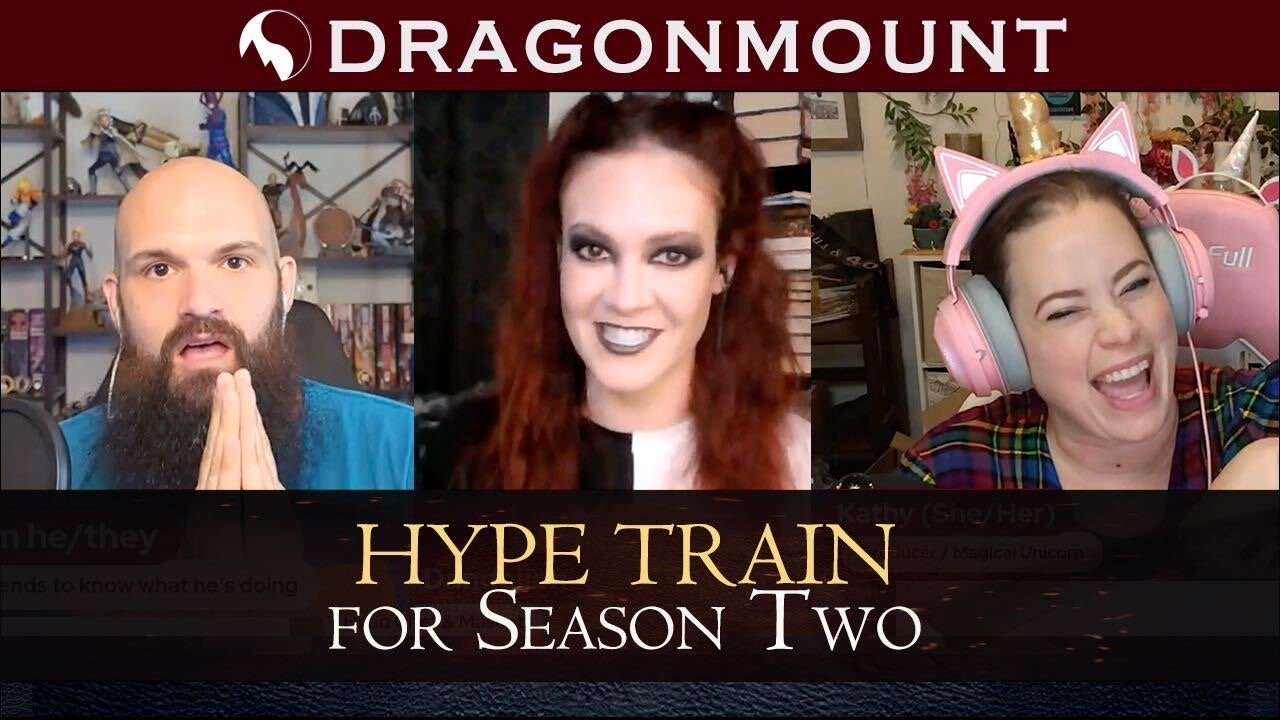
A few weeks ago Rob from Malkier Talks tagged us in a Hype Train with eleven questions to get us excited for the eventual return of The Wheel of Time on Prime Video.
Happy Saturday #TwitterOfTime let's keep the Hype Train moving with my very own tag video! 11 questions about why we love S1 of #TheWheelofTime & why we're excited for S2! As part of the fun I also tagged a few friends to answer the questions @LezbiNerdy @Kritter_XD @dragonmount!
— Malkier Talks (@MalkierTalks) February 4, 2023
Here's the questions Rob proposed:
Questions
1 - What is your favourite episode from season one?
2 - Who is your favourite character from season one?
3 - What is your favourite piece of dialogue from season one?
4 - Which character did you end up loving that you didn't expect to love so much?
5 - Who had the best outfit in season one?
6 - Who portrayed their character the best and why?
7 - Tell us about a moment that unexpectedly made you laugh or cry in season one?
8 - What moment was the best homage to the books?
9 - Aside from Blood Snow, what was your favourite Cold Open?
10 - What was the best moment in the BTS footage of season two?
11 - Which new actor are you most excited to see on screen? Ceara, Donal, or Ayoola?
We responded with our own video over on YouTube. Check it out to find out how Thom, Kathy and Kitty answered Robs' questions!
Let's keep the hype train going!
@thedustywheel @TarValon @leaf_cast @JordanConInc Tag your it ^_^
— Thom_Ass he/they (@Thom_DeSimone) March 15, 2023
Let us know your answers to Malkier Talks questions in the comments below!
Recommended Comments
Join the conversation
You can post now and register later. If you have an account, sign in now to post with your account.
Note: Your post will require moderator approval before it will be visible.