


Happy JordanCon 2023! Wheel of Time Fans from across the world have gathered for the 15th annual JordanCon in Atlanta, Georgia.
To celebrate, the cast and crew of The Wheel of Time television show on Prime Video put together a short video for fans (link & embed relevant tweet?).
As part of the video we learned about four new casting announcements for Season 2, including:
- Maja Simonsen as “Chiad”
- Ragga Ragnars as “Bain”
- Jay Duffy as “Dain Bornhald”
- Rima Te Wiata as “Sheriam Bayanar”



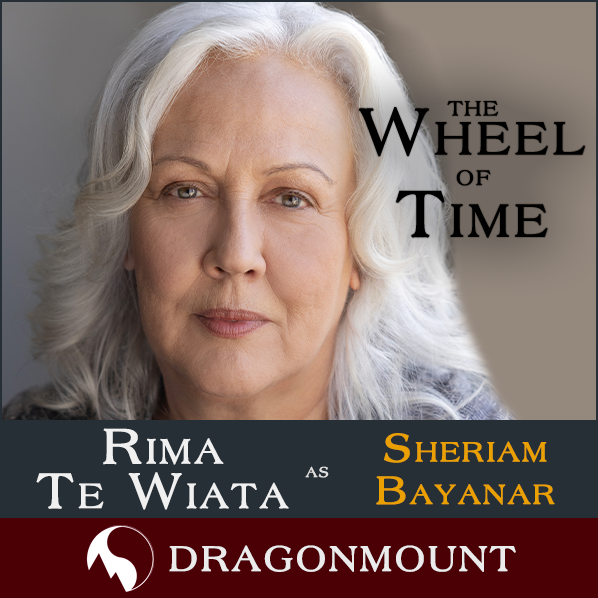
Welcome to the Wheel of Time Family Maja, Ragga, Jay, and Rima! We can’t wait to see you in your roles!
Earlier this week, Showrunner Rafe Judkins teased fans with the return of WOT Wednesday, where he plans to post more behind-the-scenes tidbits. This week he teased the casting of Meera Syal without revealing her role. She was not revealed today, so the mystery of her role will continue!
There’s still no official word on when we will see Season 2, however, Rafe announced that Season 3 has begun filming!
Are you at JordanCon this weekend? Tag Dragonmount and we will share your photos! Let us know what you think about the new casting in the comments below.

Recommended Comments
Join the conversation
You can post now and register later. If you have an account, sign in now to post with your account.
Note: Your post will require moderator approval before it will be visible.