

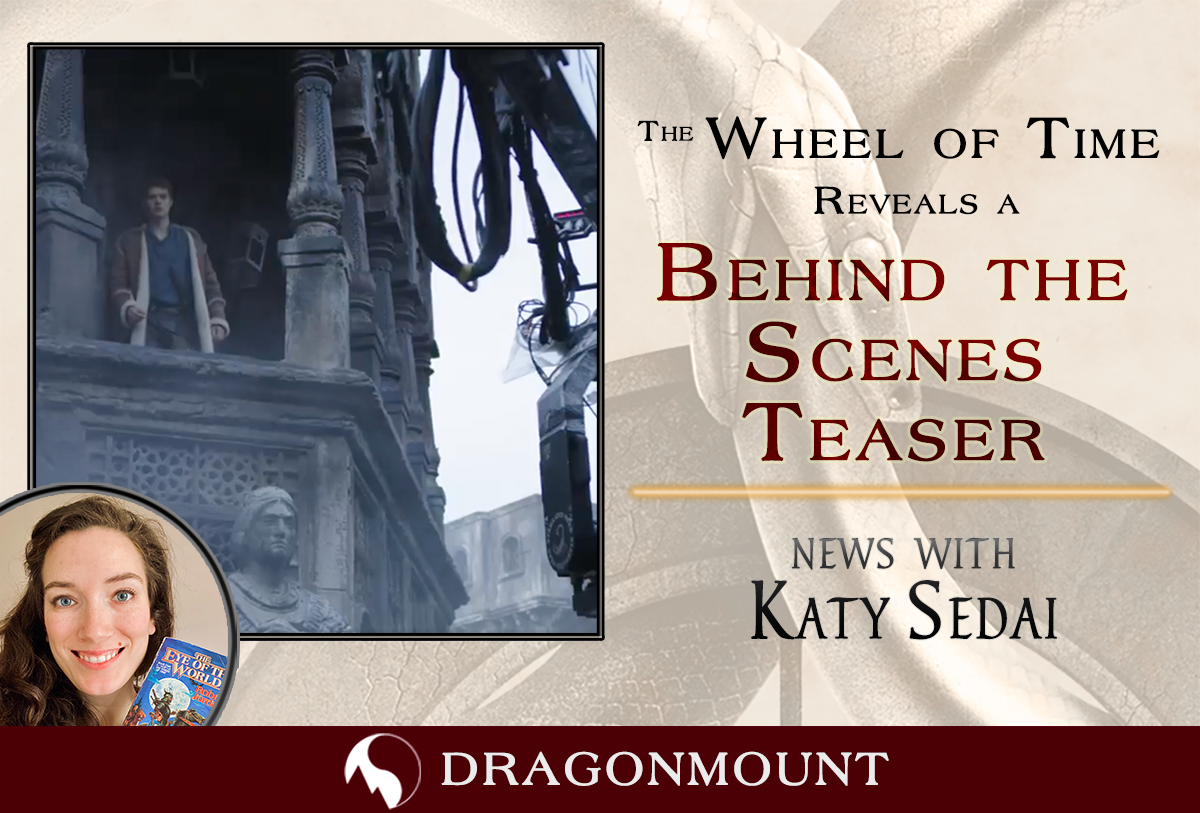
Amazon revealed today, via their official social media accounts the following video:
We're pulling back the fabric of the Pattern to give you a glimpse into the building of our world. #TheWheelOfTime premieres November 19th on @AmazonPrimeVideo.
— The Wheel Of Time (@TheWheelOfTime) October 18, 2021
This video has been part of a near daily marketing effort to promote the show. This teaser includes interviews clips from showrunner Rafe Judkins and Rosamund Pike who plays Moiraine. We also get our first glimpse of Alexander Willaume as Thom and a group of Whitecloaks. There's also an epic hair flip from Nynaeve actor Zoe Robins.
That braid fling though! ? pic.twitter.com/UYnoDW633u
— Dragonmount.com (@dragonmount) October 18, 2021
To see every promotional video, image, and early preview that Amazon has released so far, check out out our Season 1 Media page. And be sure to check our TV section of the website.
What do you think of this new video? Let us know in the comments and be sure to join the discussion on our forums.
Recommended Comments
Join the conversation
You can post now and register later. If you have an account, sign in now to post with your account.
Note: Your post will require moderator approval before it will be visible.