

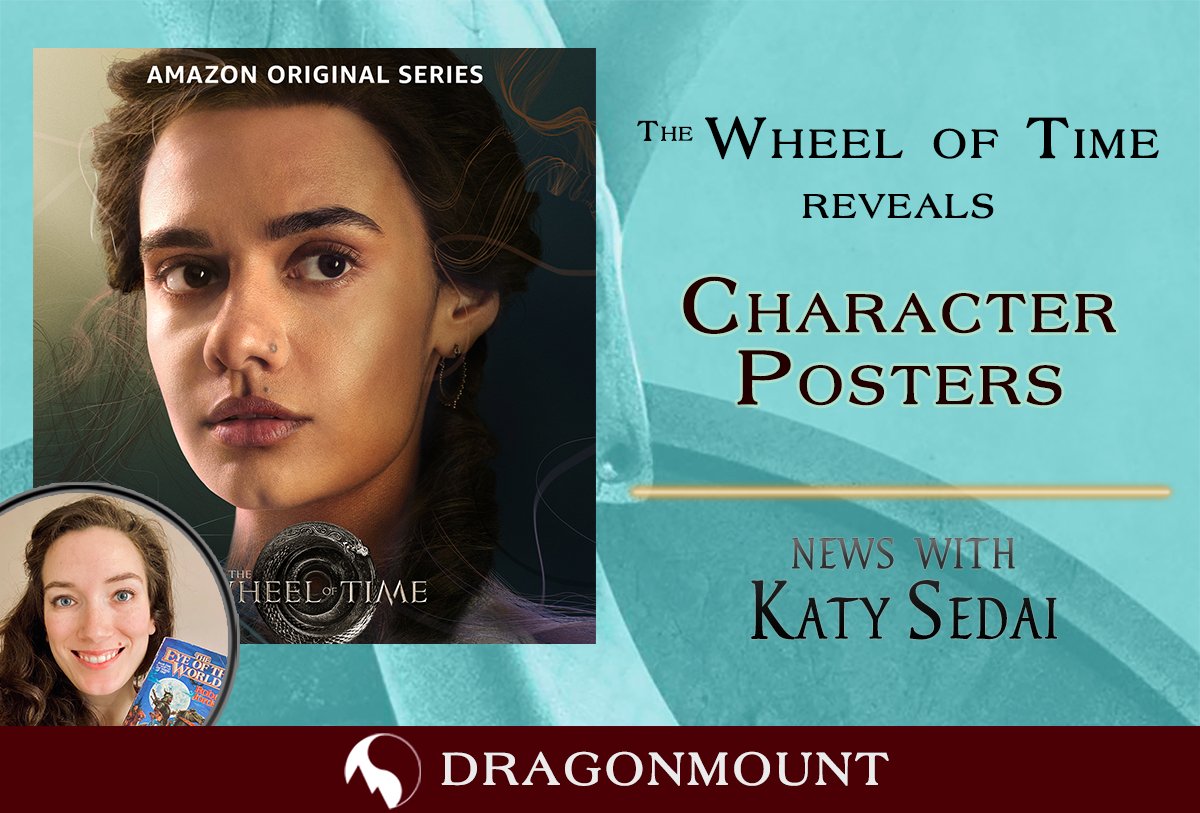
The Wheel of Time revealed, via their official social media accounts new posters featuring the main cast.
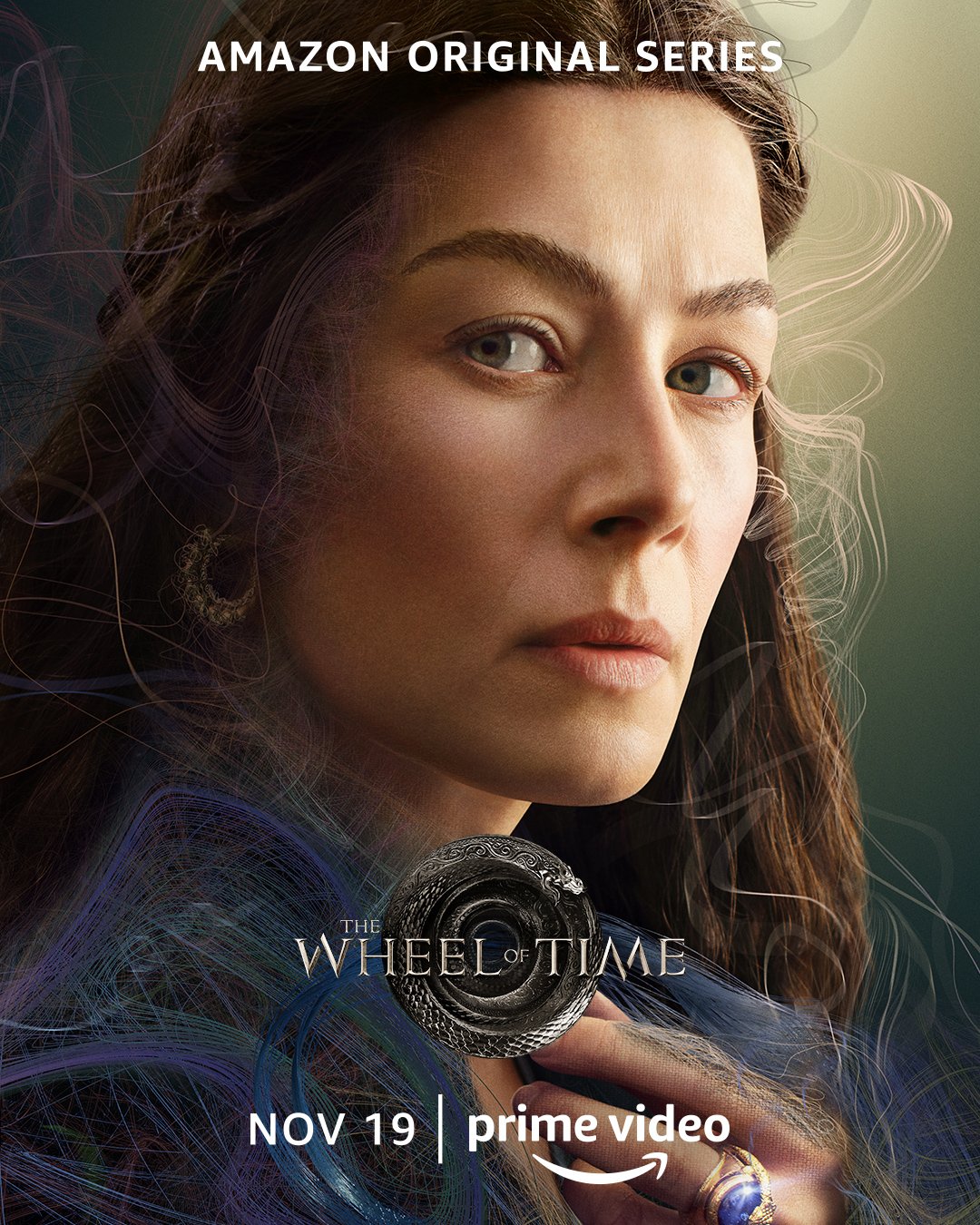
These new posters are part of a near daily marketing effort to promote the show. The posters show us a close up of each of our main characters along with thread like weaves around each of them. Showrunner Rafe Judkins shared the posters to instagram stories with the comment “The Pattern of an Age is being woven”. The threads on the poster look very similar to the threads on the Moiraine waygate poster, and quite different than the weaves we’ve seen when characters channel the One Power. It’s very likely these are the threads of the pattern in the poster rather than weaves of the One Power.
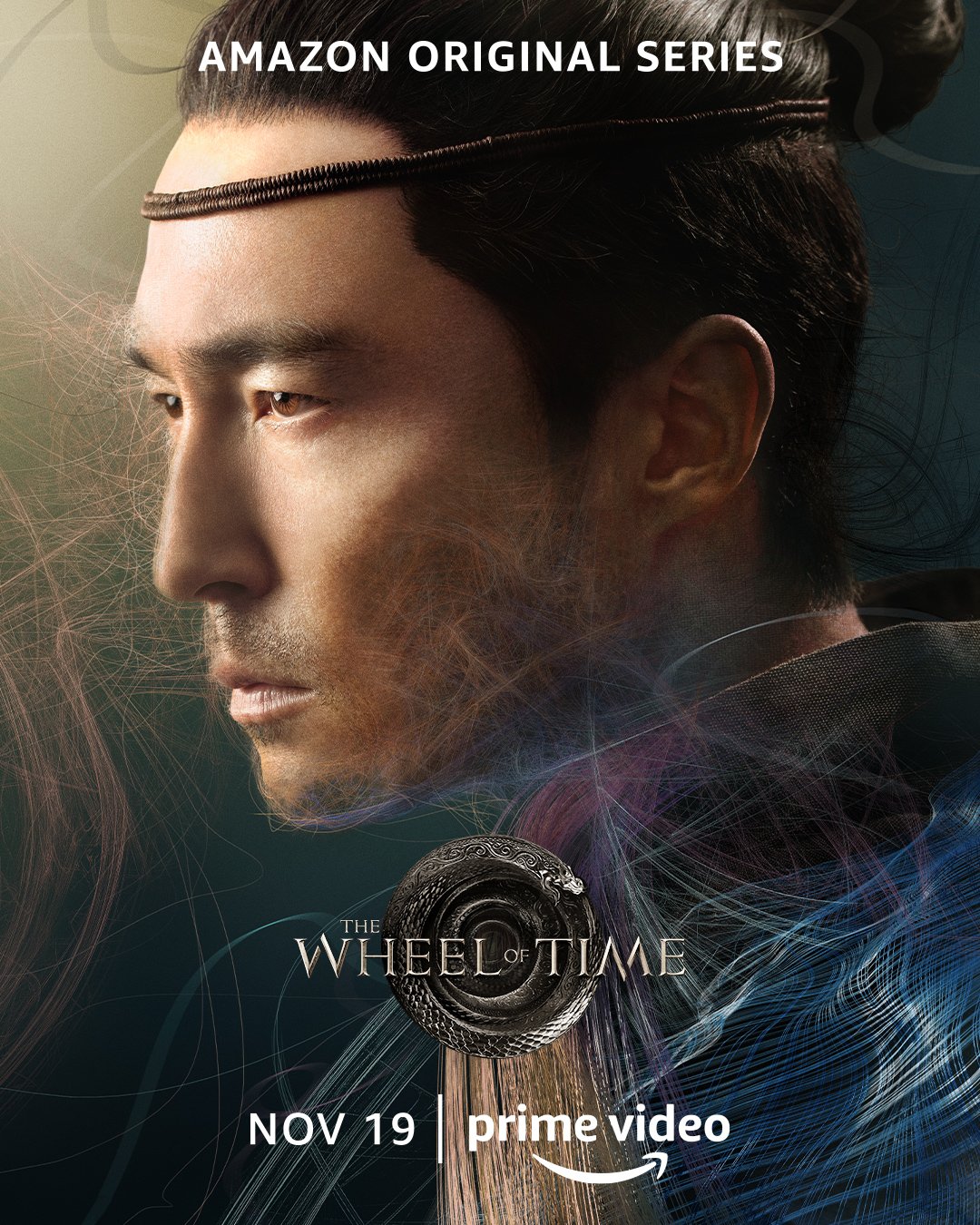
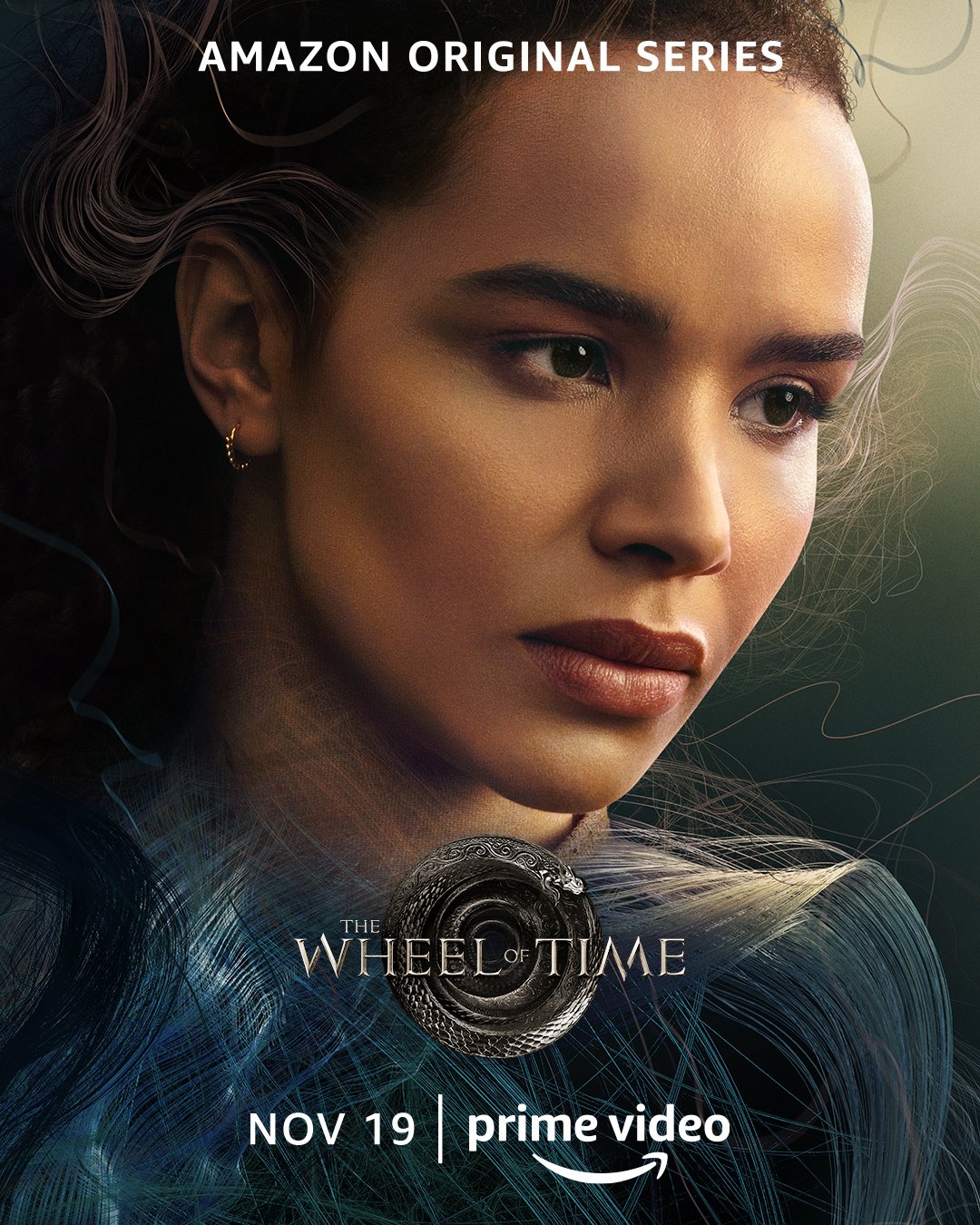
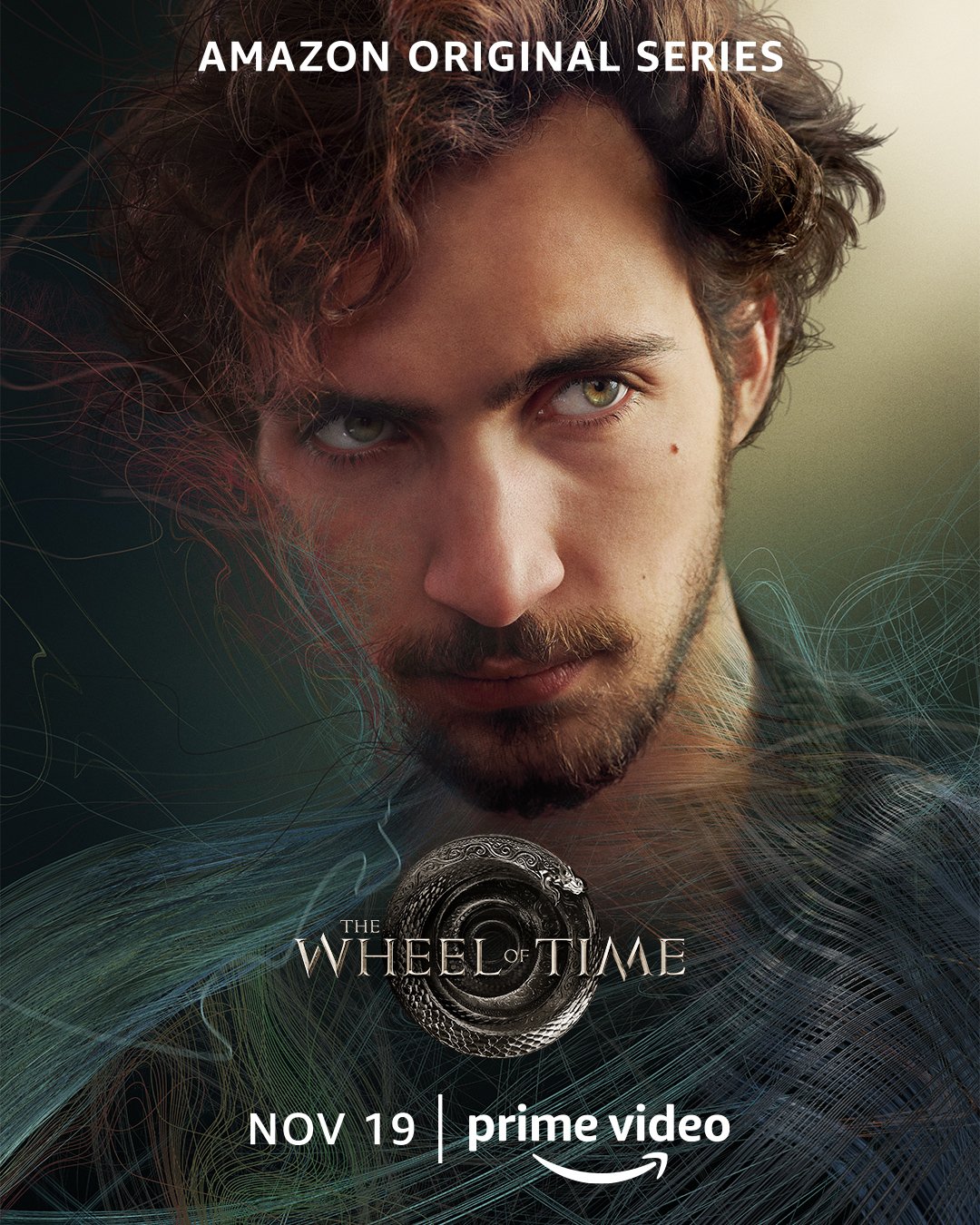
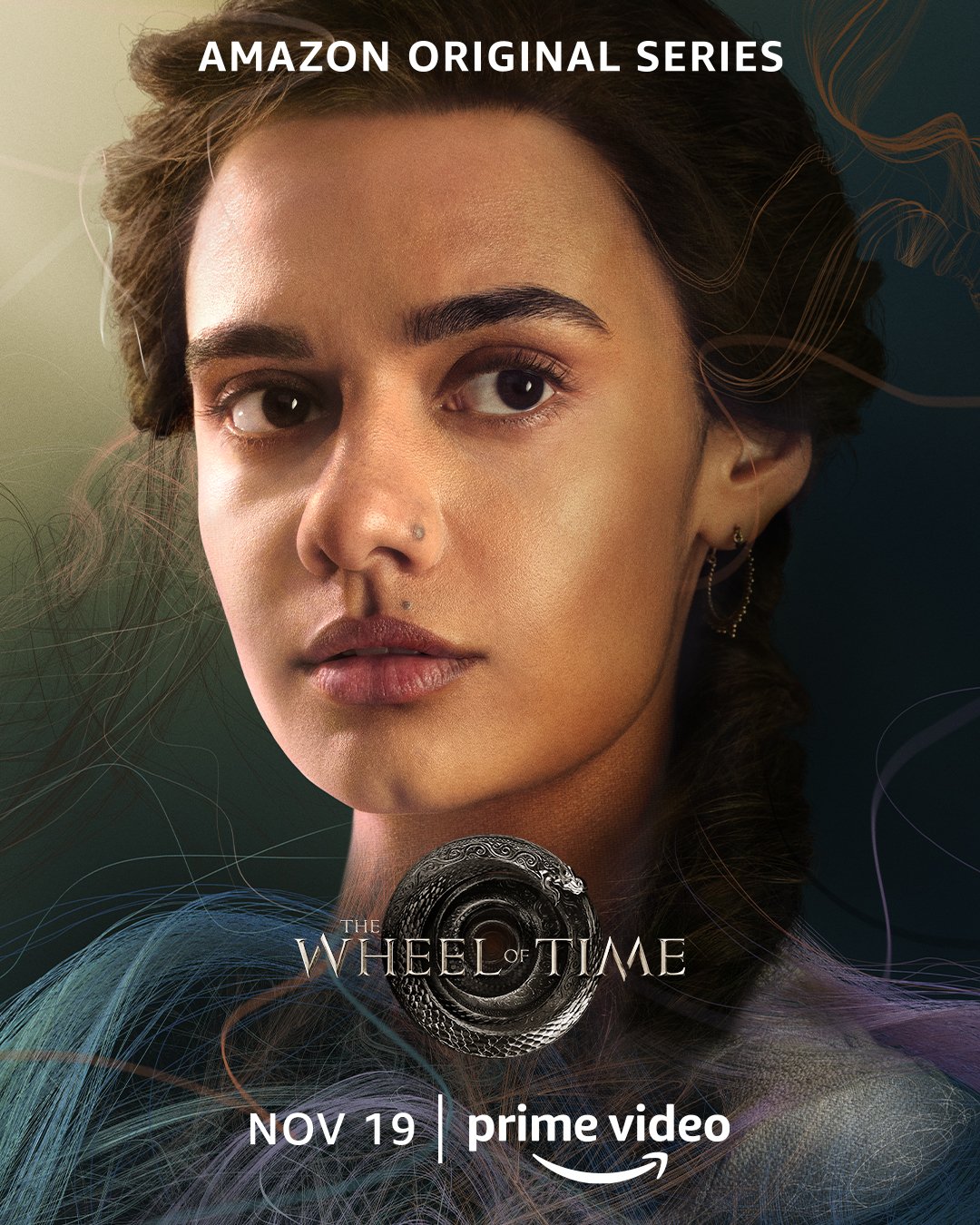
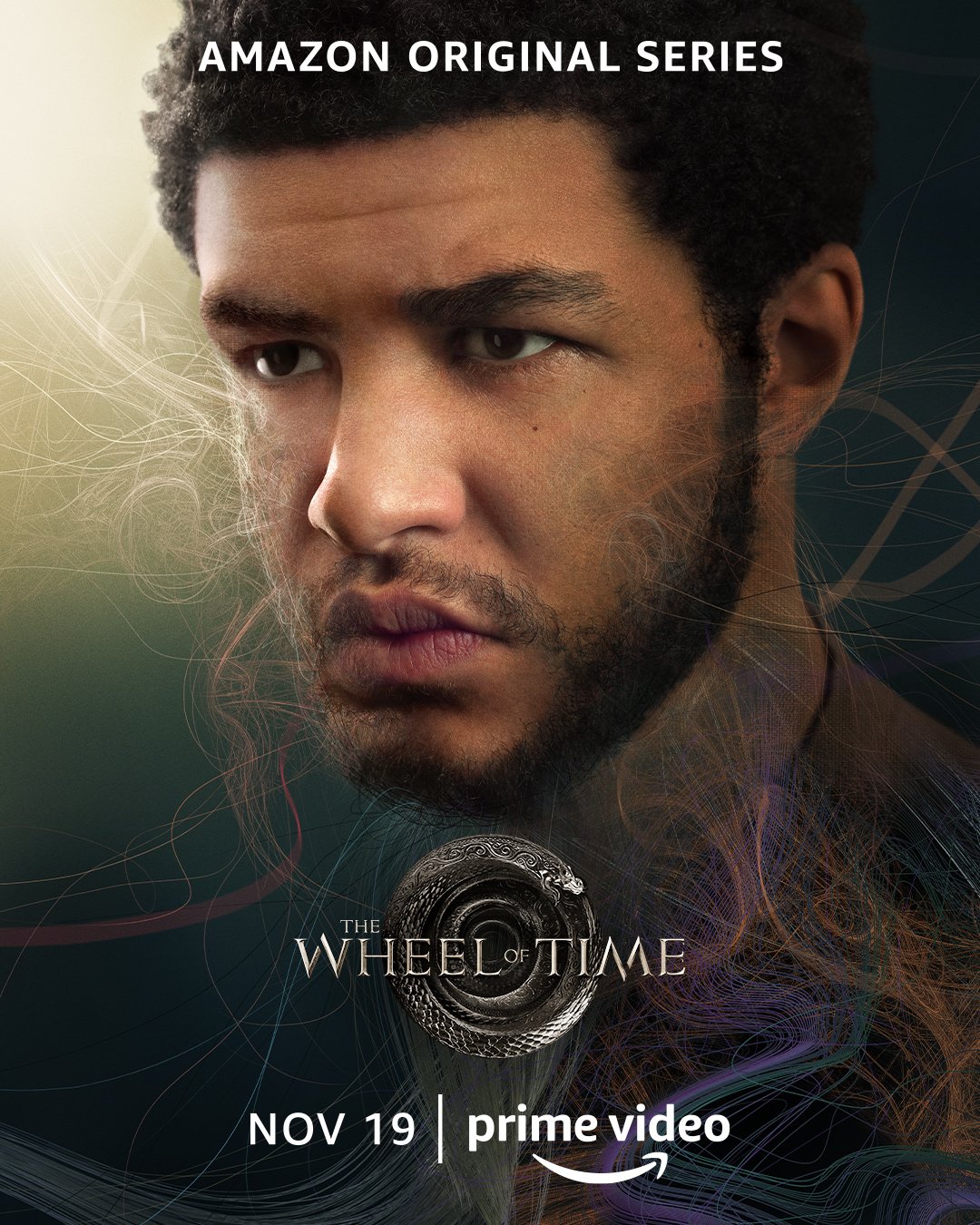
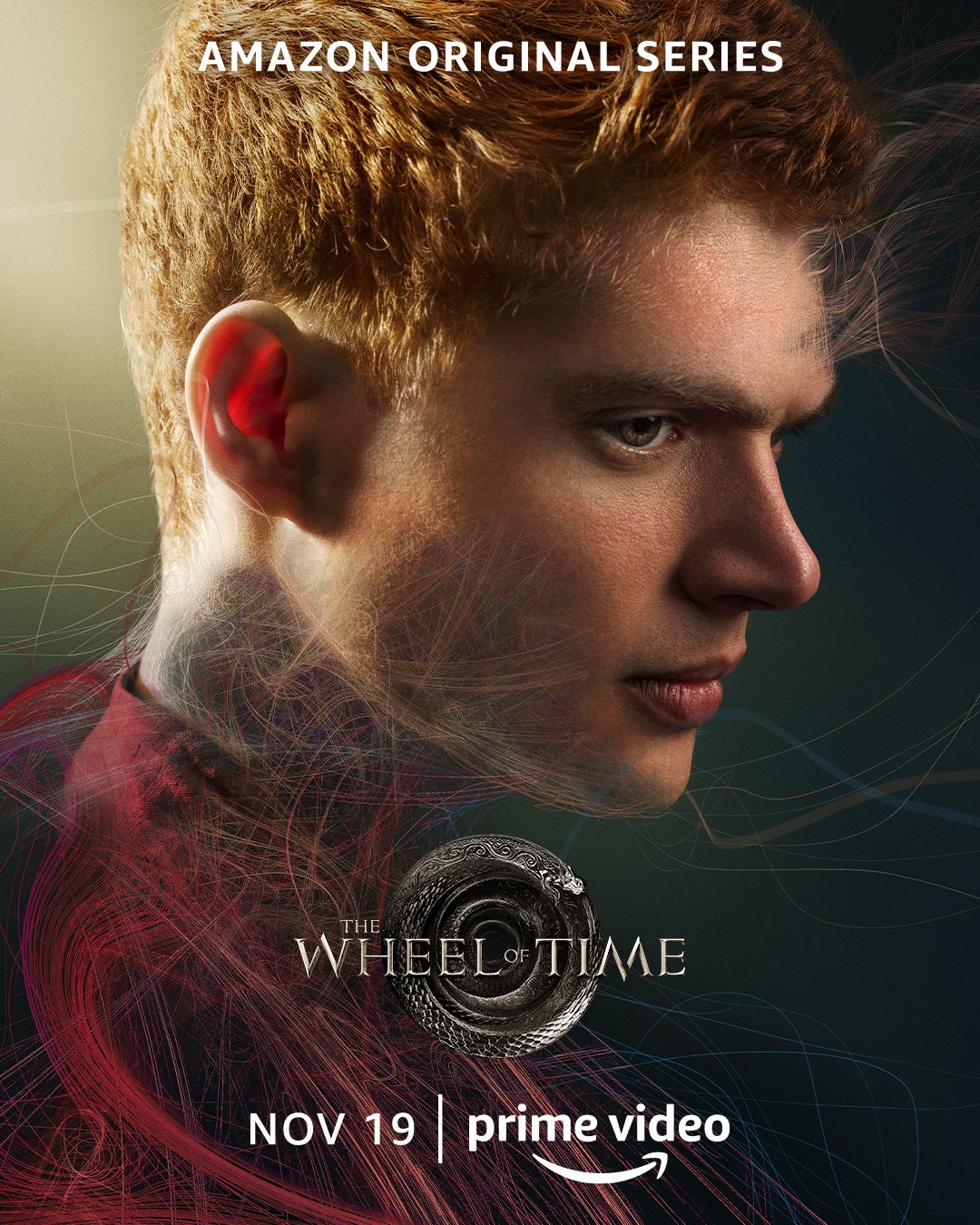
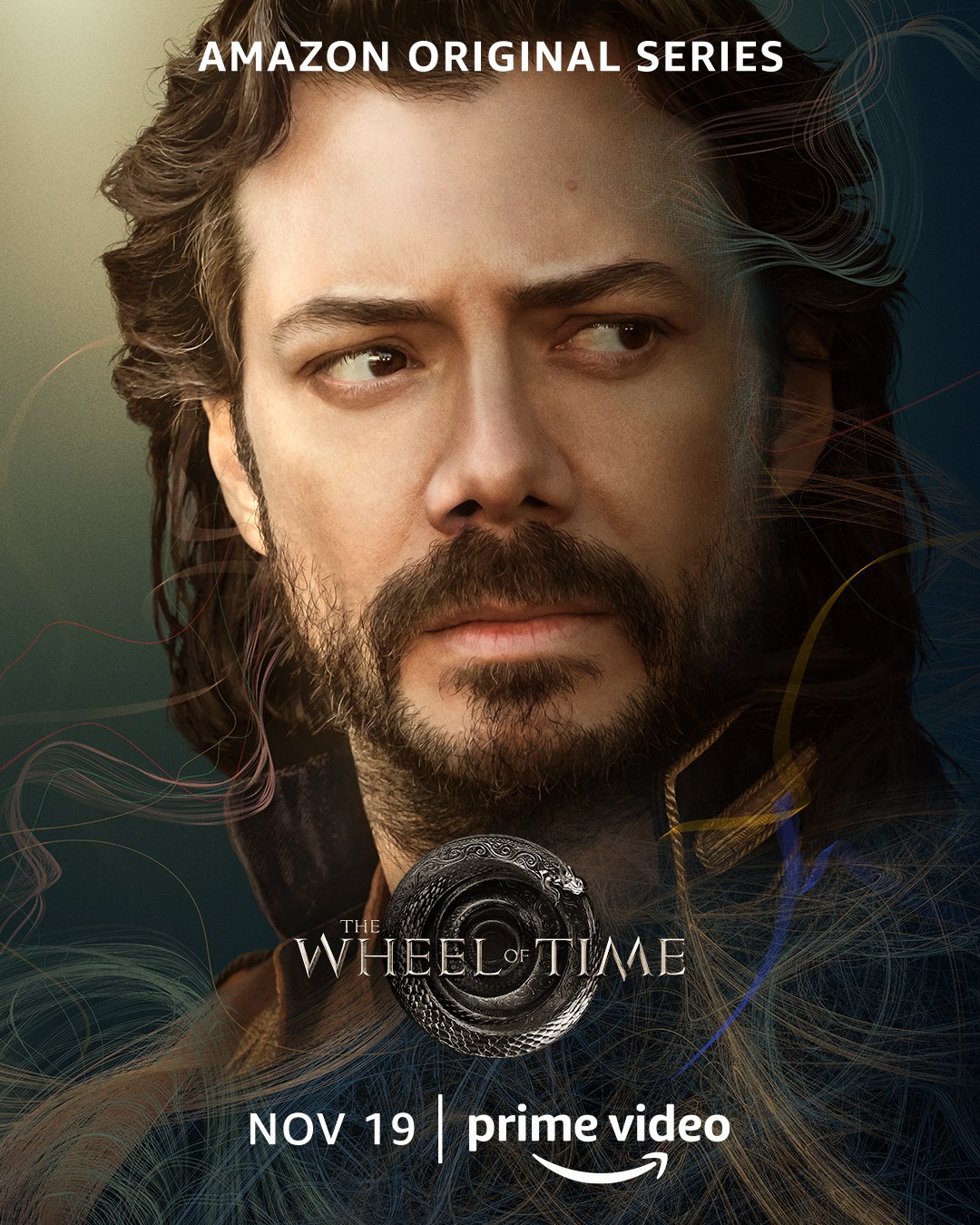
The posters feature Moiraine, Lan, Nynaeve, Egwene, Perrin, Rand, Mat, and Logain.
To see every promotional video, image, and early preview that Amazon has released so far, check out out our Season 1 Media page. And be sure to check our TV section of the website.
What do you think of this new teaser? Let us know in the comments and be sure to join the discussion on our forums.
Recommended Comments
Join the conversation
You can post now and register later. If you have an account, sign in now to post with your account.
Note: Your post will require moderator approval before it will be visible.