

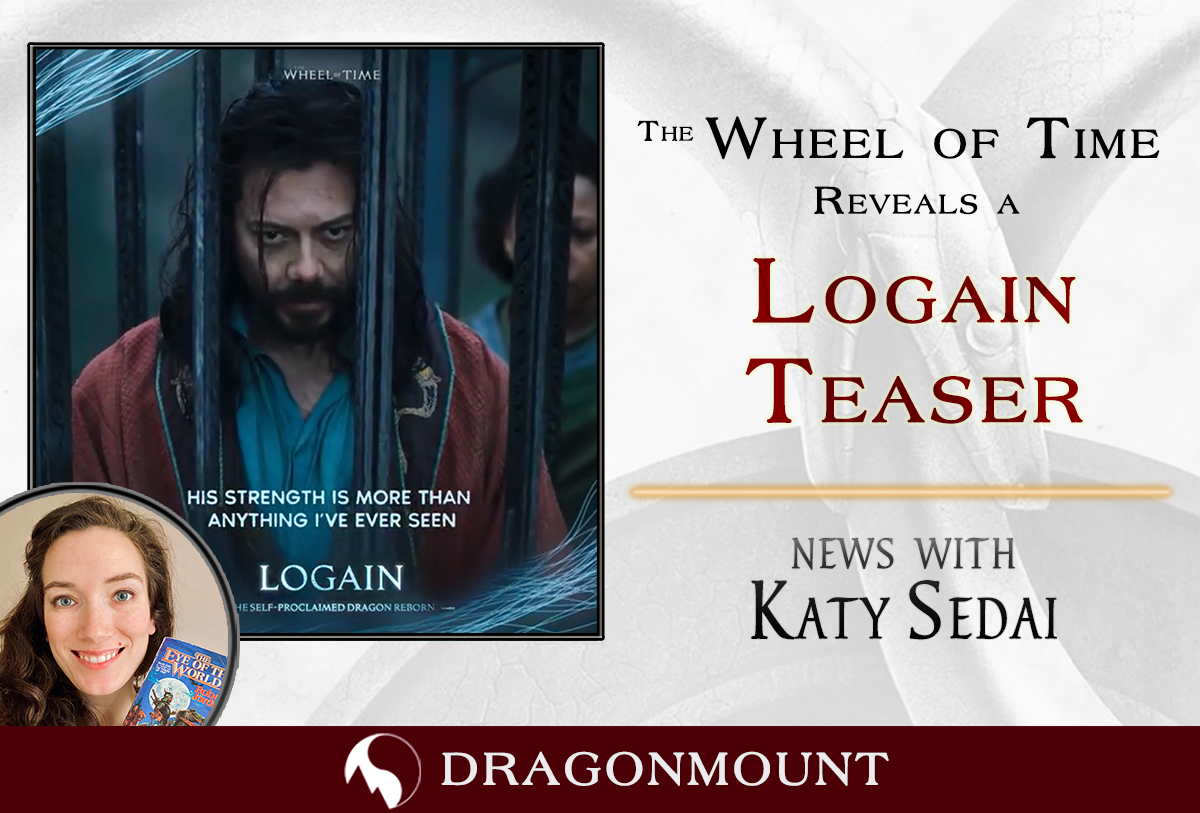
Amazon revealed, via their official social media accounts the following video:
There is more to Logain Ablar than meets the eye...#TheWheelOfTime @AlvaroMorte pic.twitter.com/rrfiJu71jm
— The Wheel Of Time (@TheWheelOfTime) October 15, 2021
This video has been part of a near daily marketing effort to promote the show. This teaser gives us a detailed look at Alvaro Morte as Logain. Showrunner Rafe Judkins has previously discussed how Logain's role will be expanded in the first season, and many of the clips seen in this teaser hint to off-screen scenes from the books.
To see every promotional video, image, and early preview that Amazon has released so far, check out out our Season 1 Media page. And be sure to check our TV section of the website.
What do you think of this new video? Let us know in the comments and be sure to join the discussion on our forums.
Recommended Comments
Join the conversation
You can post now and register later. If you have an account, sign in now to post with your account.
Note: Your post will require moderator approval before it will be visible.