

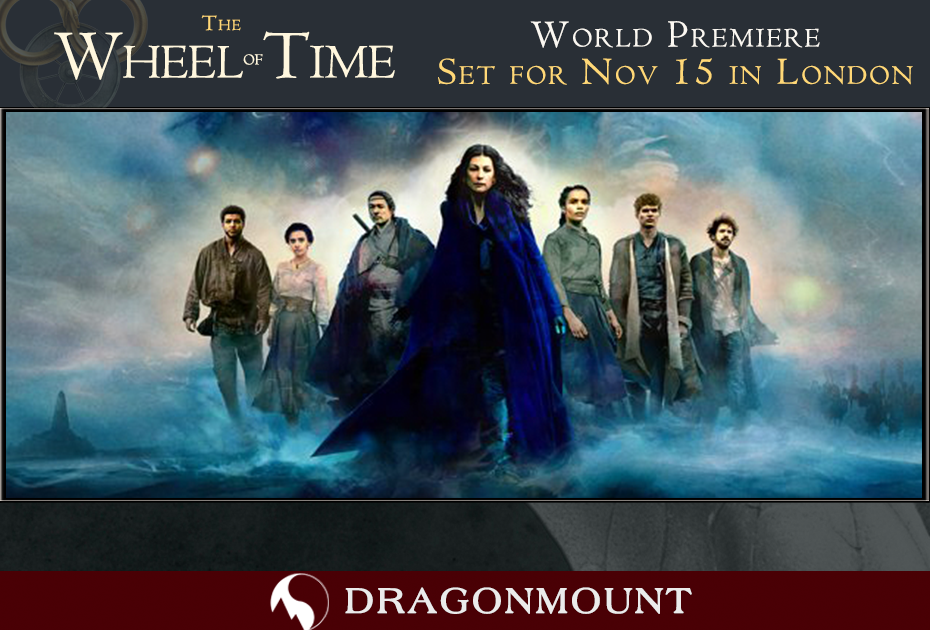
Amazon Prime Video has set the date for the world premiere of their upcoming Wheel of Time TV show for Monday, November 15, 2021 in London. As normal for these type of events, the cast and crew are expected to attend and make themselves available on the red carpet before the screening of the first episode.
In addition, we’re delighted to announce that Dragonmount founder Jason Denzel, along with producer Kathy Campbell and TV blogger Adam Whitehead, will be in attendance for the event. Jason and Kathy will be on the red carpet, streaming live video, sharing photos, and engaging with fans on social media. Be sure to follow our social media so you don’t miss anything. Here’s our video announcement:
The time and location of the event itself are not publicly available yet.
Also announced today were free fan screenings of the first 2 episodes in select cities.
The Wheel of Time premieres on Amazon Prime Video on November 19, 2021. For more information about the TV show, visit our dedicated section on the website which includes a cast list and all officially-released media for the show so far.

Recommended Comments
Join the conversation
You can post now and register later. If you have an account, sign in now to post with your account.
Note: Your post will require moderator approval before it will be visible.