

Skip to content
View in the app

A better way to browse. Learn more.

Dragonmount

A full-screen app on your home screen with push notifications, badges and more.

To install this app on iOS and iPadOS
  1. Tap the Share icon in Safari
  2. Scroll the menu and tap Add to Home Screen.
  3. Tap Add in the top-right corner.
To install this app on Android
  1. Tap the 3-dot menu (⋮) in the top-right corner of the browser.
  2. Tap Add to Home screen or Install app.
  3. Confirm by tapping Install.

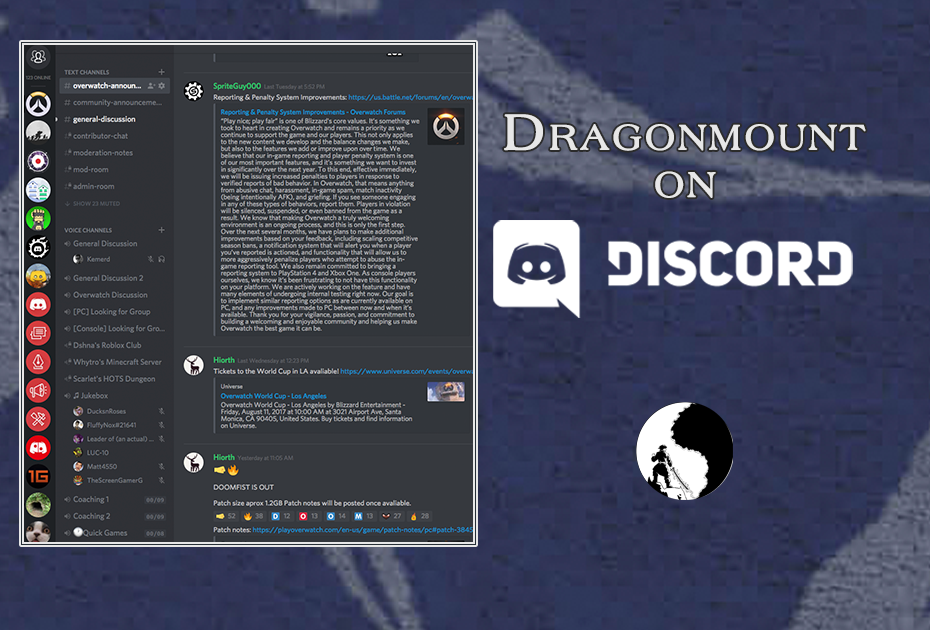
Dragonmount on Discord


  • Our Discord server is now open!


The Dragonmount staff have re-opened our Discord chat server and invite you to come and join live discussions about the Wheel of Time books, TV show, and community. 


If you're not familiar with it, Discord is a popular text and voice chat application. You can use it for free in your browser, in a desktop app, or on a mobile device.  


We'll especially be publicizing the Discord chat during live events or on popular news days, such as #WoTWednesday when the WoT TV show producers share exciting information about the upcoming show


Also, if you're a Patreon subscriber, we'll be using Discord for our bi-monthly chats with notable members of the Wheel of Time franchise and community.  


Come join this awesome part of the WoT and DM community!


User Feedback

Recommended Comments

There are no comments to display.

Join the conversation

You can post now and register later. If you have an account, sign in now to post with your account.
Note: Your post will require moderator approval before it will be visible.

Guest
Unfortunately, your content contains terms that we do not allow. Please edit your content to remove the highlighted words below.
Add a comment...

Account

Navigation

Search

Search

Configure browser push notifications

Chrome (Android)
  1. Tap the lock icon next to the address bar.
  2. Tap Permissions → Notifications.
  3. Adjust your preference.
Chrome (Desktop)
  1. Click the padlock icon in the address bar.
  2. Select Site settings.
  3. Find Notifications and adjust your preference.