
Skip to content
View in the app

A better way to browse. Learn more.

Dragonmount

A full-screen app on your home screen with push notifications, badges and more.

To install this app on iOS and iPadOS
  1. Tap the Share icon in Safari
  2. Scroll the menu and tap Add to Home Screen.
  3. Tap Add in the top-right corner.
To install this app on Android
  1. Tap the 3-dot menu (⋮) in the top-right corner of the browser.
  2. Tap Add to Home screen or Install app.
  3. Confirm by tapping Install.

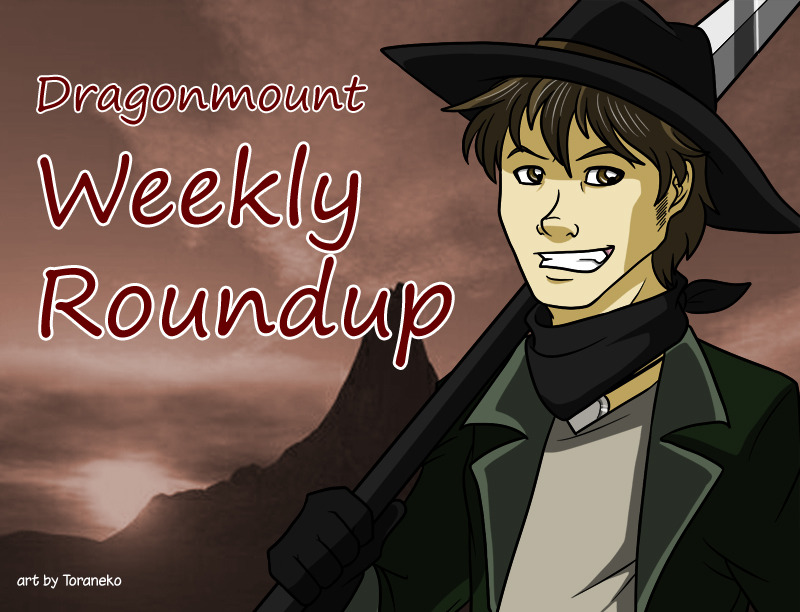
Dragonmount Weekly Roundup: October 21-27, 2012


It's time for another weekly roundup!


How would you rank the Wheel of Time books so far? Which of the books blew you away, and which left you unsatisfied? Come let us know in our General Wheel of Time Discussion forum.


Which television shows helped define you as a person? Which shows were part of your fondest childhood memories? Wax nostalgic with us in our TV Show & Sports Discussion forum.


The Shayol Ghul Social Group has their October Caption Faction up. Which caption do you think is the funniest? Be sure to vote!


The Warders of the White Tower & Warders Social Group need your help! Some Aes Sedai have been kidnapped and need to be rescued. They are hidden by special "disguise ter'angreal", so if you can guess which Aes Sedai are which, you'll free them.


That's all for now. See you next week!


User Feedback

Recommended Comments

There are no comments to display.

Join the conversation

You can post now and register later. If you have an account, sign in now to post with your account.
Note: Your post will require moderator approval before it will be visible.

Guest
Unfortunately, your content contains terms that we do not allow. Please edit your content to remove the highlighted words below.
Add a comment...

Account

Navigation

Search

Search

Configure browser push notifications

Chrome (Android)
  1. Tap the lock icon next to the address bar.
  2. Tap Permissions → Notifications.
  3. Adjust your preference.
Chrome (Desktop)
  1. Click the padlock icon in the address bar.
  2. Select Site settings.
  3. Find Notifications and adjust your preference.