

The Wheel Turns, and November has passed. I trust we all had an excellent Thanksgiving! The Holiday season is upon us, and the year is drawing to a close. That can only mean one thing: time for another Weekly Roundup!
Have you seen Catching Fire yet? Do you like Jennifer Lawrence? Visit the Movies and Games Discussion and talk about it!
Did you participate in NaNoWriMo? If so, did you reach the 50,000 word goal? If so, the ACW Tuathan’an have a NaNoWriMo Brag thread!
Are you anticipating Christmas? If so, the Band of the Red Hand has an amazing Advent Calendar, sponsored by the Band’s own BFG and tonnalea!
Finally, an update from the Dragonmount Twitter feed:
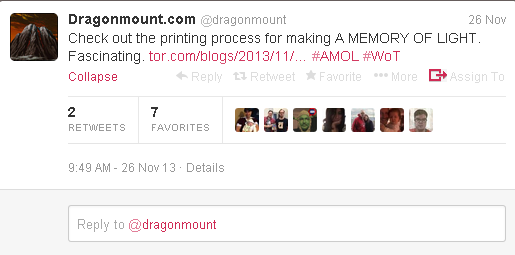
Remember, you can get daily updates on Dragonmount and Wheel of Time related news by subscribing to Dragonmount’s Twitter and Facebook pages!
And a final note, as it is now December: don’t forget to go sign in at your social groups and have a fantastic Holiday season!
Recommended Comments
Join the conversation
You can post now and register later. If you have an account, sign in now to post with your account.
Note: Your post will require moderator approval before it will be visible.