
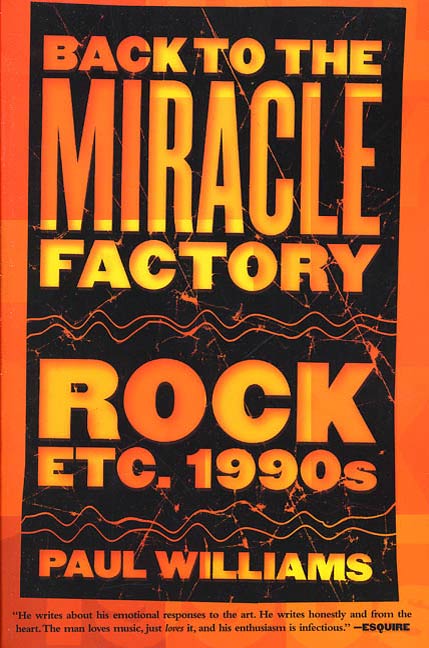
Back to the Miracle Factory : Rock Etc. 1990's by Paul Williams
Paul Williams has been writing about pop music for decades, never flagging in his enthusiasm or his emotional and intellectual openness to the newest music. He has been doing this ever since he founded the rock magazine, Crawdaddy, in 1966. His insight into how it feels when we listen to certain performers or certain performances makes a connection between music and reading that is rare and fascinating. Whether its Bob Dylan or Brian Wilson, Pearl Jam or Nirvana, Paul Williams can reveal something we didn't know we knew when we listened to the music. This is what rock criticism was invented to do, back in the 1960s, and he has been doing ever since. It's as much fun to read, as the music is to listen to.
At the Publisher's request, this title is being sold without Digital Rights Management Software (DRM) applied.
About the Author
Paul Williams lives in Encinitas, California.
Title: Back to the Miracle Factory : Rock Etc. 1990's
Author(s): Paul Williams
ISBN: 9781429982436
Copyright 2010
Release Date: June 08, 2010
Publisher: Tor Publishing Group
Countries: United States, Canada | Learn more about available countries
Language: English
Format: mobi,ePub | Learn More about our supported formats
Dragonmount is a proud provider of DRM-free eBooks. By purchasing any eBook from our store, you are not only helping support our website, but you are helping small businesses thrive in a market traditionally dominated by large companies. Learn more in our eBook FAQ.
Product Reviews
There are no reviews to display.