
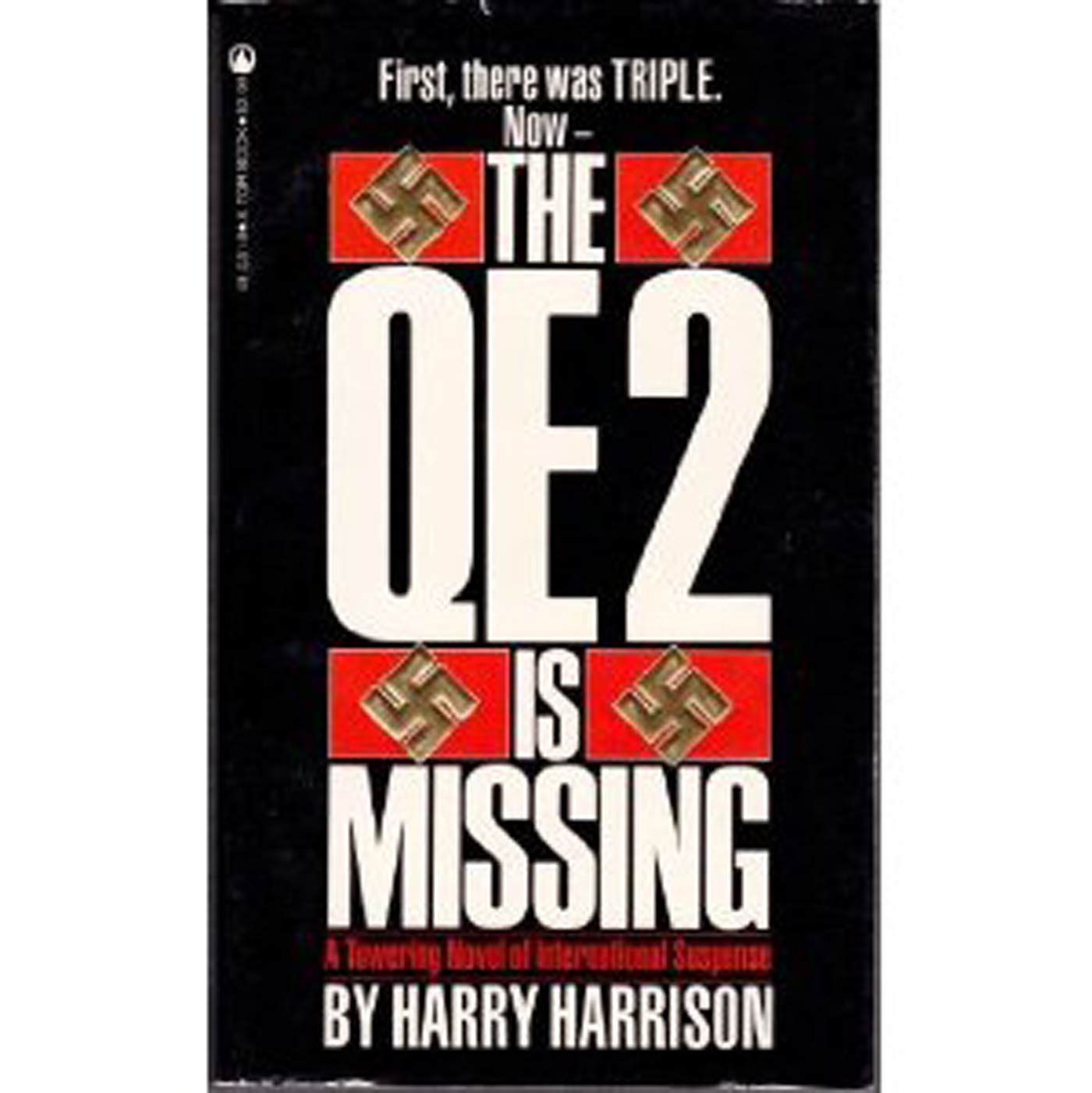
The QE2 Is Missing : A Novel by Harry Harrison
In the tradition of Raise the Titanic, a startling thriller by bestselling author Harry Harrison. When the world's most luxurious liner is found floating off Peru, the crew and the 2,000 passengers have disappeared. Mysterious circular marks have been burned onto the upper decks. . . .
At the Publisher's request, this title is being sold without Digital Rights Management Software (DRM) applied.
About the Author
Harry Harrison is the author of Deathworld, Make Room! Make Room! (filmed as Soylent Green), the popular Stainless Steel Rat books, and many other famous works of SF.
Title: The QE2 Is Missing : A Novel
Author(s): Harry Harrison
ISBN: 9781466823228
Copyright 1982
Release Date: April 15, 1982
Publisher: Tor Publishing Group
Countries: United States, Canada | Learn more about available countries
Language: English
Format: mobi,ePub | Learn More about our supported formats
Dragonmount is a proud provider of DRM-free eBooks. By purchasing any eBook from our store, you are not only helping support our website, but you are helping small businesses thrive in a market traditionally dominated by large companies. Learn more in our eBook FAQ.
Product Reviews
There are no reviews to display.