
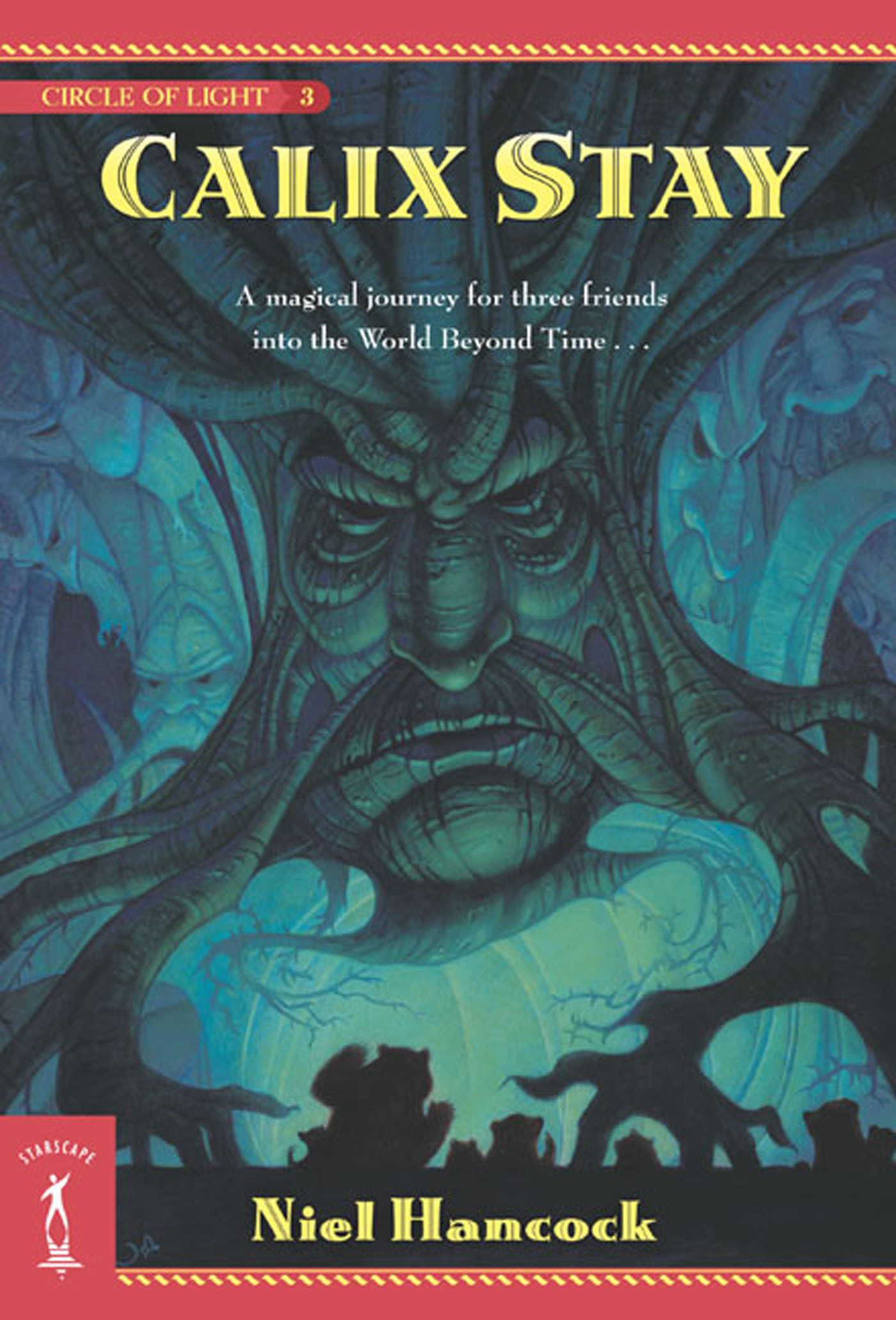
Calix Stay : The Circle of Light, Book 3 by Niel Hancock
Welcome to Atlanton Earth!
In the tumultuous third saga of their epic adventures, Broco the Dwarf and his companions, Otto and Bear, must avoid capture by the dark forces. For in their care they possess the sacred Arkenchest, and it must be saved . . . at any cost.
Their only hope of reaching safety is a desperate race to the Calix Stay. But can they cross its rushing waters in time?
At the Publisher's request, this title is being sold without Digital Rights Management Software (DRM) applied.
Praise for this book
“Charming . . . their adventures will enthrall readers of any age.” —Publishers Weekly
About the Author
Niel Hancock lives just outside Austin, Texas, with his wife. Along with the Circle of Light series, he is also the author of The Wilderness Four series and The Windameir Circle series.
Title: Calix Stay : The Circle of Light, Book 3
Author(s): Niel Hancock
Volume: 3
ISBN: 9781466839748
Copyright 2004
Release Date: June 14, 2004
Publisher: Tor Publishing Group
Countries: United States, Canada | Learn more about available countries
Language: English
Format: ePub,mobi | Learn More about our supported formats
Dragonmount is a proud provider of DRM-free eBooks. By purchasing any eBook from our store, you are not only helping support our website, but you are helping small businesses thrive in a market traditionally dominated by large companies. Learn more in our eBook FAQ.
Product Reviews
There are no reviews to display.