
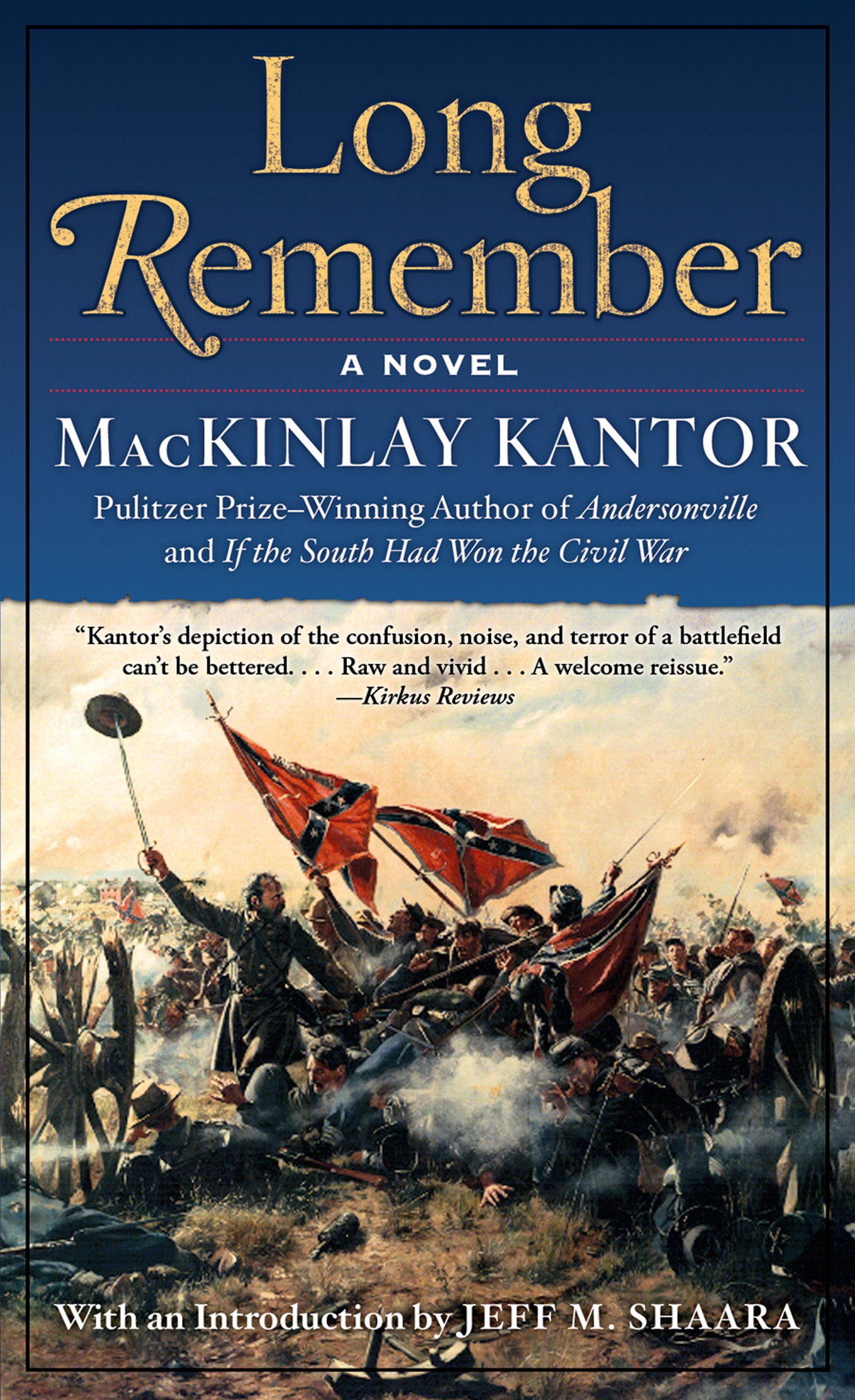
Long Remember : A Novel by MacKinlay Kantor, Jeff Shaara
Long Remember is the first realistic novel about the Civil War. Originally published in 1934, this book received rave reviews from the NY Times Book Review, and was a main selection of the Literary Guild. It is the account of the Battle of Gettysburg, as viewed by a pacifist who comes to accept the nasty necessity of combat. Kantor has also interwoven love and lust into this remarkable tale of passion, heroes, and a bloody battle.
At the Publisher's request, this title is being sold without Digital Rights Management Software (DRM) applied.
About the Author
MacKinley Kantor was born in Webster City, Iowa, on February 4, 1904. In 1934, he published Long Remember, which received numerous rave reviews and became his first bestseller. Ten years later, Kantor was awarded the Pulitzer Prize for his novel Andersonville. He was one of the most well-known American writers during the 1950s and still remains one of the most respected Civil War authors to date. He died on October 11, 1977.
Title: Long Remember : A Novel
Author(s): MacKinlay Kantor, Jeff Shaara
ISBN: 9781466841789
Copyright 2000
Release Date: August 07, 2000
Publisher: Tor Publishing Group
Countries: United States, Canada | Learn more about available countries
Language: English
Format: ePub,mobi | Learn More about our supported formats
Dragonmount is a proud provider of DRM-free eBooks. By purchasing any eBook from our store, you are not only helping support our website, but you are helping small businesses thrive in a market traditionally dominated by large companies. Learn more in our eBook FAQ.
Product Reviews
There are no reviews to display.