
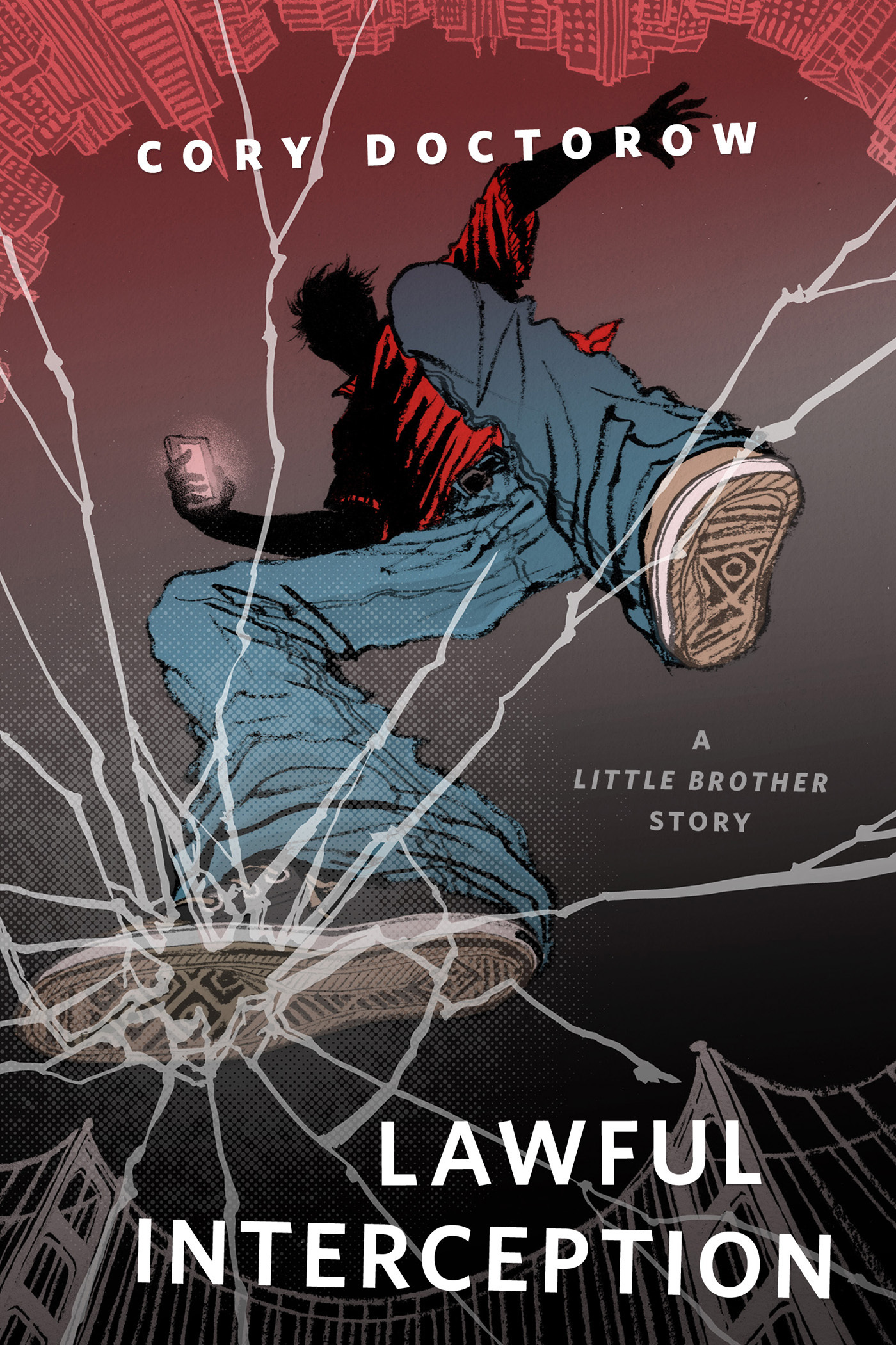
Lawful Interception : A Tor.Com Original Little Brother Story by Cory Doctorow
An all-new tale of Marcus Yallow, the hero of the bestselling novels Little Brother and Homeland -- as he deals with the aftermath of a devastating Oakland earthquake, with the help of friends, hacker allies, and some very clever crowdsourced drones.
"I'd recommend Little Brother over pretty much any book I've read this year." --Neil Gaiman
At the Publisher's request, this title is being sold without Digital Rights Management Software (DRM) applied.
About the Author
Cory Doctorow is a coeditor of Boing Boing and a columnist for multiple publications, including the Guardian, Locus, and Publishers Weekly. His award-winning novel Little Brother was a New York Times bestseller; its sequel, Homeland, was published in February 2013. Born and raised in Canada, he lives in London.
Title: Lawful Interception : A Tor.Com Original Little Brother Story
Author(s): Cory Doctorow
Series: Little Brother
ISBN: 9781466853843
Copyright 2013
Release Date: September 03, 2013
Publisher: Tor Publishing Group
Countries: United States, Canada | Learn more about available countries
Language: English
Format: mobi,ePub | Learn More about our supported formats
Dragonmount is a proud provider of DRM-free eBooks. By purchasing any eBook from our store, you are not only helping support our website, but you are helping small businesses thrive in a market traditionally dominated by large companies. Learn more in our eBook FAQ.
Product Reviews
There are no reviews to display.