
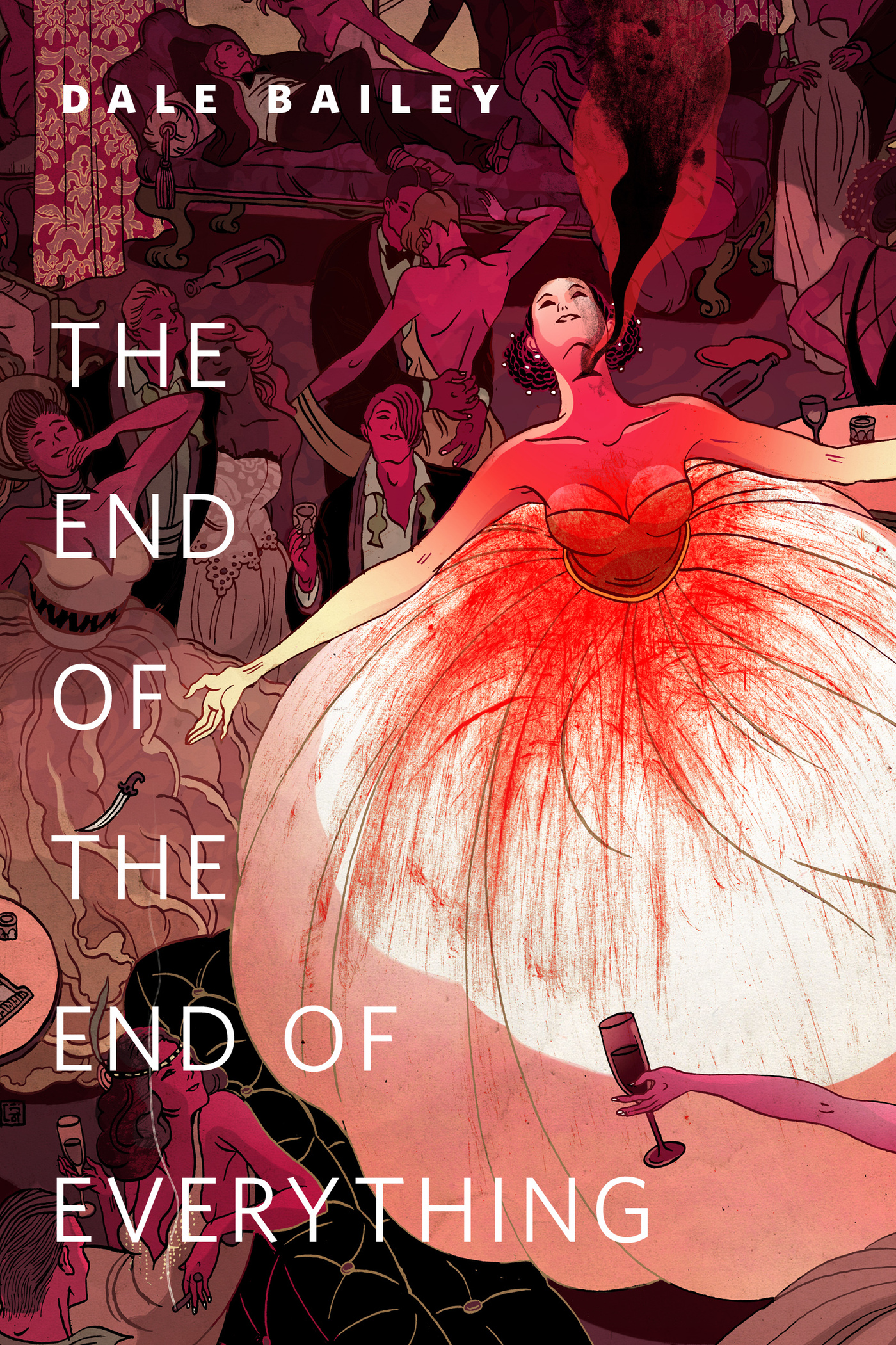
The End of the End of Everything : A Tor.Com Original by Dale Bailey
The End of the End of Everything, by Dale Bailey, is an sf/horror story about a long-married couple invited by an old friend to an exclusive artist's colony. The inhabitants of the colony indulge in suicide parties as the world teeters on the brink of extinction, worn away by some weird entropy.
At the Publisher's request, this title is being sold without Digital Rights Management Software (DRM) applied.
About the Author
Dale Bailey lives in North Carolina with has family, and has published three novels, The Fallen, House of Bones, and Sleeping Policemen (with Jack Slay, Jr.). His short fiction, collected in The Resurrection Man's Legacy and Other Stories, has won the International Horror Guild Award and has been twice nominated for the Nebula Award.
Title: The End of the End of Everything : A Tor.Com Original
Author(s): Dale Bailey
ISBN: 9781466868915
Copyright 2014
Release Date: April 23, 2014
Publisher: Tor Publishing Group
Countries: United States, Canada | Learn more about available countries
Language: English
Format: mobi,ePub | Learn More about our supported formats
Dragonmount is a proud provider of DRM-free eBooks. By purchasing any eBook from our store, you are not only helping support our website, but you are helping small businesses thrive in a market traditionally dominated by large companies. Learn more in our eBook FAQ.
Product Reviews
There are no reviews to display.