
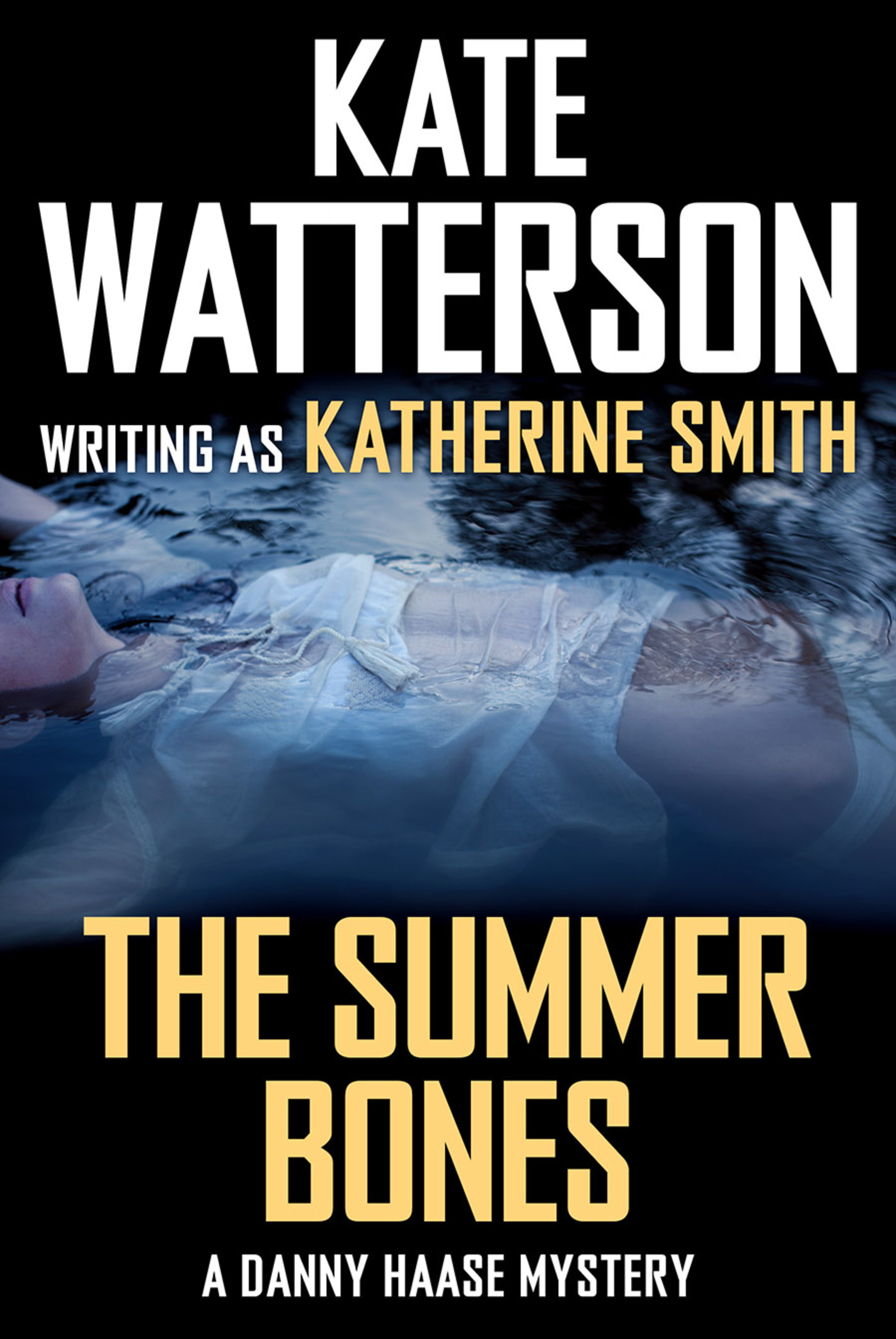
The Summer Bones : A Danny Haase Mystery by Kate Watterson
Detective Danny Haase has returned to his hometown police force looking for peace after leaving the despair of the big city only to face the disappearance of two local women, and the looming betrayal within his own family.
At the Publisher's request, this title is being sold without Digital Rights Management Software (DRM) applied.
About the Author
Kate Watterson grew up on a steady diet of mystery/suspense novels. If it involves murder and intrigue, she is bound to be hooked. Kate also writes award-winning historical novels as Emma Wildes. She lives in rural Indiana with her husband, three children, and a temperamental cat named Poot. She is the author of Frozen, Charred and Buried.
Title: The Summer Bones : A Danny Haase Mystery
Author(s): Kate Watterson
Series: Detective Danny Haase Series
ISBN: 9781466848788
Copyright 2015
Release Date: January 06, 2015
Publisher: Tor Publishing Group
Countries: United States, Canada | Learn more about available countries
Language: English
Format: mobi,ePub | Learn More about our supported formats
Dragonmount is a proud provider of DRM-free eBooks. By purchasing any eBook from our store, you are not only helping support our website, but you are helping small businesses thrive in a market traditionally dominated by large companies. Learn more in our eBook FAQ.
Product Reviews
There are no reviews to display.