
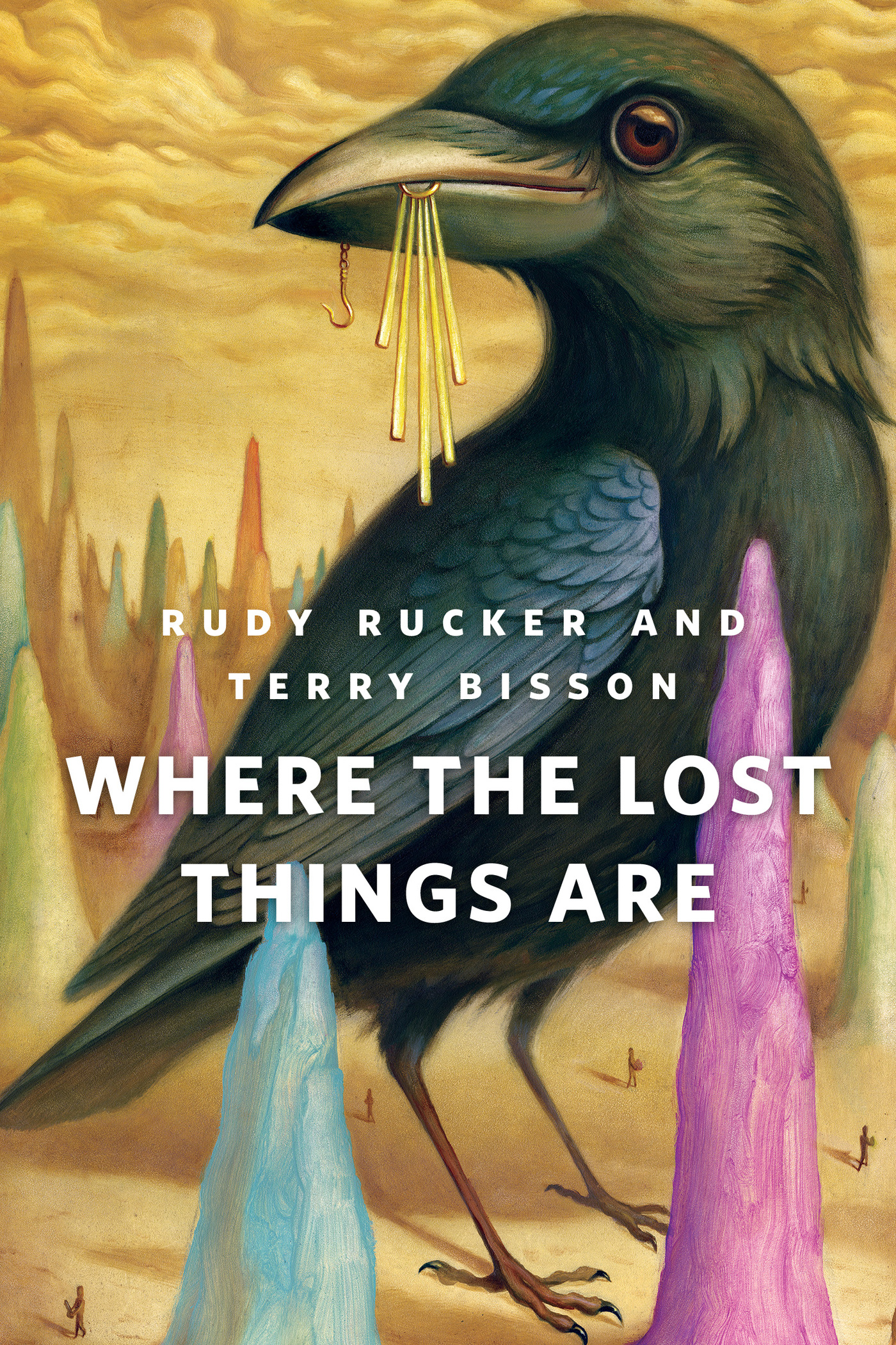
Where the Lost Things Are : A Tor.Com Original by Rudy Rucker, Terry Bisson
It's the only alternate universe. Just the one.
Thanks to "bluegene", life is long. But out Route 42 near Goshen, it's also kind of dull. Just the thing to encourage an expedition into the only actual other universe, the place where…but that would be telling.
At the Publisher's request, this title is being sold without Digital Rights Management Software (DRM) applied.
About the Author
Rudy Rucker is the author Ware tetralogy (Software, Wetware, Freeware, Realware); White Light; and many other science fiction stories and novels based on playful use of math. He is the great-great-great grandson of the philosopher Georg Wilhelm Friedrich Hegel.
Terry Bisson's many novels include Fire on the Mountain, Voyage to the Red Planet , and The Pickup Artist. His 1990 short story "Bears Discover Fire" won both the Hugo and the Nebula awards, and his all-dialogue story "They're Made Out of Meat" is one of the most widely-reprinted SF stories of the last several decades.
Title: Where the Lost Things Are : A Tor.Com Original
Author(s): Rudy Rucker, Terry Bisson
ISBN: 9781466885462
Copyright 2014
Release Date: November 05, 2014
Publisher: Tor Publishing Group
Countries: United States, Canada | Learn more about available countries
Language: English
Format: mobi,ePub | Learn More about our supported formats
Dragonmount is a proud provider of DRM-free eBooks. By purchasing any eBook from our store, you are not only helping support our website, but you are helping small businesses thrive in a market traditionally dominated by large companies. Learn more in our eBook FAQ.
Product Reviews
There are no reviews to display.