
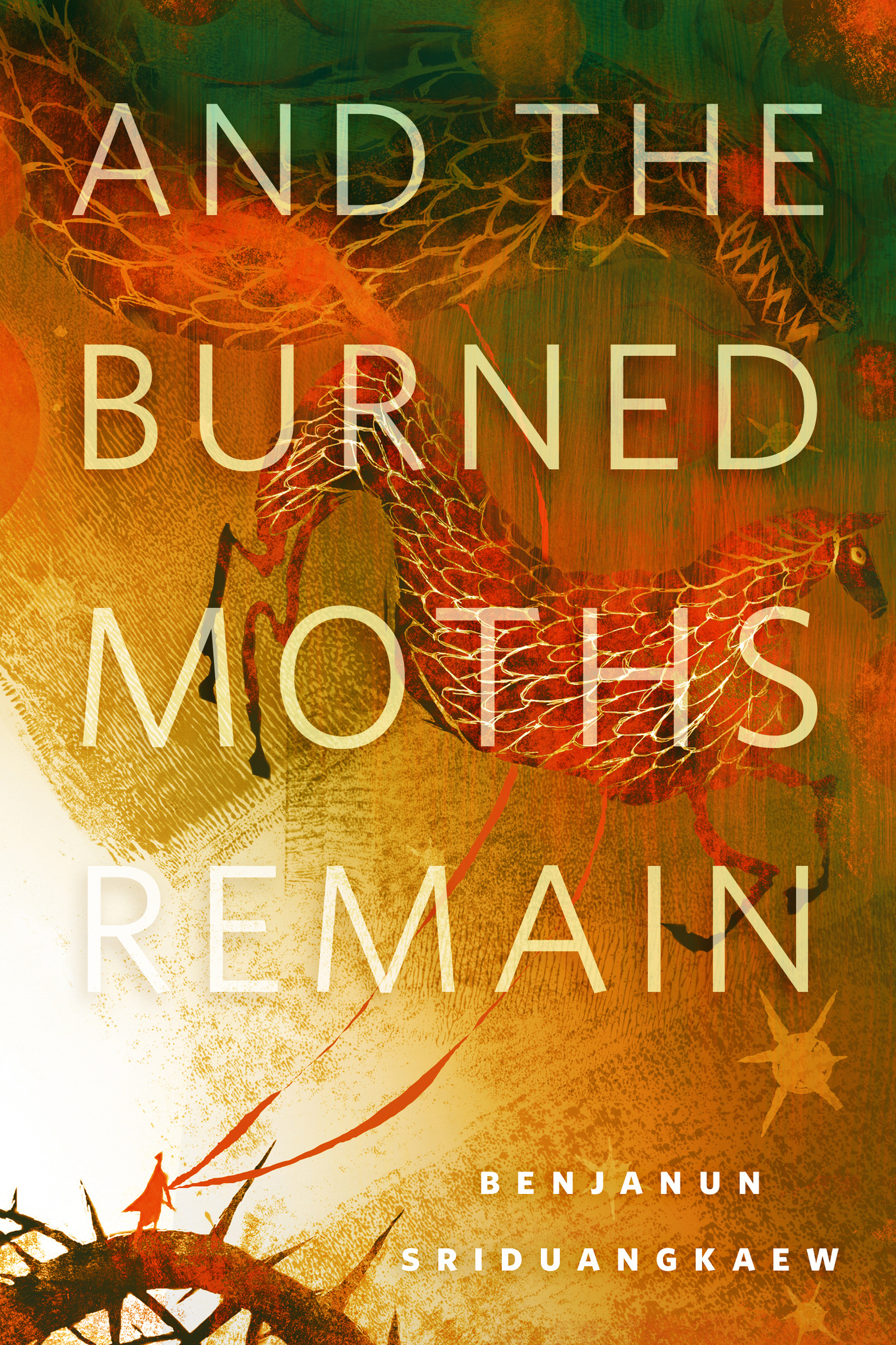
And the Burned Moths Remain : A Tor.Com Original by Benjanun Sriduangkaew
The shape of treason is a trunk of thorns, and Jingfei climbs knowing forgiveness waits at the zenith. But for the traitorous Record of Tiansong, who let their planet burn under the guns of the Hegemony, a second treason may be the only escape from their eternal prison.
At the Publisher's request, this title is being sold without Digital Rights Management Software (DRM) applied.
About the Author
Benjanun Sriduangkaew lives in a city one part magic and three parts future. Her short fiction can be found in Tor.com, Clarkesworld, Beneath Ceaseless Skies, various Mammoth Books and best of the year collections. She is a 2014 finalist for the Campbell Award for Best New Writer. Her debut novella Scale-Bright is out now from Immersion Press.
Title: And the Burned Moths Remain : A Tor.Com Original
Author(s): Benjanun Sriduangkaew
ISBN: 9781466886179
Copyright 2015
Release Date: January 14, 2015
Publisher: Tor Publishing Group
Countries: United States, Canada | Learn more about available countries
Language: English
Format: mobi,ePub | Learn More about our supported formats
Dragonmount is a proud provider of DRM-free eBooks. By purchasing any eBook from our store, you are not only helping support our website, but you are helping small businesses thrive in a market traditionally dominated by large companies. Learn more in our eBook FAQ.
Product Reviews
There are no reviews to display.