
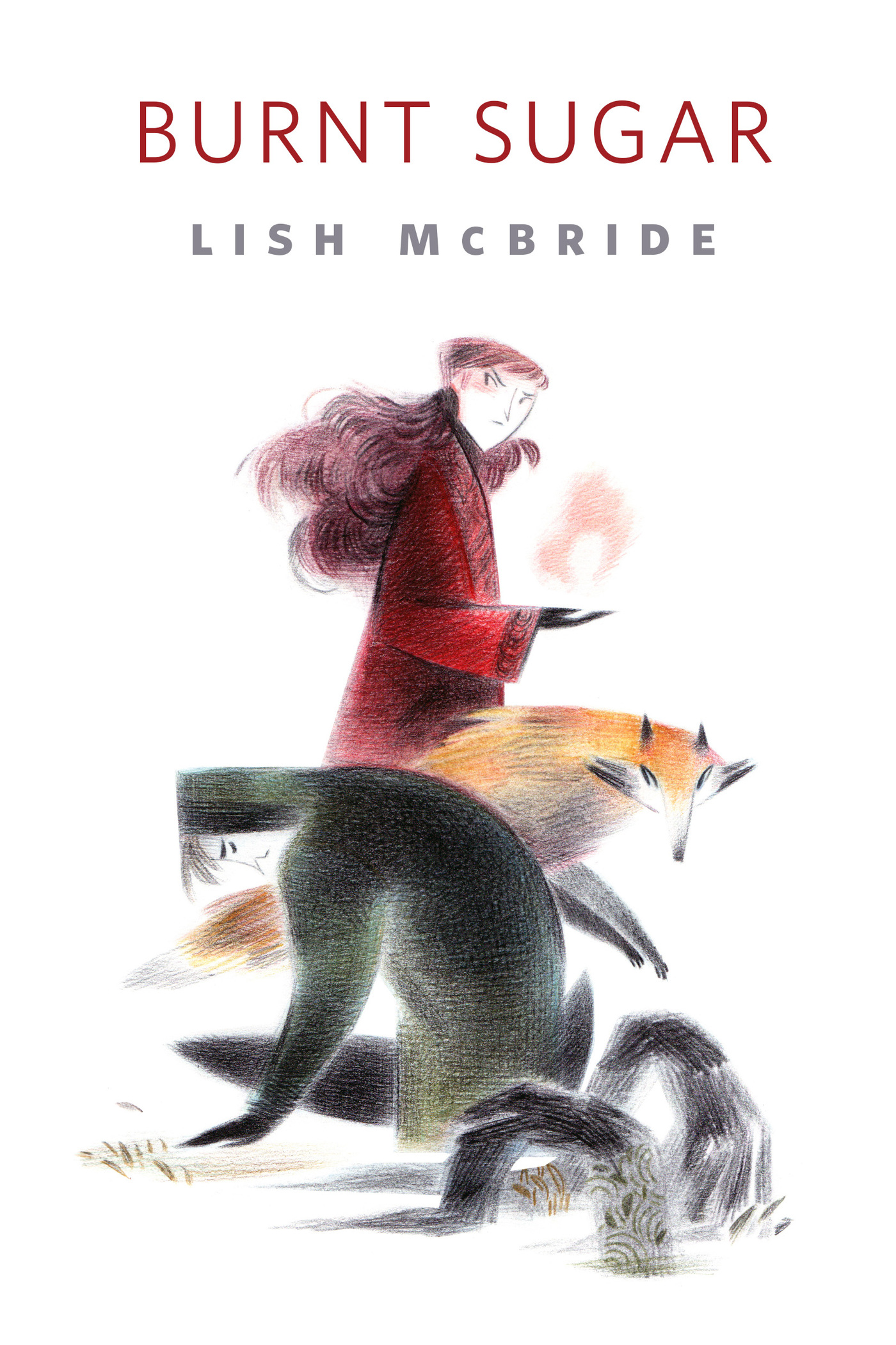
Burnt Sugar : A Tor.Com Original by Lish McBride
Ava, Lock, and Ezra are on assignment—for the magical mafia, of course. Faced with a gingerbread house, they're pretty sure that what's inside isn't nearly as sweet as the outside. It never is.
Featuring characters from Lish McBride's Firebug series.
At the Publisher's request, this title is being sold without Digital Rights Management Software (DRM) applied.
About the Author
Lish McBride is an author, bookseller, and all-around ne'er-do-well living in the Seattle area. When she isn't working or reading (most of the time), she is probably on Twitter, talking about how she needs a nap. Her latest novel is Firebug.
Title: Burnt Sugar : A Tor.Com Original
Author(s): Lish McBride
Series: Firebug
ISBN: 9781466885851
Copyright 2014
Release Date: December 09, 2014
Publisher: Tor Publishing Group
Countries: United States, Canada | Learn more about available countries
Language: English
Format: ePub,mobi | Learn More about our supported formats
Dragonmount is a proud provider of DRM-free eBooks. By purchasing any eBook from our store, you are not only helping support our website, but you are helping small businesses thrive in a market traditionally dominated by large companies. Learn more in our eBook FAQ.
Product Reviews
There are no reviews to display.