
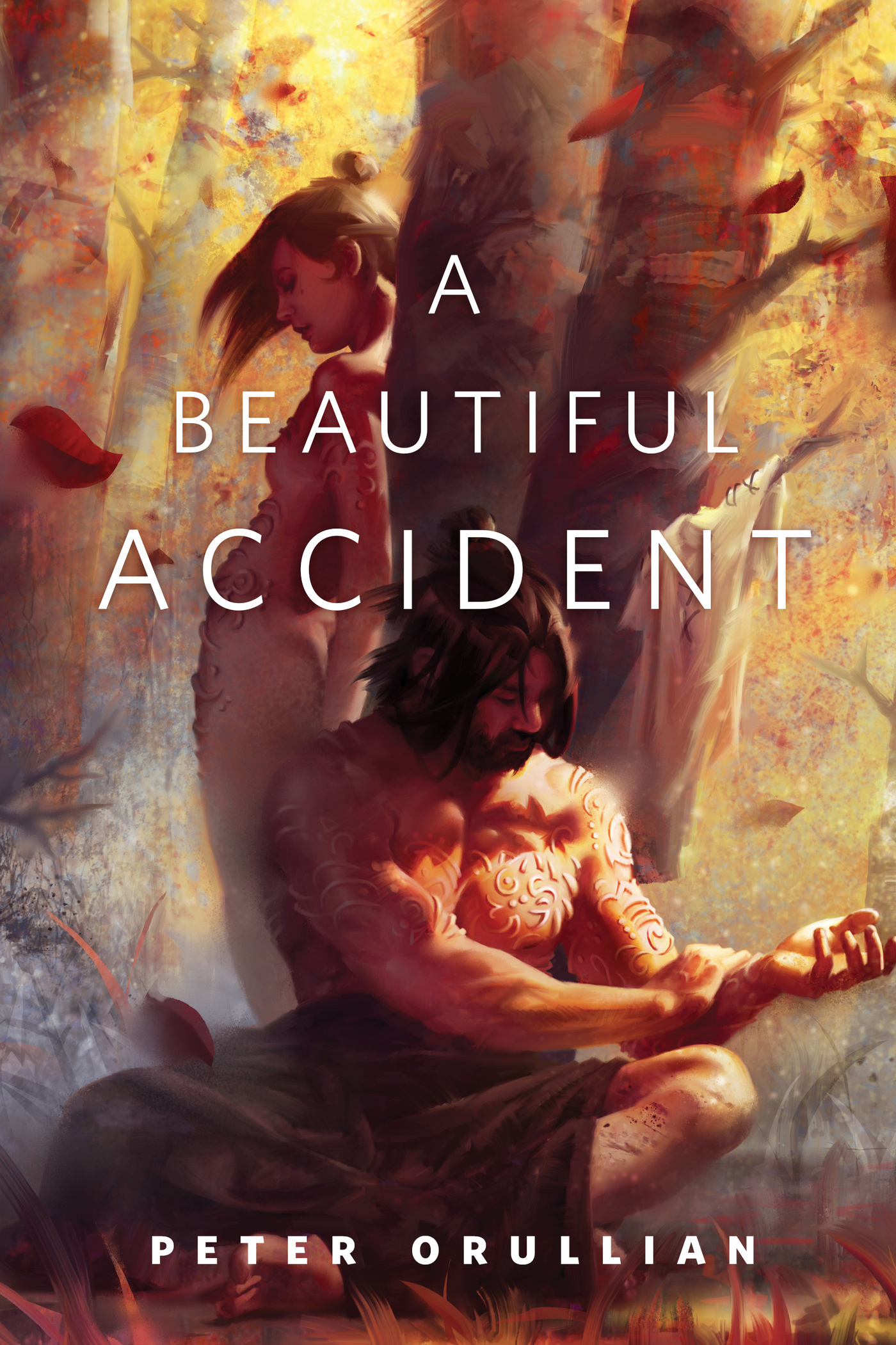
A Beautiful Accident : A Tor.Com Original by Peter Orullian
"In a culture where ritualized torture is used to teach its people strength through long-suffering, a foreign sufferer unintentionally teaches them something stronger . . . something gentler."
At the Publisher's request, this title is being sold without Digital Rights Management Software (DRM) applied.
About the Author
PETER ORULLIAN has worked in marketing at Xbox for nearly a decade, most recently leading the music and entertainment marketing strategy for Xbox LIVE, and has toured as a featured vocalist internationally at major music festivals. He has published several short stories in addition to The Unremembered. He lives in Seattle.
Title: A Beautiful Accident : A Tor.Com Original
Author(s): Peter Orullian
ISBN: 9781466886162
Copyright 2015
Release Date: January 13, 2015
Publisher: Tor Publishing Group
Countries: United States, Canada | Learn more about available countries
Language: English
Format: ePub,mobi | Learn More about our supported formats
Dragonmount is a proud provider of DRM-free eBooks. By purchasing any eBook from our store, you are not only helping support our website, but you are helping small businesses thrive in a market traditionally dominated by large companies. Learn more in our eBook FAQ.
Product Reviews
There are no reviews to display.