
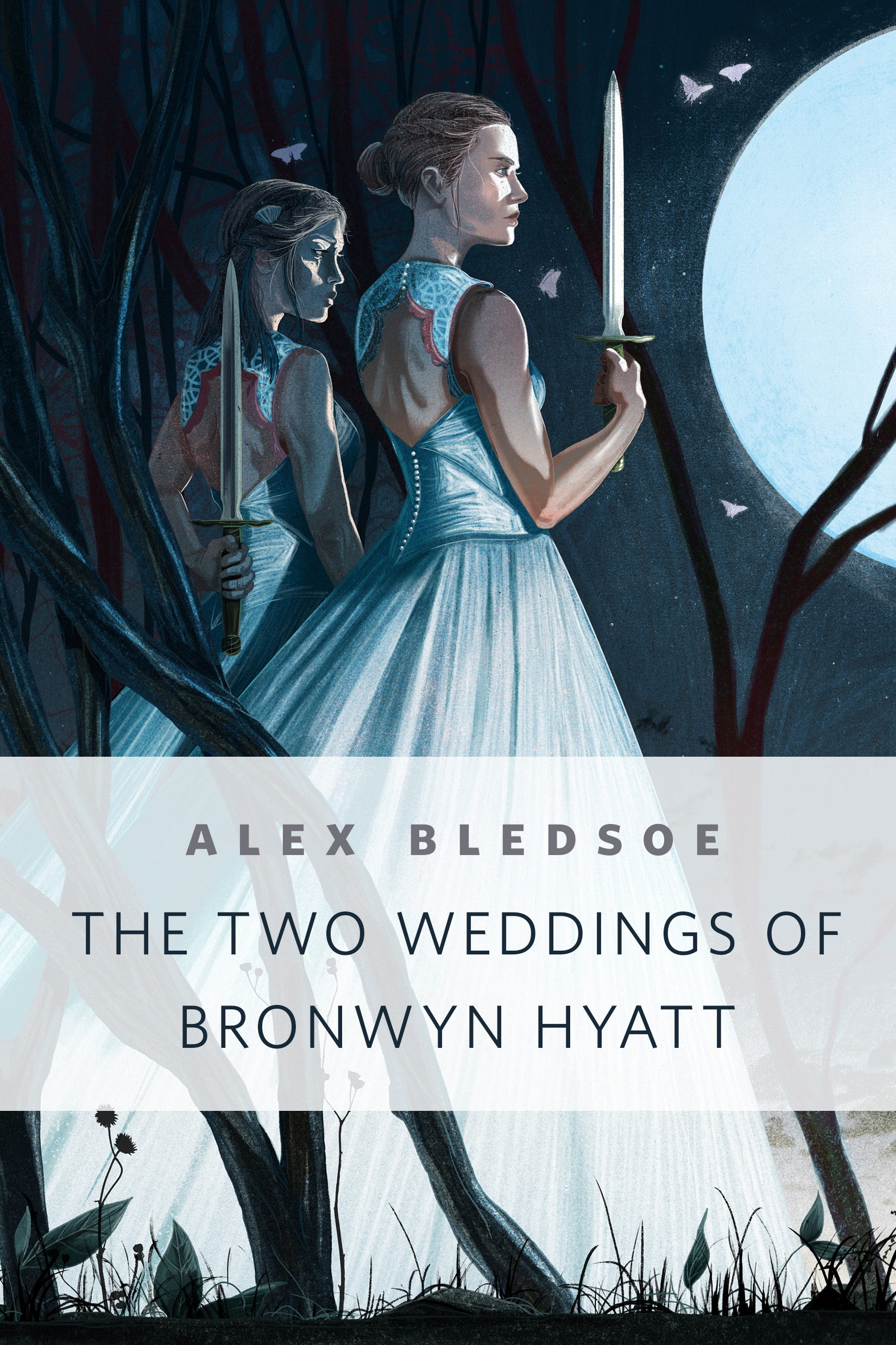
The Two Weddings of Bronwyn Hyatt : A Tor.Com Original by Alex Bledsoe
When Bronwyn Hyatt prepares for her wedding day, she finds the perfect dress from a most unexpected source. But she should remember this: never accept a gift without knowing the consequences. Set in Alex Bledsoe's Tufa universe.
At the Publisher's request, this title is being sold without Digital Rights Management Software (DRM) applied.
About the Author
ALEX BLEDSOE is the critically-acclaimed author of the Tufa novels The Hum and the Shiver and Wisp of a Thing as well as the novels in the Eddie LaCrosse series: The Sword-Edged Blonde, Burn Me Deadly, and Dark Jenny.
Title: The Two Weddings of Bronwyn Hyatt : A Tor.Com Original
Author(s): Alex Bledsoe
Series: Tufa Novels
ISBN: 9781466889729
Copyright 2015
Release Date: May 06, 2015
Publisher: Tor Publishing Group
Countries: United States, Canada | Learn more about available countries
Language: English
Format: ePub,mobi | Learn More about our supported formats
Dragonmount is a proud provider of DRM-free eBooks. By purchasing any eBook from our store, you are not only helping support our website, but you are helping small businesses thrive in a market traditionally dominated by large companies. Learn more in our eBook FAQ.
Product Reviews
There are no reviews to display.