
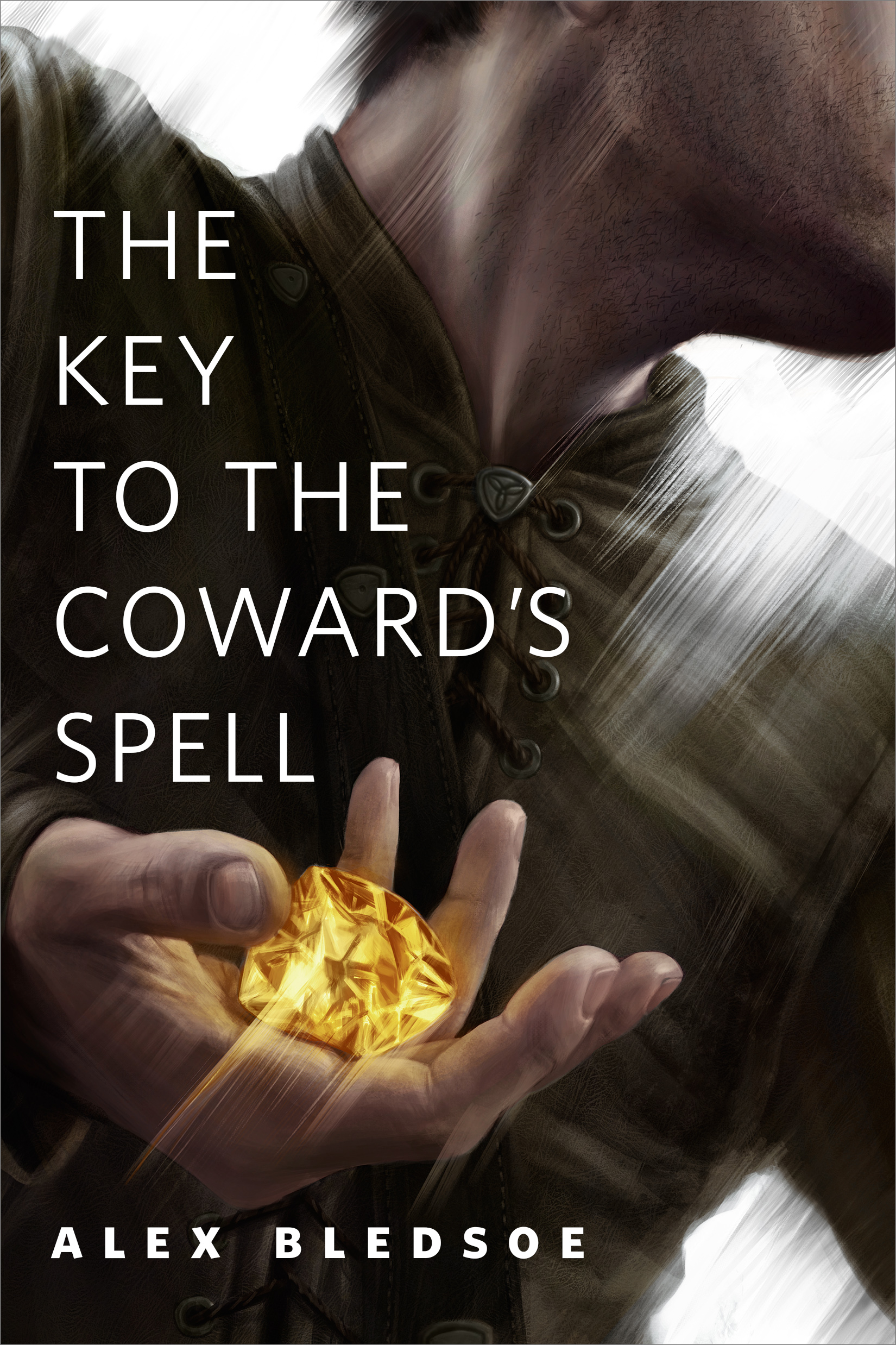
The Key to the Coward's Spell : A Tor.Com Original Eddie LaCrosse Short Story by Alex Bledsoe
A tale set in Alex Bledsoe's popular medieval noir fantasy world, starring Eddie LaCrosse.
Nursing an injured arm while on the job searching for a missing kid is bad enough for sword jockey Eddie LaCrosse. But when he discovers a smuggling ring rumored to be protected by powerful magic, he seeks out old friends and new to lend a hand.
At the Publisher's request, this title is being sold without Digital Rights Management Software (DRM) applied.
About the Author
ALEX BLEDSOE is the critically-acclaimed author of the Tufa novels The Hum and the Shiver, Wisp of a Thing, Long Black Curl, and the latest installment Chapel of Ease. He is also the author of the Eddie LaCrosse series: The Sword-Edged Blonde, Burn Me Deadly, and Dark Jenny.
Title: The Key to the Coward's Spell : A Tor.Com Original Eddie LaCrosse Short Story
Author(s): Alex Bledsoe
Series: Eddie LaCrosse
ISBN: 9780765391247
Copyright 2016
Release Date: August 31, 2016
Publisher: Tor Publishing Group
Countries: United States, Canada | Learn more about available countries
Language: English
Format: mobi,ePub | Learn More about our supported formats
Dragonmount is a proud provider of DRM-free eBooks. By purchasing any eBook from our store, you are not only helping support our website, but you are helping small businesses thrive in a market traditionally dominated by large companies. Learn more in our eBook FAQ.
Product Reviews
There are no reviews to display.