
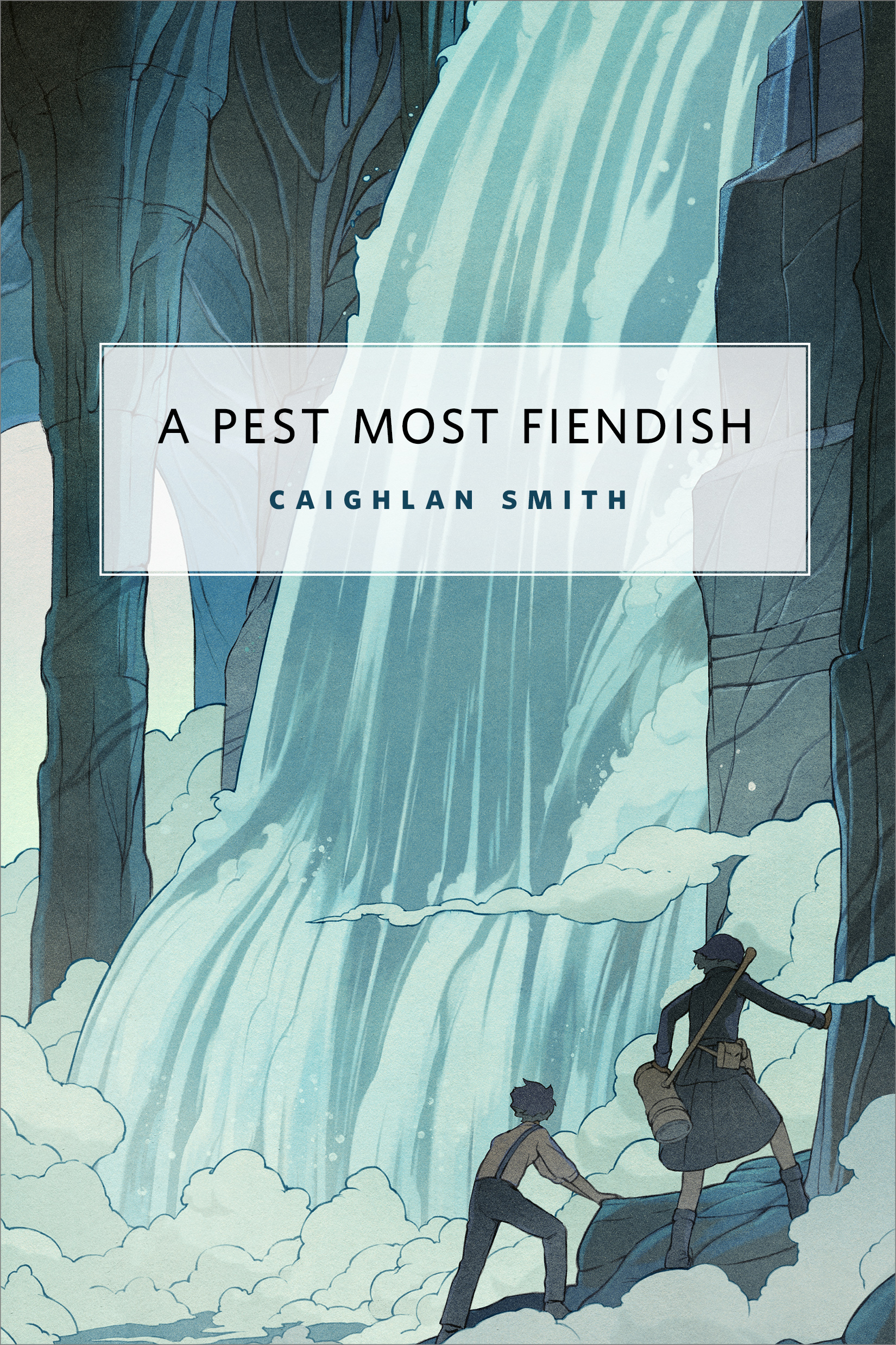
A Pest Most Fiendish : A Tor.com Original by Caighlan Smith
Miss Pippa Kipling and her automaton companion, the Porter, exterminate pests of the supernatural variety. What should be a typical job in your average haunted cavern soon derails in an inconveniently undead fashion. Even with the aid of her gadget collection and the Porter’s prowess, this task may prove fatal for Miss Kipling—or worse, rip her petticoat.
At the Publisher's request, this title is being sold without Digital Rights Management Software (DRM) applied.
About the Author
Caighlan Smith writes all kinds of fantasy and is the author of the Surreality series. Her first published novel Hallow Hourwas written when she was seventeen. An award-winning writer, Caighlan is studying English, Classics and Creative Writing at Memorial University of Newfoundland. She has written twelve novels. The ‘C’ in her name is hard and the ‘gh’ is silent.
Title: A Pest Most Fiendish : A Tor.com Original
Author(s): Caighlan Smith
ISBN: 9780765392244
Copyright 2016
Release Date: November 16, 2016
Publisher: Tor Publishing Group
Countries: United States, Canada | Learn more about available countries
Language: English
Format: mobi,ePub | Learn More about our supported formats
Dragonmount is a proud provider of DRM-free eBooks. By purchasing any eBook from our store, you are not only helping support our website, but you are helping small businesses thrive in a market traditionally dominated by large companies. Learn more in our eBook FAQ.
Product Reviews
There are no reviews to display.