
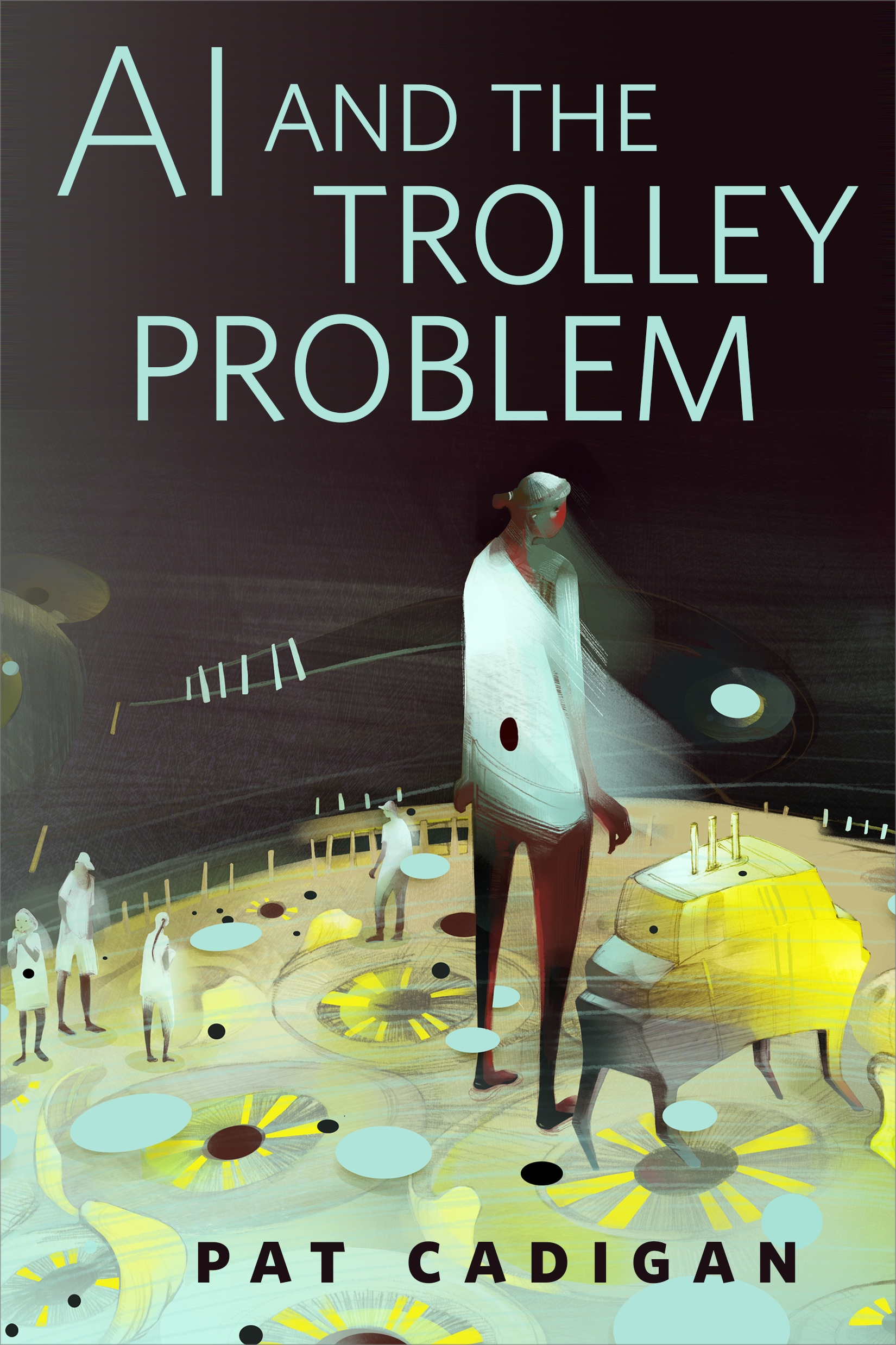
AI and the Trolley Problem : A Tor.com Original by Pat Cadigan
A provocative story about the relationship between the humans on a British airbase and the AI security system that guards that base. When a group of humans are killed, the question is who is responsible and why. Find out in AI and the Trolley Problem, Pat Cadigan's Tor.com Original story.
At the Publisher's request, this title is being sold without Digital Rights Management Software (DRM) applied.
About the Author
Pat Cadigan sold her first professional science fiction story in 1980; her success as an author encouraged her to become a full-time writer in 1987. She emigrated to England with her son in 1996. She is the author of fifteen books, including two nonfiction books on the making of Lost in Space and The Mummy, a young adult novel, and the two Arthur C. Clarke Award-winning novels Synners and Fools. Pat lives in gritty, urban North London with the Original Chris Fowler and Gentleman Jinx, coolest black cat in town.
Title: AI and the Trolley Problem : A Tor.com Original
Author(s): Pat Cadigan
ISBN: 9781250316257
Copyright 2018
Release Date: October 17, 2018
Publisher: Tor Publishing Group
Countries: United States, Canada | Learn more about available countries
Language: English
Format: ePub,mobi | Learn More about our supported formats
Dragonmount is a proud provider of DRM-free eBooks. By purchasing any eBook from our store, you are not only helping support our website, but you are helping small businesses thrive in a market traditionally dominated by large companies. Learn more in our eBook FAQ.
Product Reviews
There are no reviews to display.