
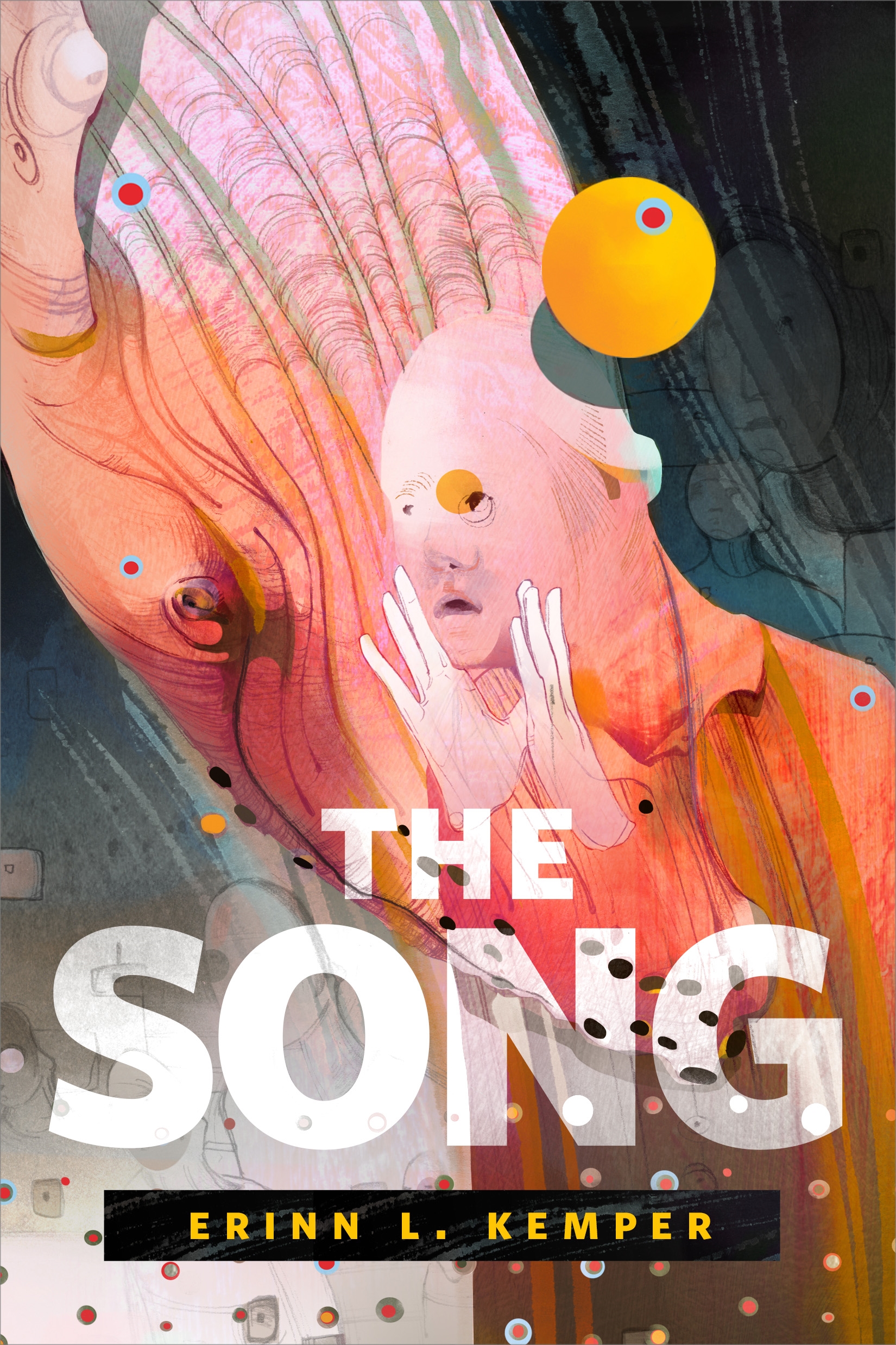
The Song : A Tor.com Original by Erinn L. Kemper
A powerful near future story about two people on a whale-processing rig: one a researcher, the other a worker—and the discovery they make by listening to whale song.
The Song is a Tor.com Original from Erinn L. Kemper.
At the Publisher's request, this title is being sold without Digital Rights Management Software (DRM) applied.
About the Author
Erinn L. Kemper is a Canadian who now lives on the Caribbean coast of Costa Rica where she wakes with the toucans and howler monkeys, writes in her hammock, walks her dog on the beach, and drinks ridiculous amounts of coffee, at least until happy hour. Erinn has sold stories to Cemetery Dance Magazine and Black Static and appears in various anthologies including Adam’s Ladder and Behold! Oddities, Curiosities and Undefinable Wonders.
Title: The Song : A Tor.com Original
Author(s): Erinn L. Kemper
ISBN: 9781250317889
Copyright 2019
Release Date: February 13, 2019
Publisher: Tor Publishing Group
Countries: United States, Canada | Learn more about available countries
Language: English
Format: mobi,ePub | Learn More about our supported formats
Dragonmount is a proud provider of DRM-free eBooks. By purchasing any eBook from our store, you are not only helping support our website, but you are helping small businesses thrive in a market traditionally dominated by large companies. Learn more in our eBook FAQ.
Product Reviews
There are no reviews to display.