
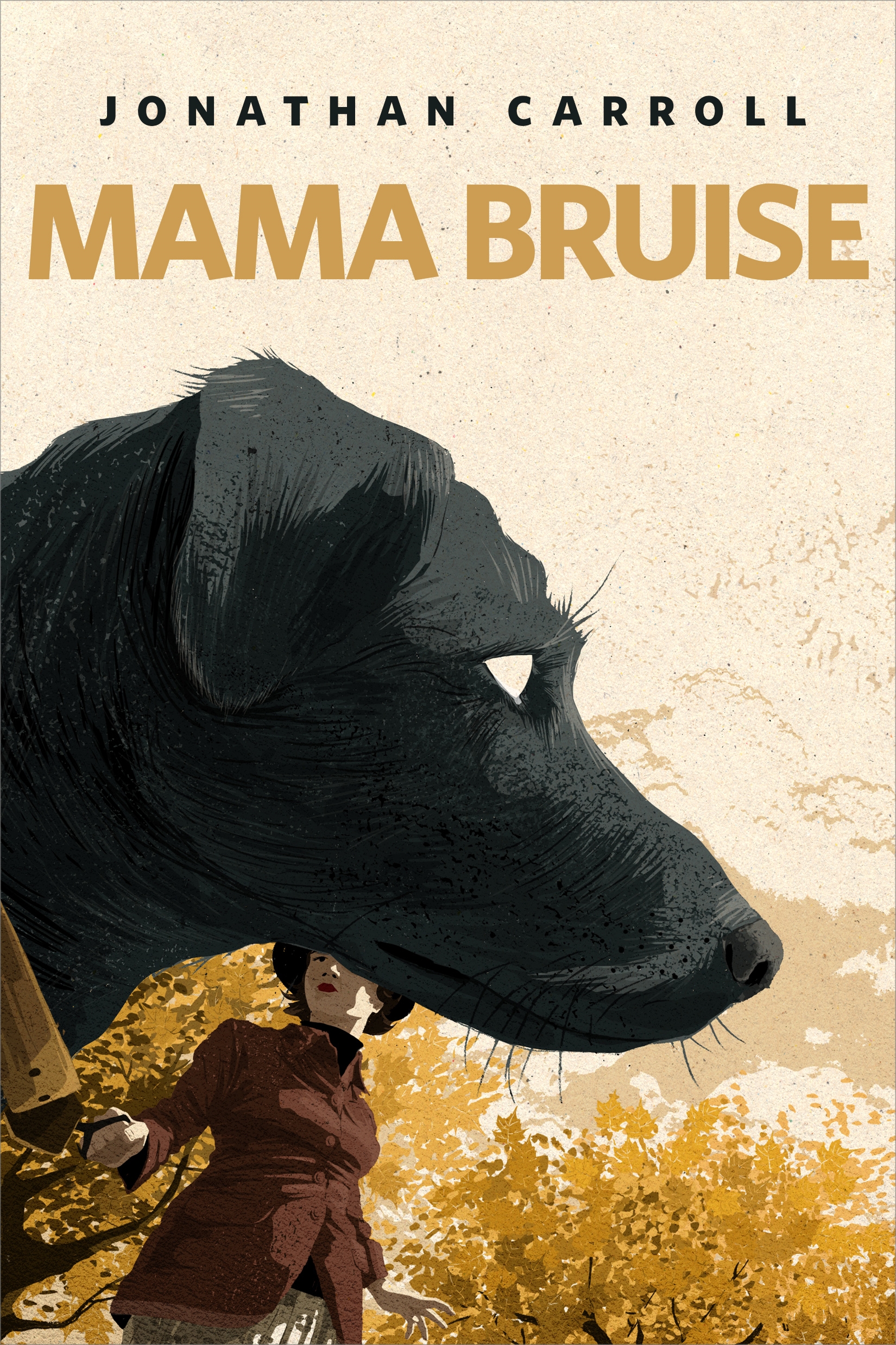
Mama Bruise : A Tor.com Original by Jonathan Carroll
She was the first to fall. As she walked the dog one night, it saw something off to the side and bolted.
A couple is concerned when their dog behaves increasingly bizarrely: first to their chagrin, and, eventually, to their alarm. . . in Jonathan Carroll's Mama Bruise, a Tor.com Original short story.
At the Publisher's request, this title is being sold without Digital Rights Management Software (DRM) applied.
About the Author
Jonathan Carroll has written more than twenty books including Bathing the Lion, The Woman Who Married a Cloud, and The Land Of Laughs. He lives in Vienna.
Title: Mama Bruise : A Tor.com Original
Author(s): Jonathan Carroll
ISBN: 9781250312419
Copyright 2019
Release Date: April 17, 2019
Publisher: Tor Publishing Group
Countries: United States, Canada | Learn more about available countries
Language: English
Format: mobi,ePub | Learn More about our supported formats
Dragonmount is a proud provider of DRM-free eBooks. By purchasing any eBook from our store, you are not only helping support our website, but you are helping small businesses thrive in a market traditionally dominated by large companies. Learn more in our eBook FAQ.
Product Reviews
There are no reviews to display.