
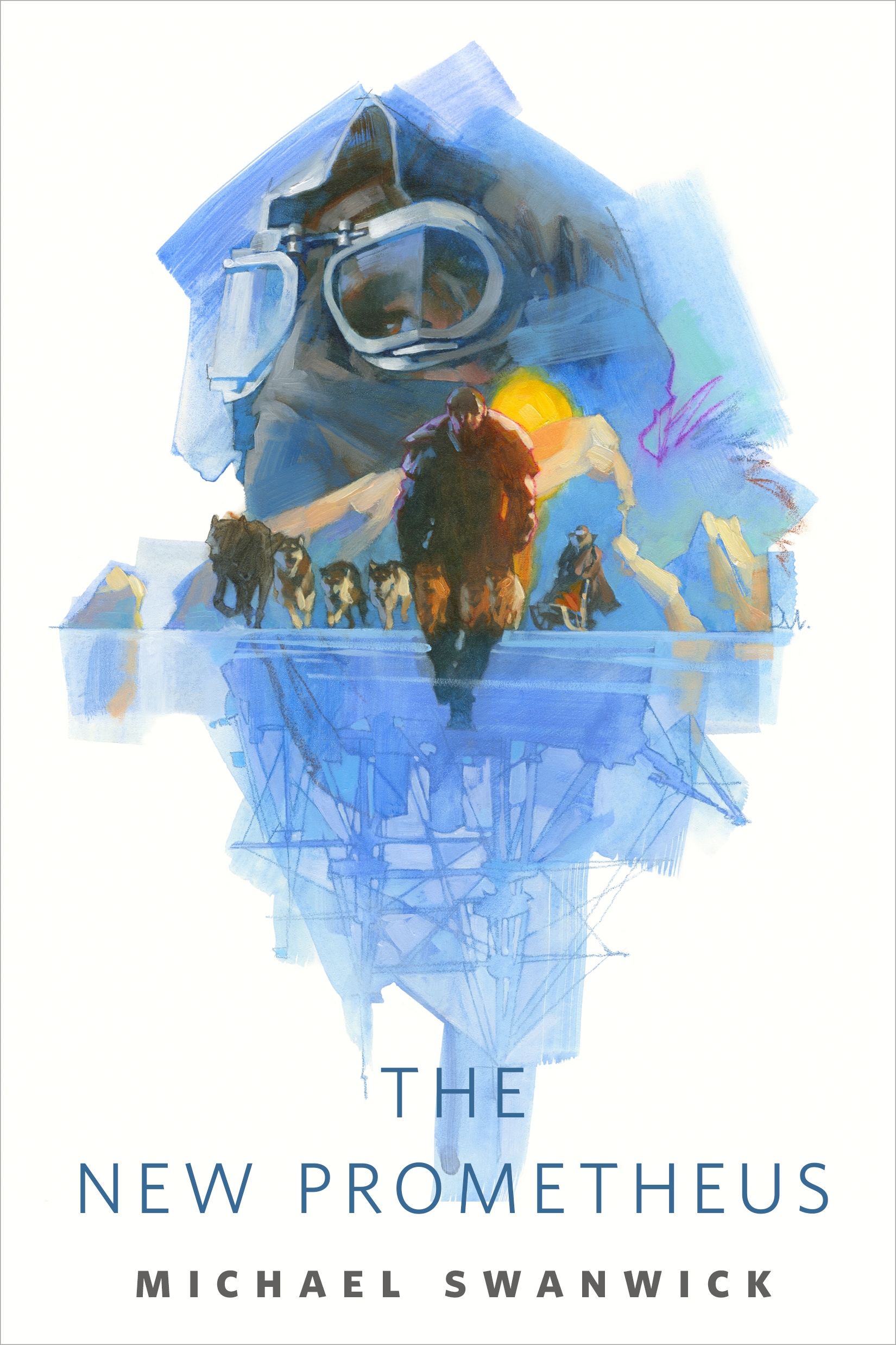
The New Prometheus : A Tor.com Original by Michael Swanwick
The New Prometheus is the ninth story in the Mongolian Wizard universe.
Hugo and Nebula Award-winning author Michael Swanwick has been building the world of the Mongolian Wizard on Tor.com since its first installment in 2012. The series depicts an alternate fin de siècle Europe shot through with magic, mystery, and intrigue, unveiled piece by piece in a series of stand-alone stories, and visualized with art by Greg Manchess.
At the Publisher's request, this title is being sold without Digital Rights Management Software (DRM) applied.
About the Author
MICHAEL SWANWICK is an institution in both science fiction and fantasy literature. He has served as an influence on genre fiction as a whole as well as an inspiration to many leading authors. He has been a finalist multiple times for every major award in science fiction/fantasy, from the Nebula to the Hugo. Michael is the author of The Mongolian Wizard novels as well Stations of the Tide, The Dragons of Babel, and Chasing the Phoenix.
Title: The New Prometheus : A Tor.com Original
Author(s): Michael Swanwick
Volume: 9
ISBN: 9781250620590
Copyright 2019
Release Date: June 19, 2019
Publisher: Tor Publishing Group
Countries: United States, Canada | Learn more about available countries
Language: English
Format: ePub,mobi | Learn More about our supported formats
Dragonmount is a proud provider of DRM-free eBooks. By purchasing any eBook from our store, you are not only helping support our website, but you are helping small businesses thrive in a market traditionally dominated by large companies. Learn more in our eBook FAQ.
Product Reviews
There are no reviews to display.