
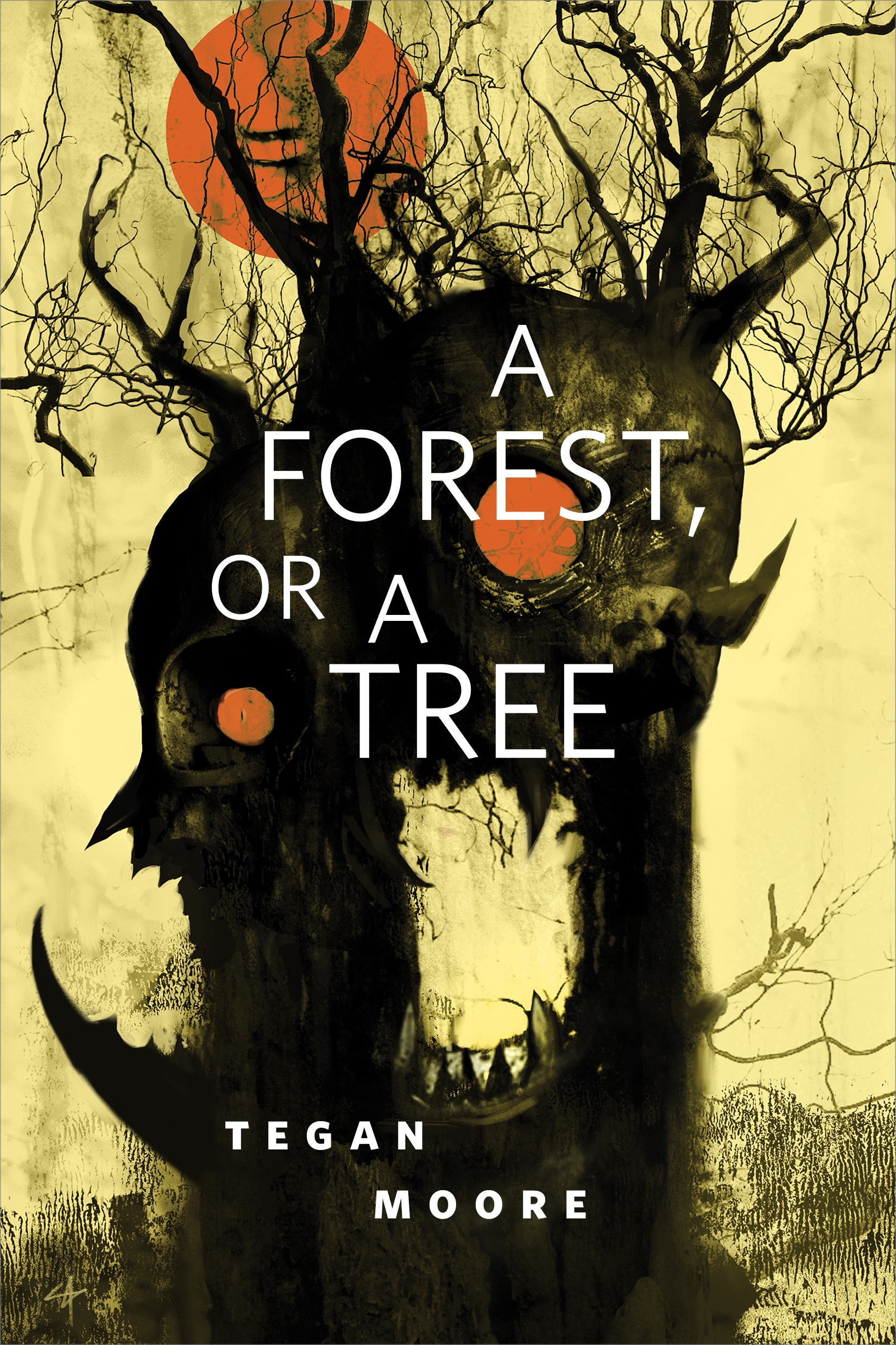
A Forest, or a Tree : A Tor.com Original by Tegan Moore
"A Forest, or a Tree" is a nightmarish horror story from author Tegan Moore, a Tor.com Original.
Four friends, May, Piper, Ailey, and Elizabeth, go on a camping trip. Things slowly begin to go wrong.
It was just the four of them, four girls alone in the forest.
At the Publisher's request, this title is being sold without Digital Rights Management Software (DRM) applied.
About the Author
Tegan Moore loves to find the alien among us: in the minds of animals, in humans who might not be entirely human, in the monsters we create out of our own frustrations and fears. Her writing has been published in Asimov's Science Fiction and Strange Horizons. She is a Clarion West graduate, a professional dog trainer, is allergic to chocolate and only has eight toenails.
Title: A Forest, or a Tree : A Tor.com Original
Author(s): Tegan Moore
ISBN: 9781250234421
Copyright 2019
Release Date: June 26, 2019
Publisher: Tor Publishing Group
Countries: United States, Canada | Learn more about available countries
Language: English
Format: mobi,ePub | Learn More about our supported formats
Dragonmount is a proud provider of DRM-free eBooks. By purchasing any eBook from our store, you are not only helping support our website, but you are helping small businesses thrive in a market traditionally dominated by large companies. Learn more in our eBook FAQ.
Product Reviews
There are no reviews to display.