
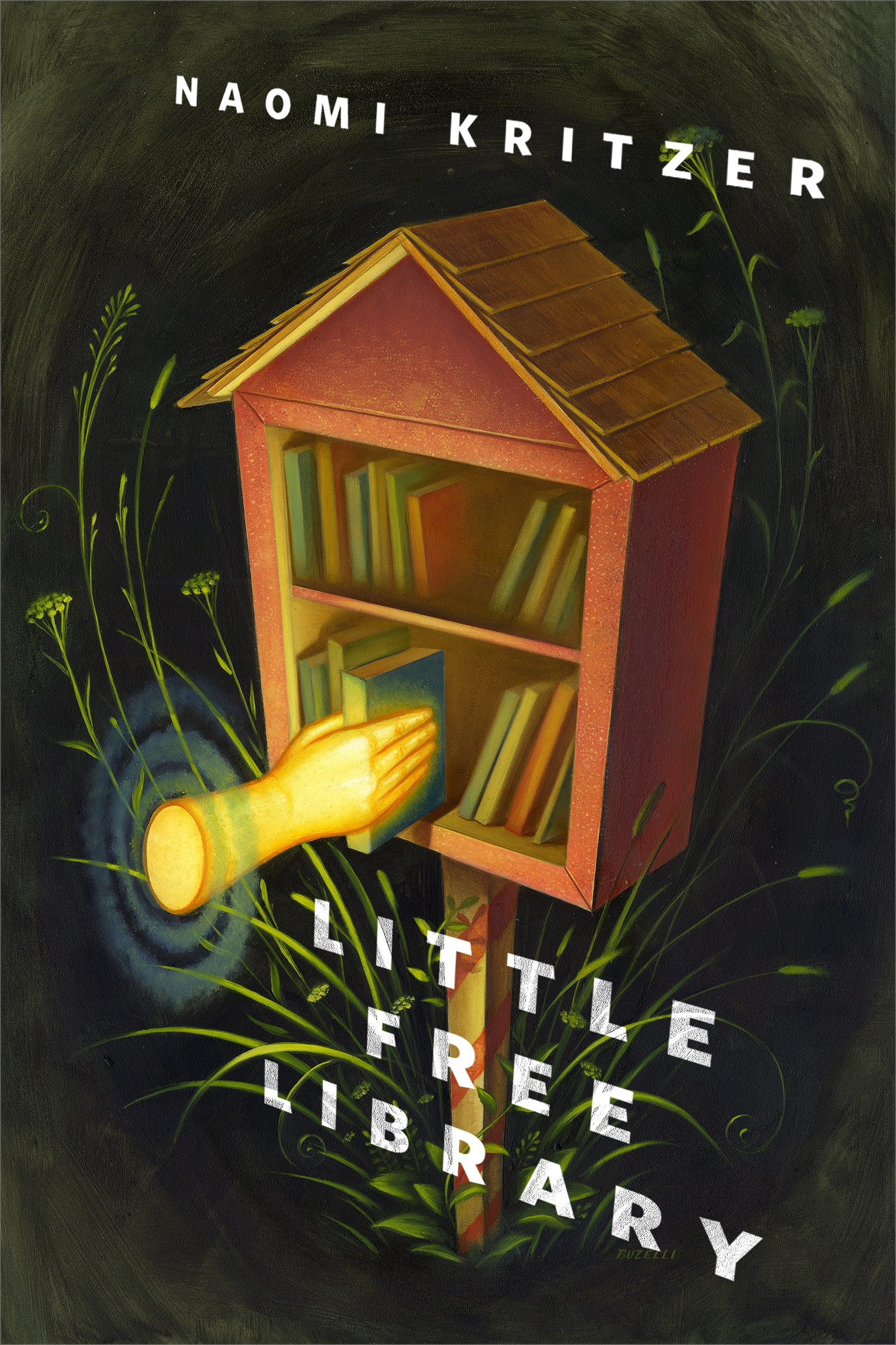
Little Free Library : A Tor.com Original by Naomi Kritzer
From the award-wining fantasy author of the Dead Rivers Trilogy, comes Naomi Kritzer's enchanting Tor.com Original short story, "Little Free Library"
Upon setting up her own Little Free Library that she built from a kit, Meagan develops an unexpected friendship with a mysterious book borrower.
At the Publisher's request, this title is being sold without Digital Rights Management Software (DRM) applied.
About the Author
NAOMI KRITZER has been making friends online since her teens, when she had to use a modem to dial up at 2400 baud. She is a writer and blogger who has published a number of short stories and novels for adults, including the Eliana's Song duology and the Dead Rivers Trilogy. Her 2015 short story “Cat Pictures Please” won the Hugo Award and Locus Award and was a finalist for the Nebula. Naomi lives in St. Paul, Minnesota, with her family and four cats. The number of cats is subject to change without notice.
Title: Little Free Library : A Tor.com Original
Author(s): Naomi Kritzer
ISBN: 9781250780621
Copyright 2020
Release Date: April 08, 2020
Publisher: Tor Publishing Group
Countries: United States, Canada | Learn more about available countries
Language: English
Format: ePub,mobi | Learn More about our supported formats
Dragonmount is a proud provider of DRM-free eBooks. By purchasing any eBook from our store, you are not only helping support our website, but you are helping small businesses thrive in a market traditionally dominated by large companies. Learn more in our eBook FAQ.
Product Reviews
There are no reviews to display.