
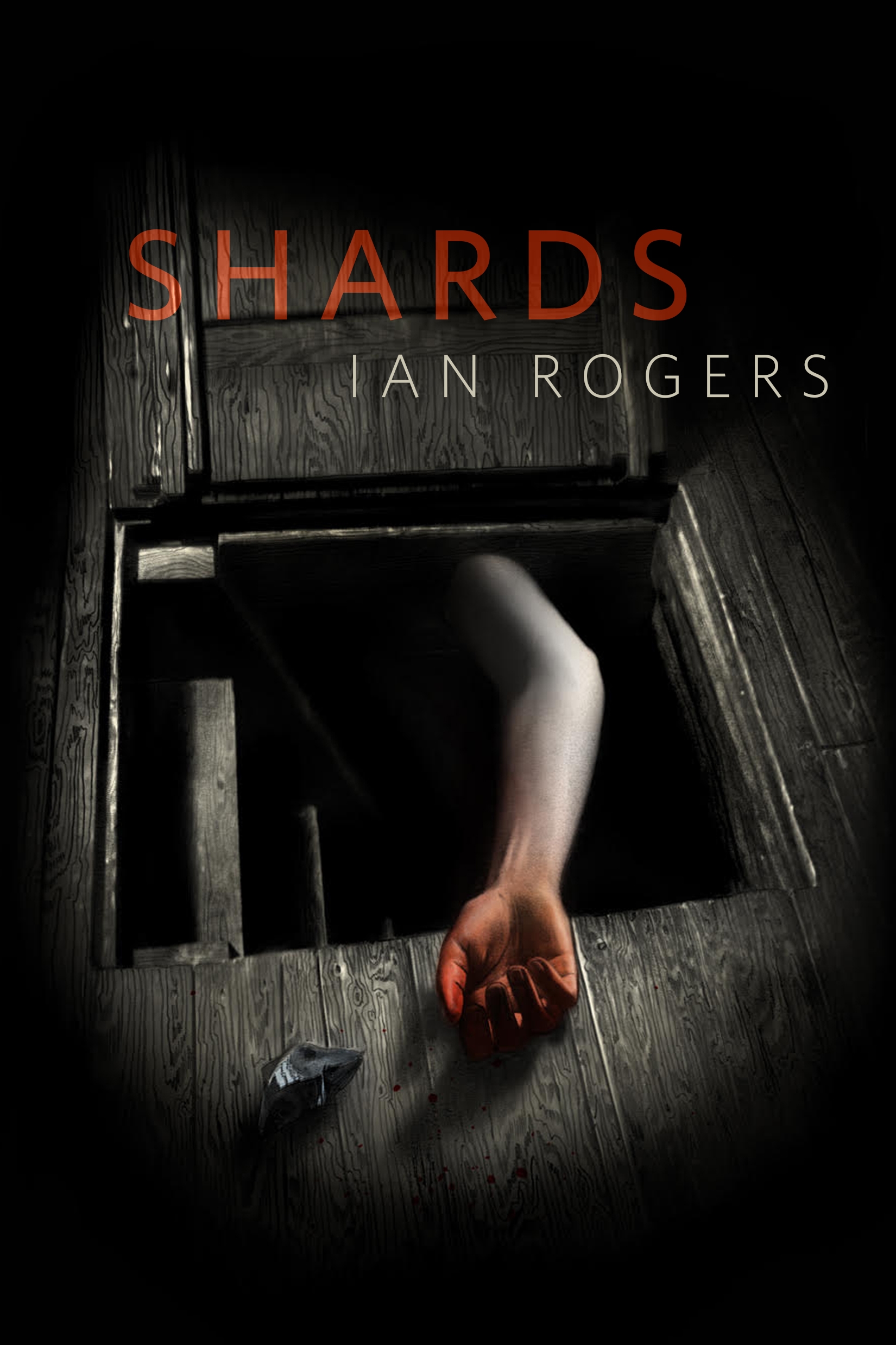
Shards : A Tor.com Original by Ian Rogers
From the award-winning author of the collection Every House Is Haunted comes Ian Rogers's horror story, "Shards", a Tor.com Original
A group of five friends rent a cabin in the woods—the next day only four are alive. What happened and why is something the survivors are desperate to unravel.
At the Publisher's request, this title is being sold without Digital Rights Management Software (DRM) applied.
About the Author
Ian Rogers is the author of the award-winning collection, Every House Is Haunted. A novelette from the collection, “The House on Ashley Avenue,” was a finalist for the Shirley Jackson Award. His work has been selected for The Best Horror of the Year and Imaginarium: The Best Canadian Speculative Writing. Ian lives with his wife in Peterborough, Ontario.
Title: Shards : A Tor.com Original
Author(s): Ian Rogers
ISBN: 9781250795830
Copyright 2021
Release Date: January 27, 2021
Publisher: Tor Publishing Group
Countries: United States, Canada | Learn more about available countries
Language: English
Format: ePub,mobi | Learn More about our supported formats
Dragonmount is a proud provider of DRM-free eBooks. By purchasing any eBook from our store, you are not only helping support our website, but you are helping small businesses thrive in a market traditionally dominated by large companies. Learn more in our eBook FAQ.
Product Reviews
There are no reviews to display.