
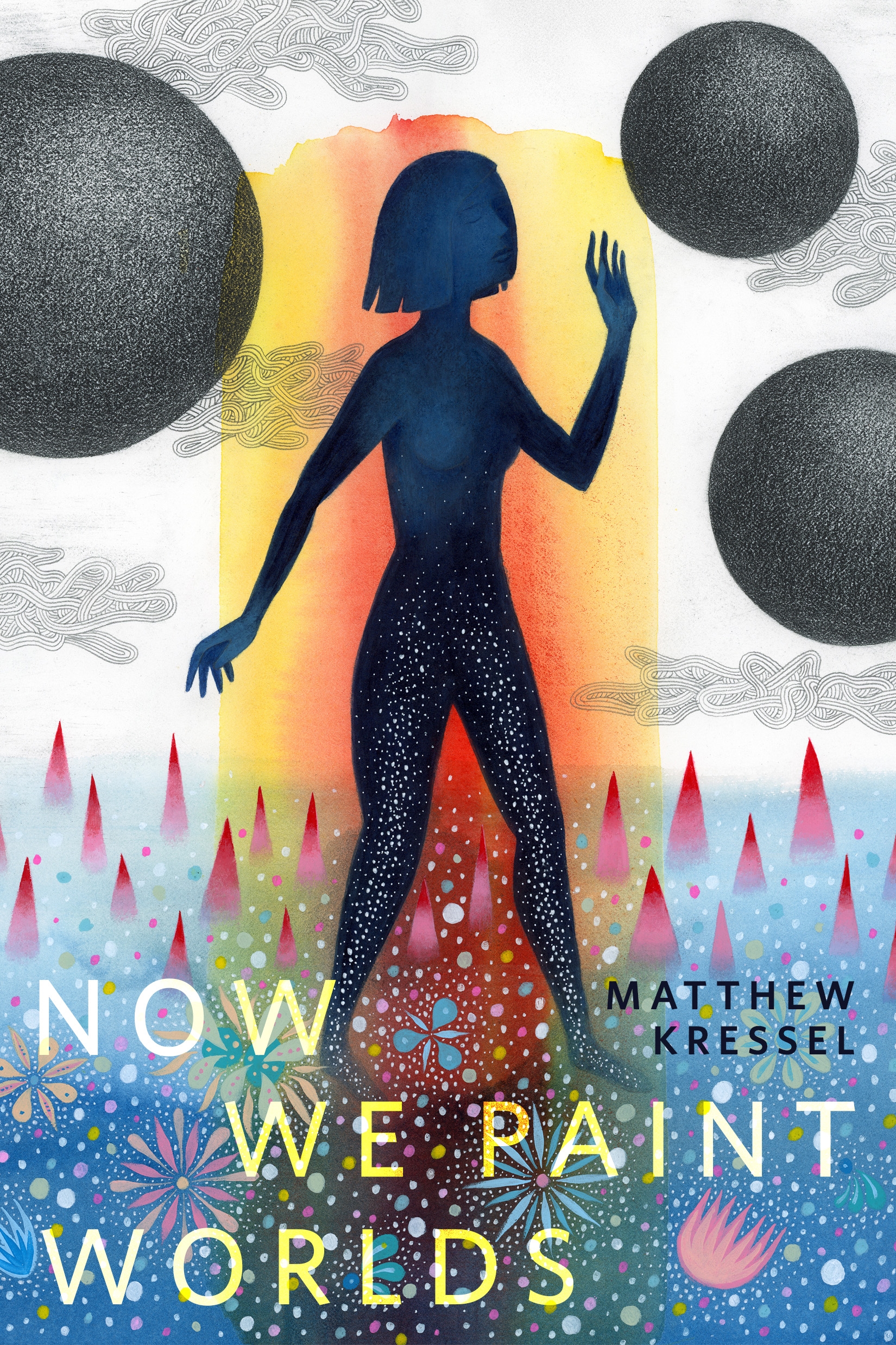
Now We Paint Worlds : A Tor.com Original by Matthew Kressel
Matthew Kressel's "Now We Paint Worlds" is a space operatic Tor.com Original short story.
Orna, a representative of a universe-wide trade union, undergoes a drastic change in perspective while investigating the disappearance of three planets and their inhabitants on a newly terraformed world.
At the Publisher's request, this title is being sold without Digital Rights Management Software (DRM) applied.
About the Author
Matthew Kressel is a writer and software developer. He is a three time Nebula Award Finalist, a World Fantasy Award finalist, and a Eugie Award Finalist. His short fiction can be found in Lightspeed, Clarkesworld, Analog, Tor.com. io9, Nightmare, Beneath Ceaseless Skies, The Year's Best Science Fiction and Fantasy, 2018 Edition, The Best Science Fiction of the Year – Volume 3, and many other magazines and anthologies. He is also is the creator of the Moksha submissions system, in use by many of the largest SF publishers today.
Title: Now We Paint Worlds : A Tor.com Original
Author(s): Matthew Kressel
ISBN: 9781250823427
Copyright 2021
Release Date: July 14, 2021
Publisher: Tor Publishing Group
Countries: United States, Canada | Learn more about available countries
Language: English
Format: mobi,ePub | Learn More about our supported formats
Dragonmount is a proud provider of DRM-free eBooks. By purchasing any eBook from our store, you are not only helping support our website, but you are helping small businesses thrive in a market traditionally dominated by large companies. Learn more in our eBook FAQ.
Product Reviews
There are no reviews to display.