
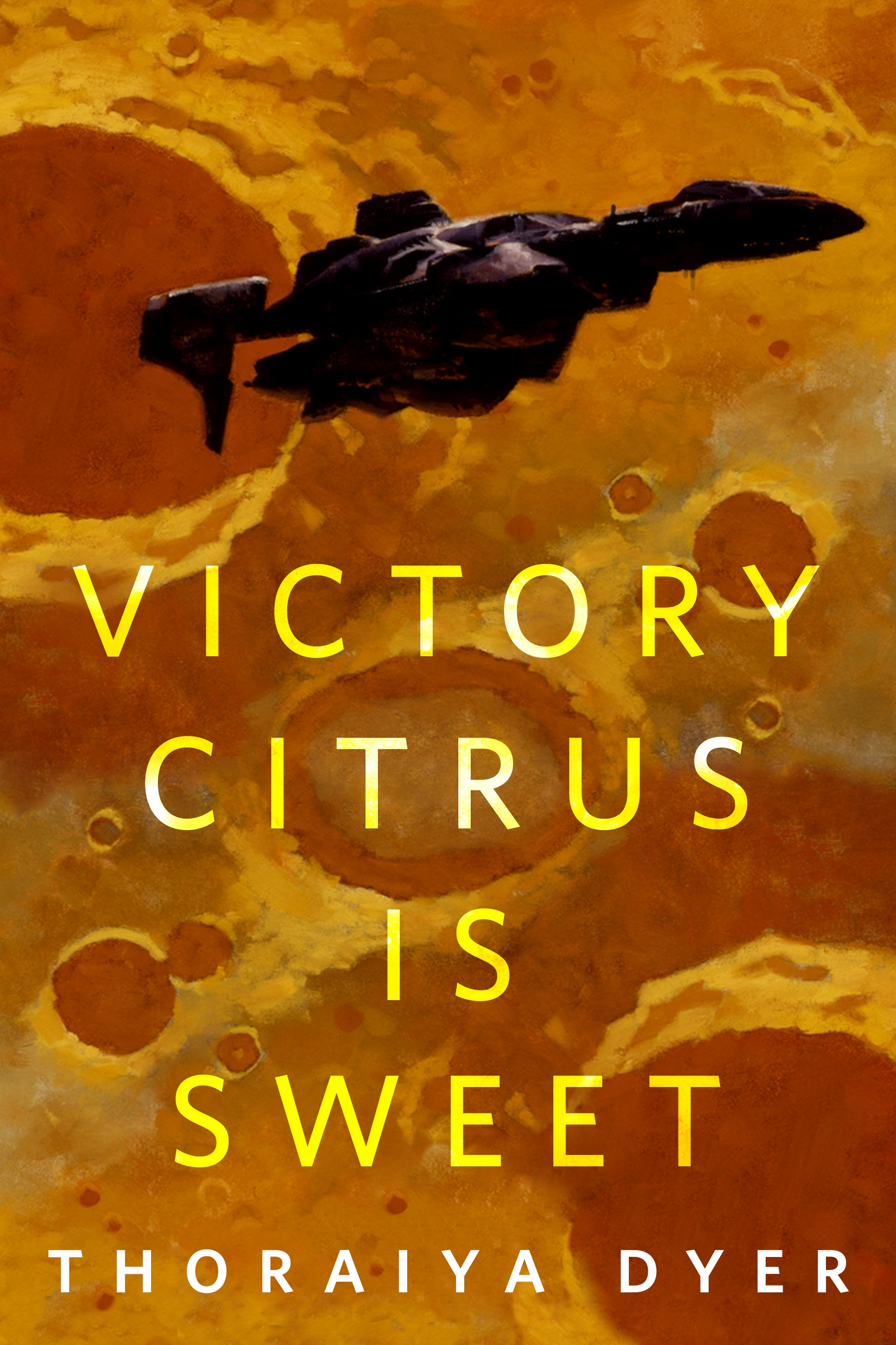
Victory Citrus is Sweet : A Tor.Com Original by Thoraiya Dyer
An unexpected encounter with a mysterious life form turns a simple trip to Mercury into a historic event. Both for ship Captain Victory Citrus and human civilisation as we know it.
At the Publisher's request, this title is being sold without Digital Rights Management Software (DRM) applied.
About the Author
THORAIYA DYER is an Australian writer whose more than 30 short stories, as well as a novella and short fiction collection published since 2008 have racked up 7 wins from 17 Aurealis and Ditmar Award nominations between them. Her debut fantasy Titan's Forest Trilogy is published by Tor Books.
Title: Victory Citrus is Sweet : A Tor.Com Original
Author(s): Thoraiya Dyer
ISBN: 9781250870285
Copyright 2022
Release Date: November 16, 2022
Publisher: Tor Publishing Group
Countries: United States, Canada | Learn more about available countries
Language: English
Format: ePub,mobi | Learn More about our supported formats
Dragonmount is a proud provider of DRM-free eBooks. By purchasing any eBook from our store, you are not only helping support our website, but you are helping small businesses thrive in a market traditionally dominated by large companies. Learn more in our eBook FAQ.
Product Reviews
There are no reviews to display.